




V600装箱重量和尺寸:
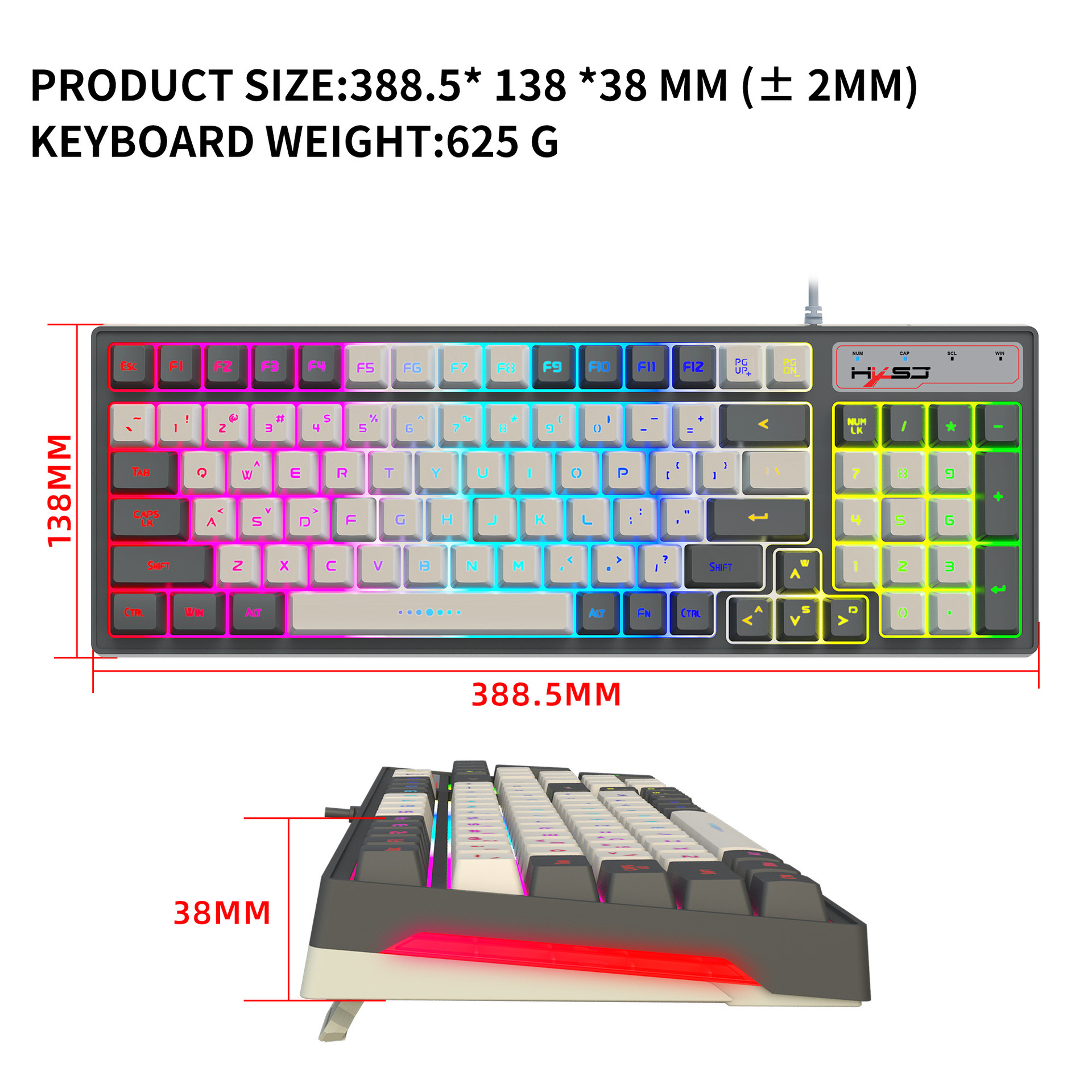
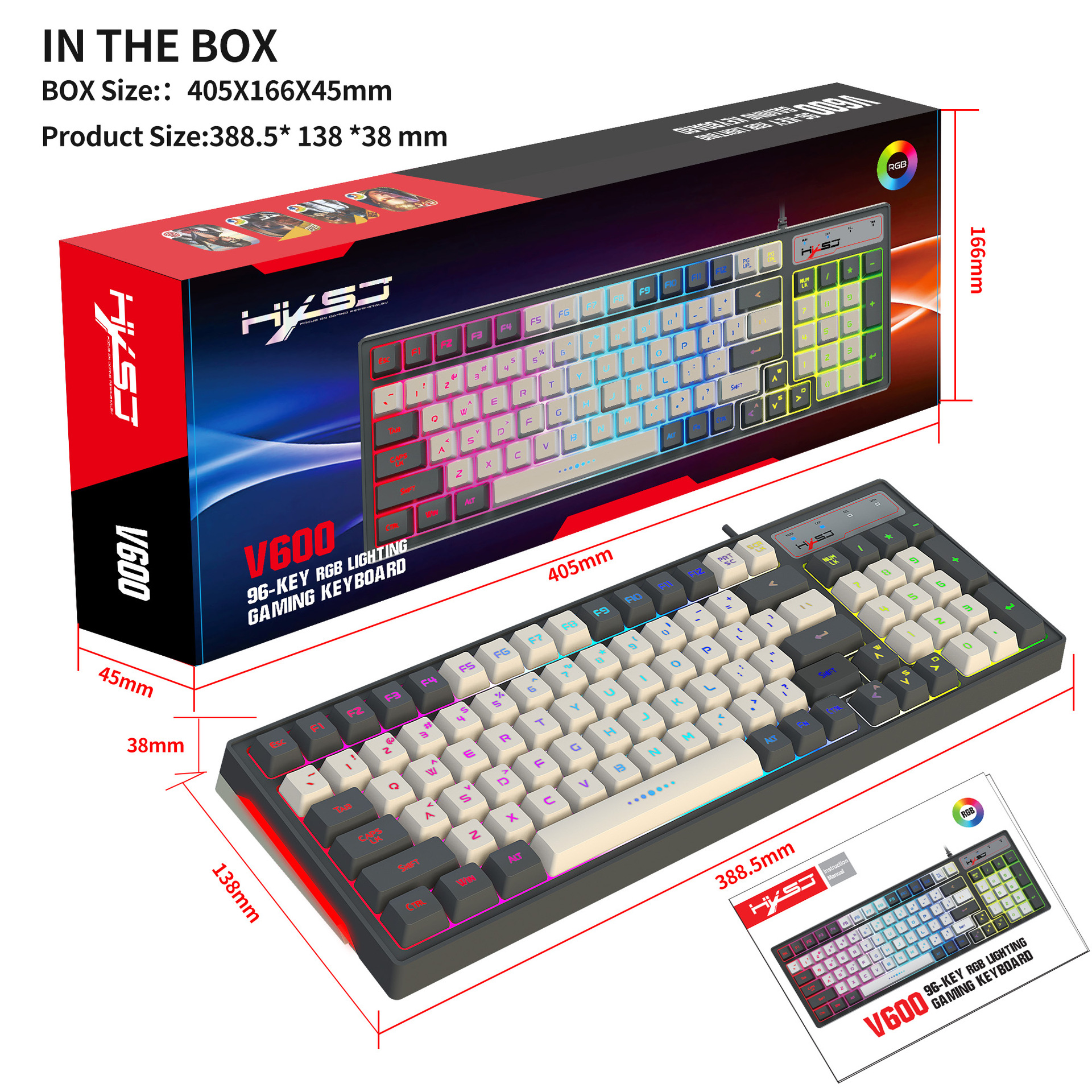
键盘尺寸:38.9* 13.8 *3.8cm
键盘重量:625 克
包装尺寸:40.5*16.6*4.5cm
包装重量:778g
装箱尺寸48.5*42.5*36.5
整箱重量16.2kg
英文资料:
Specification :
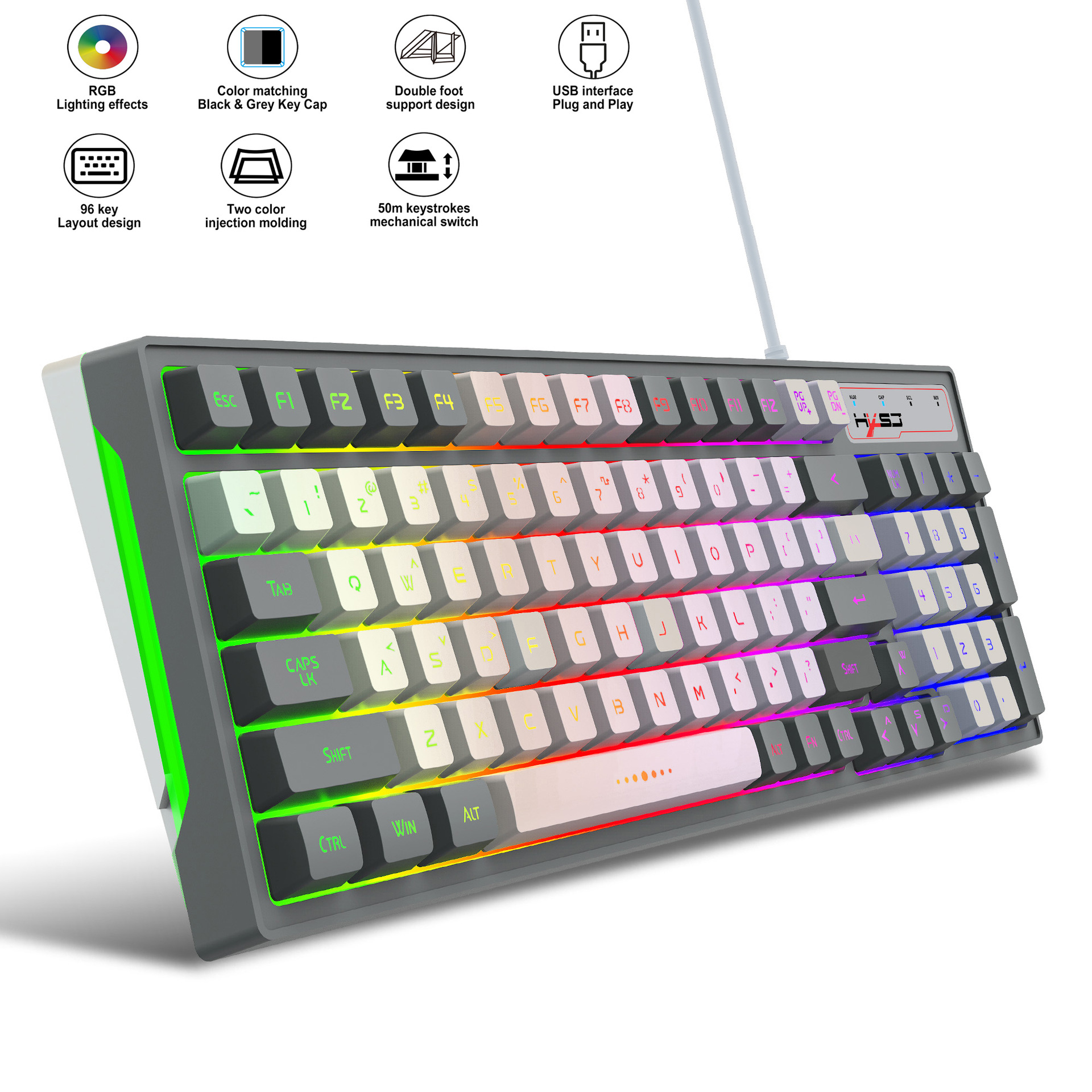
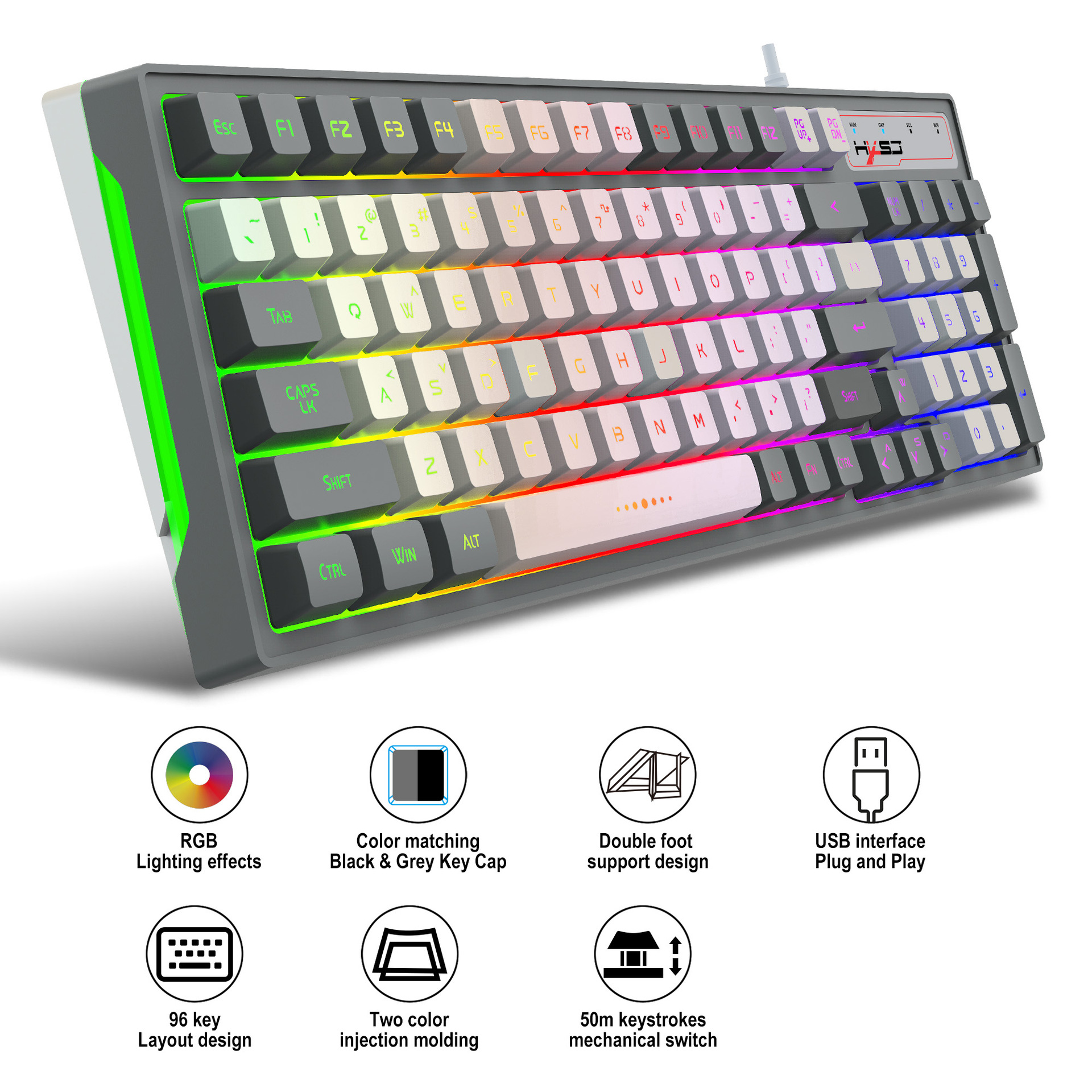
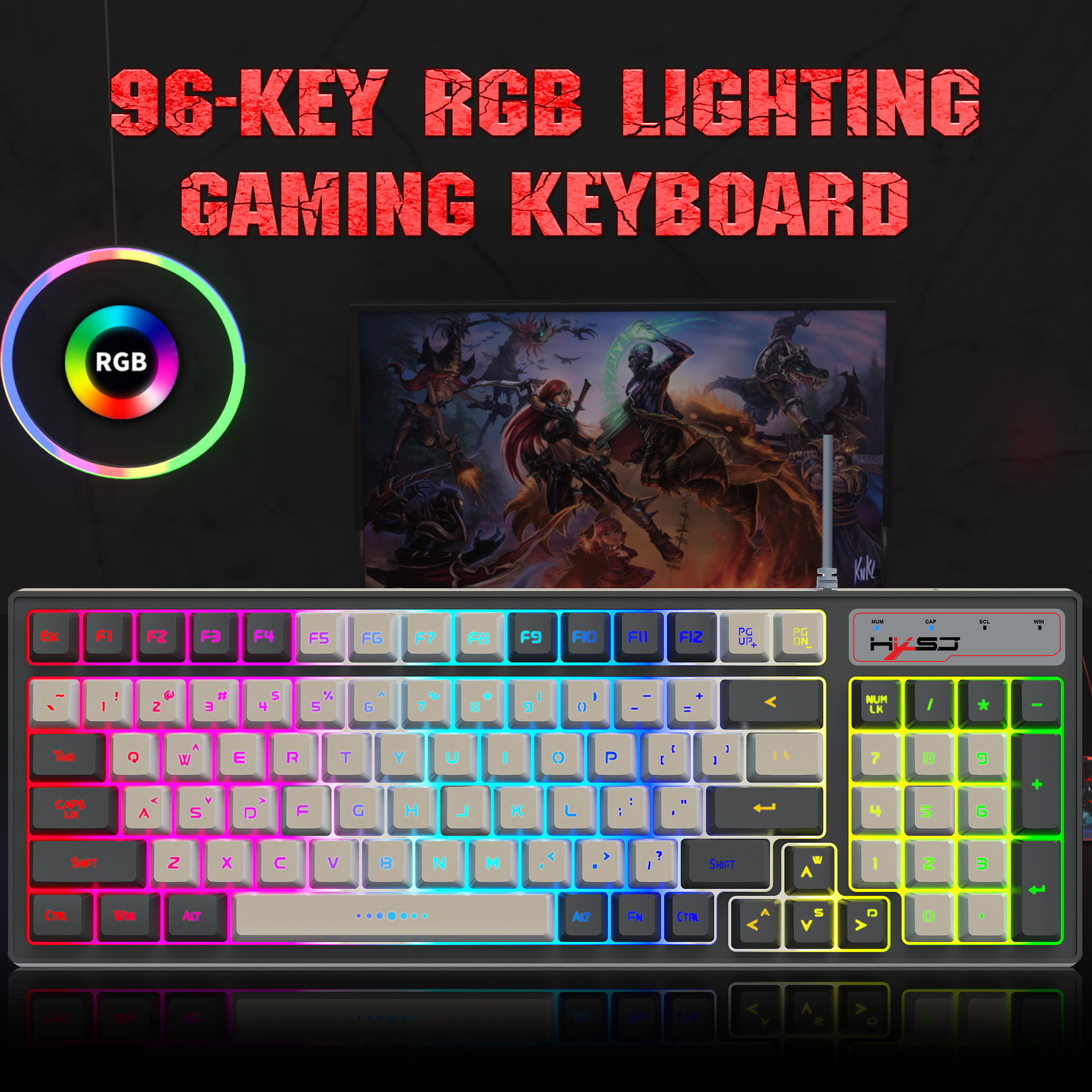
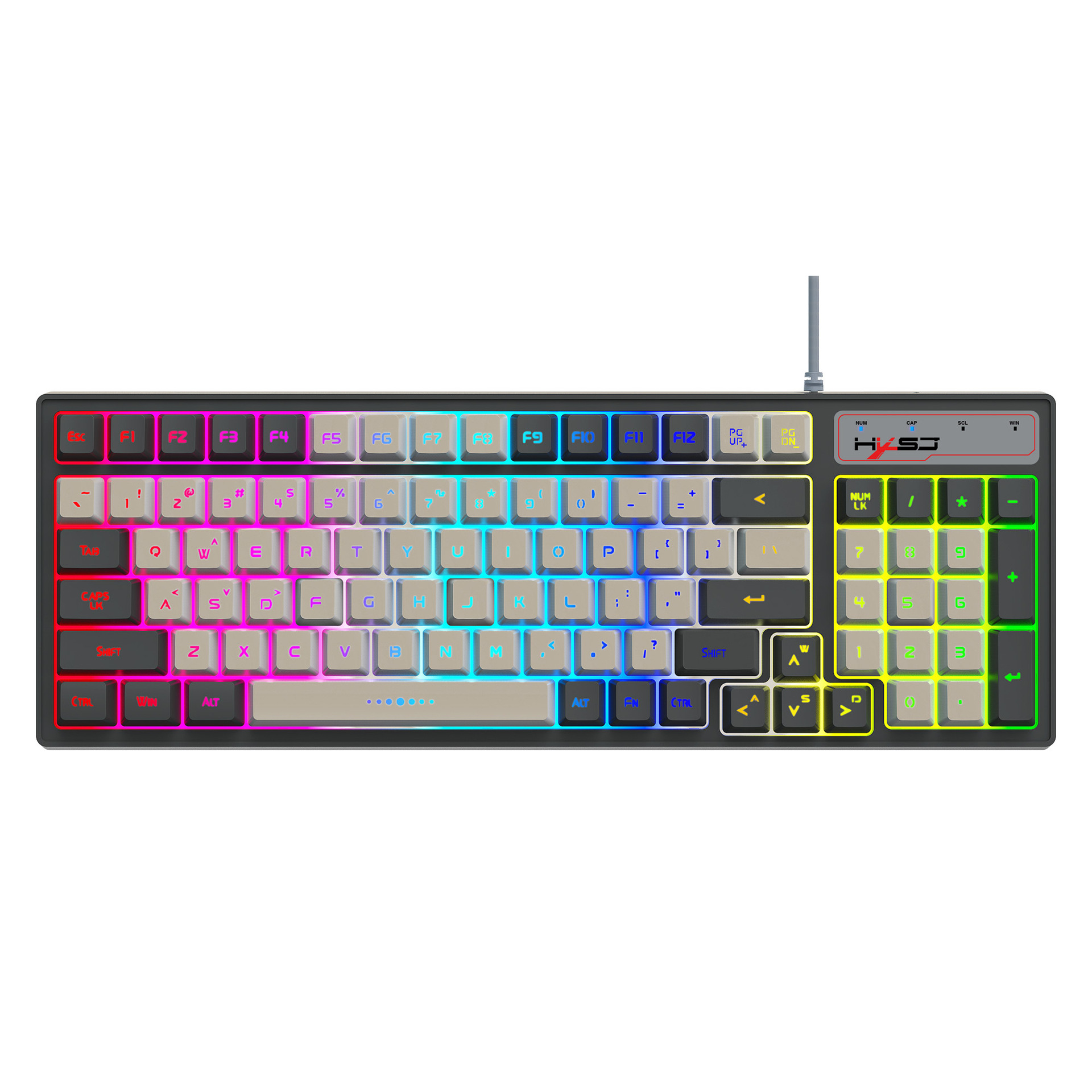
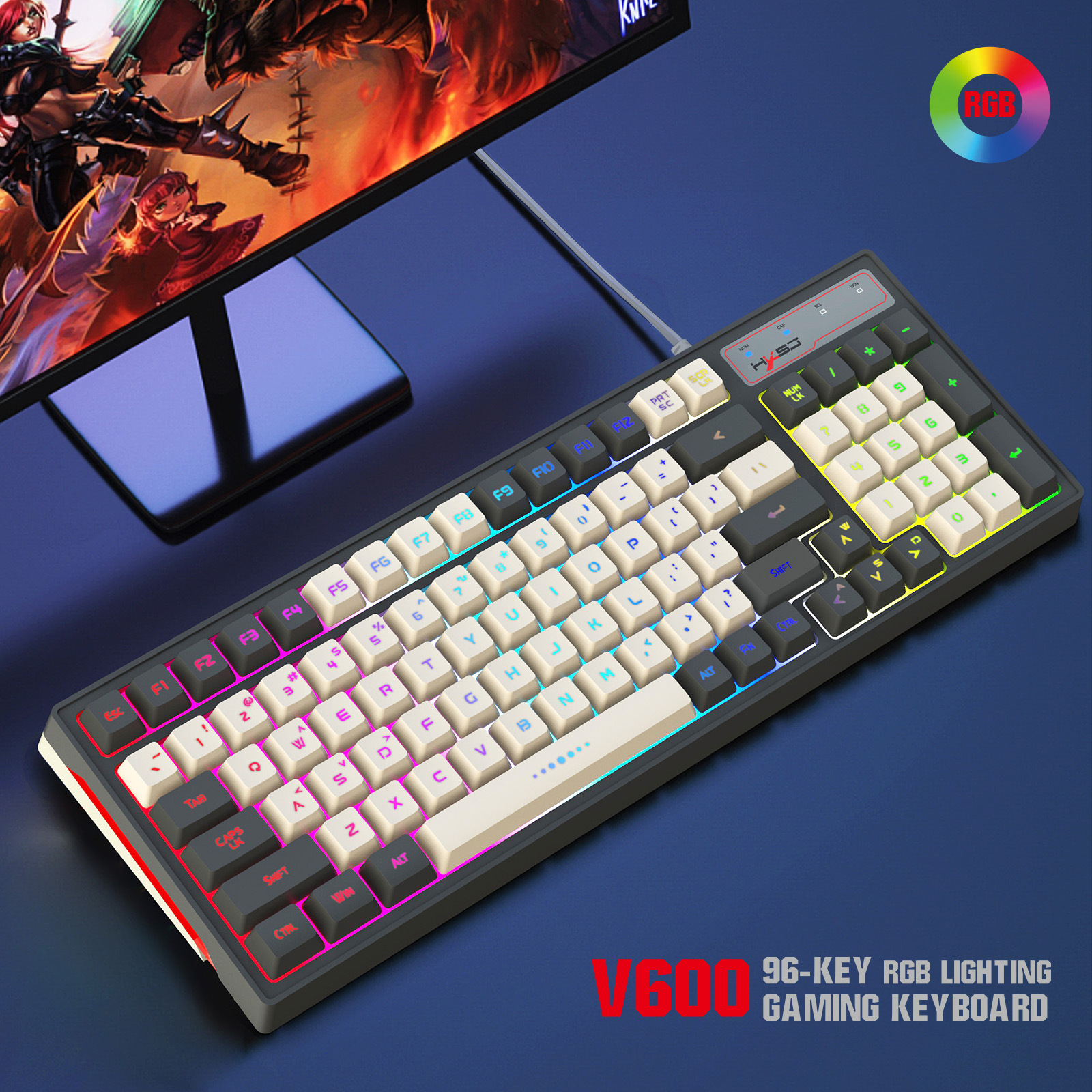
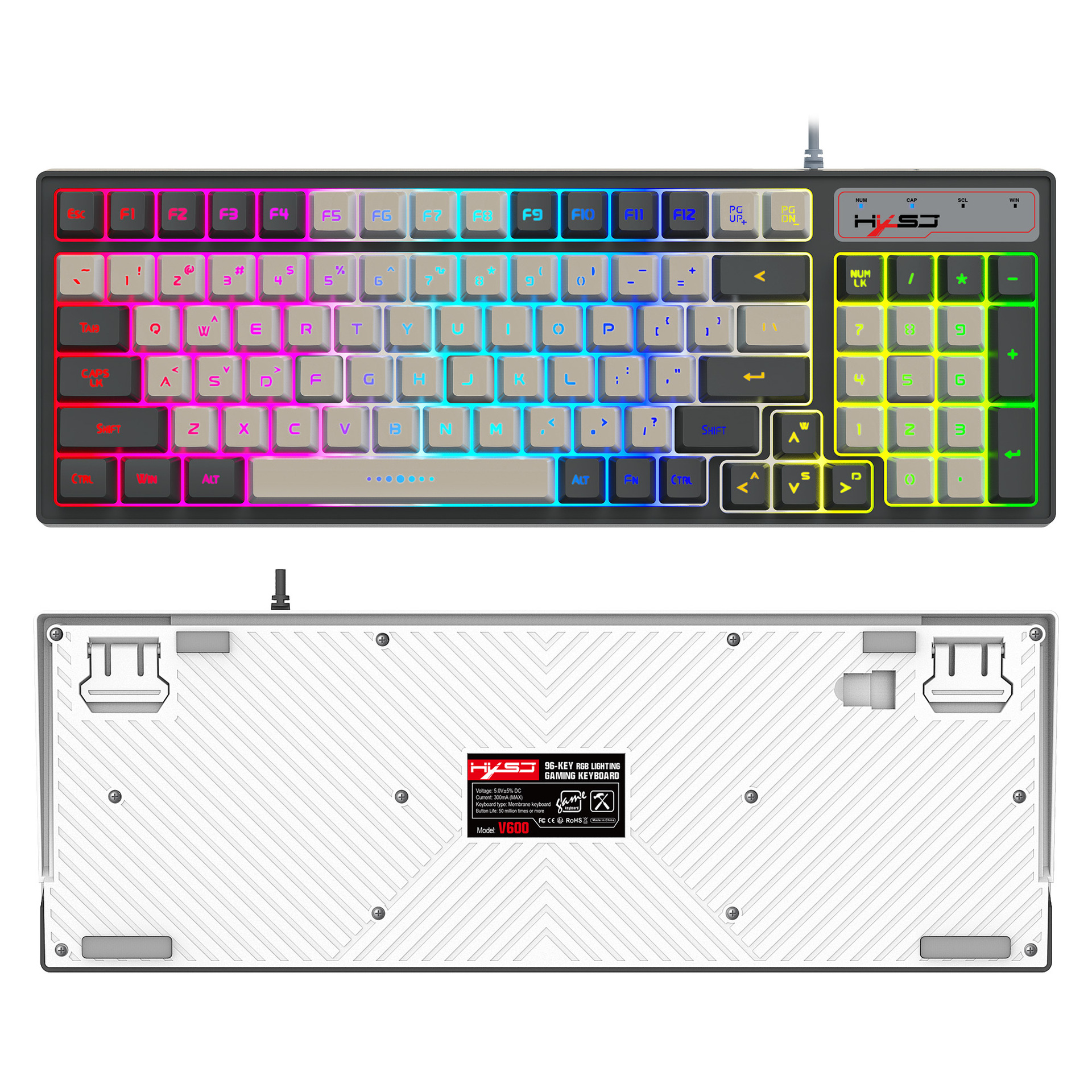
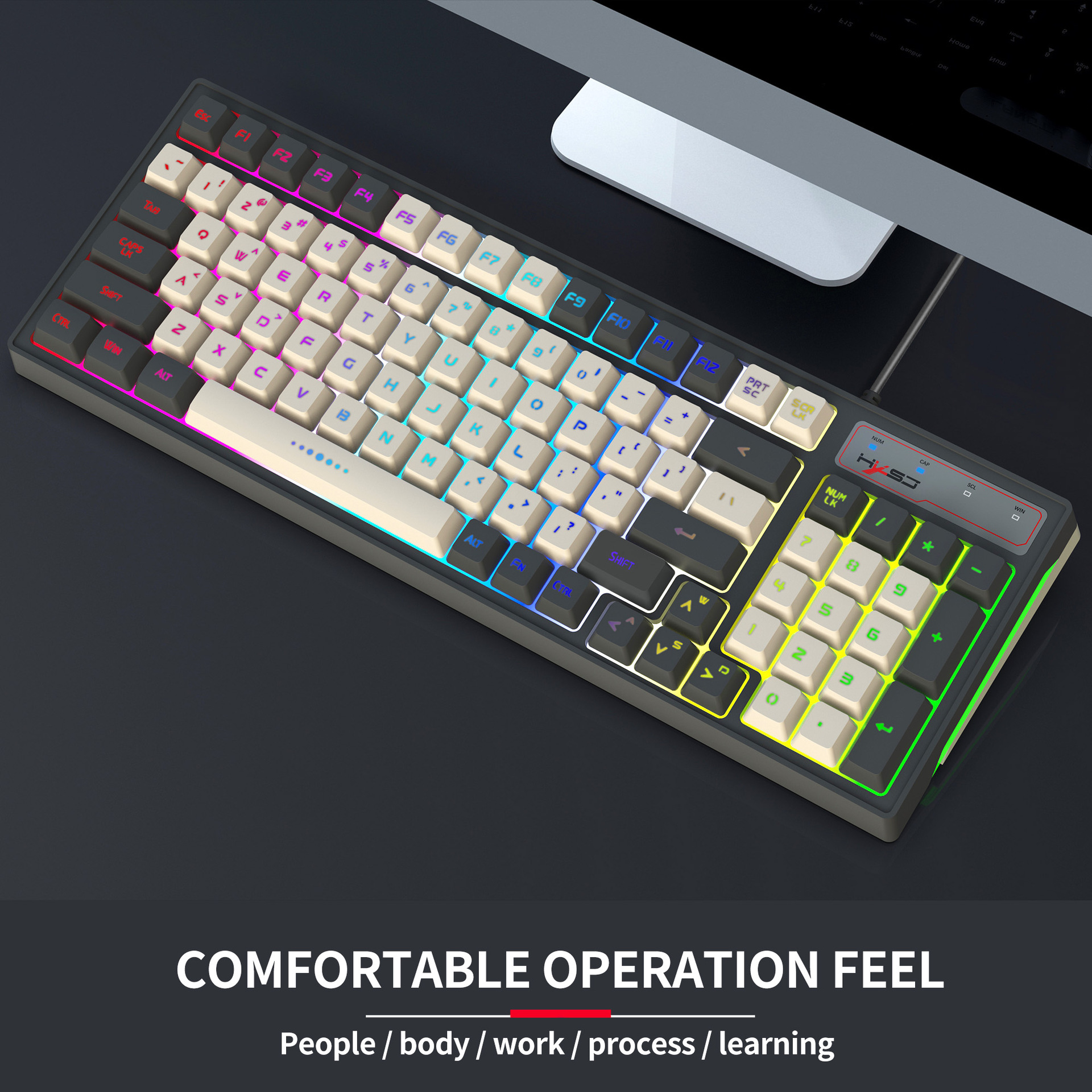
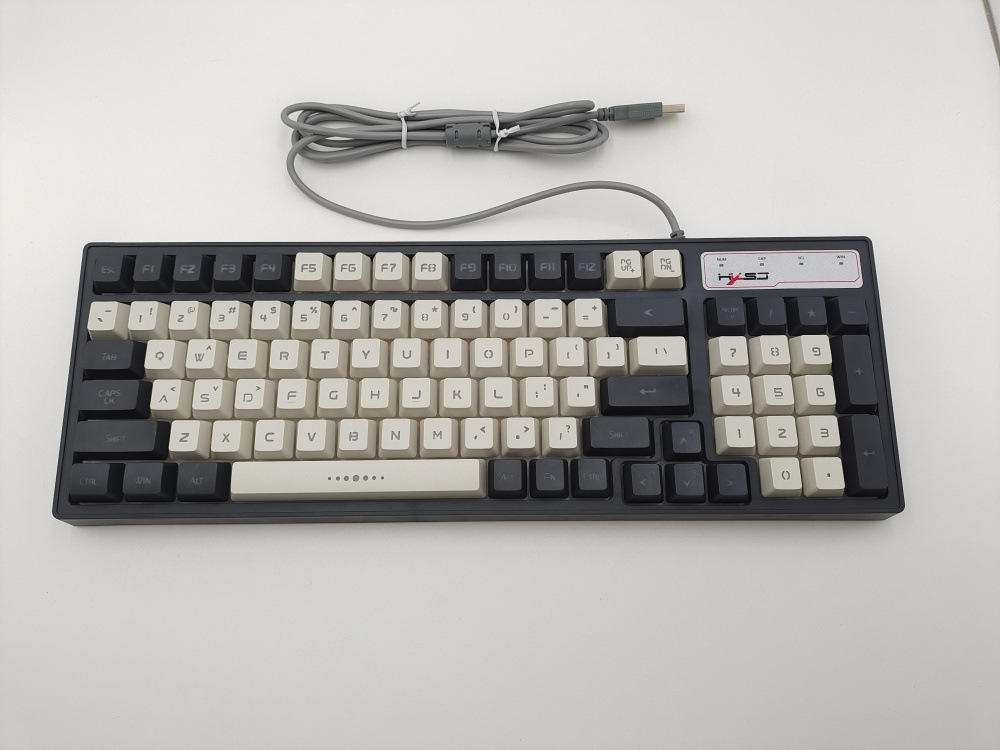
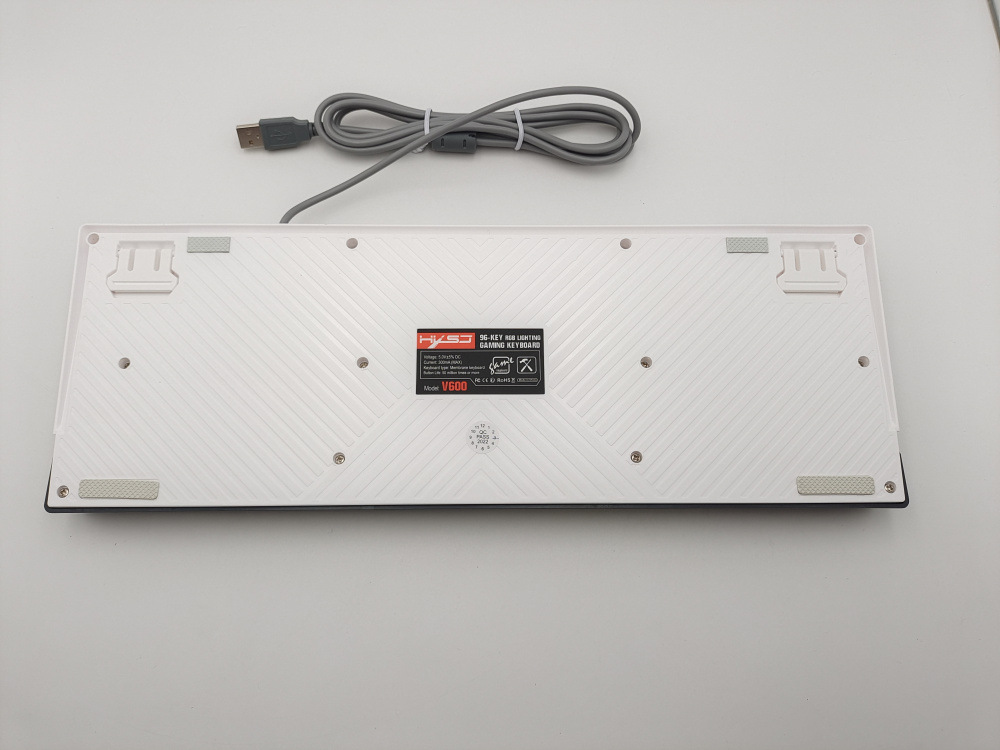
Item:96Keys RGB Lighting Gaming Keyboard
Product number:V600
Interface Type: USB
Connection Method: Wired USB 2.0 Transmission
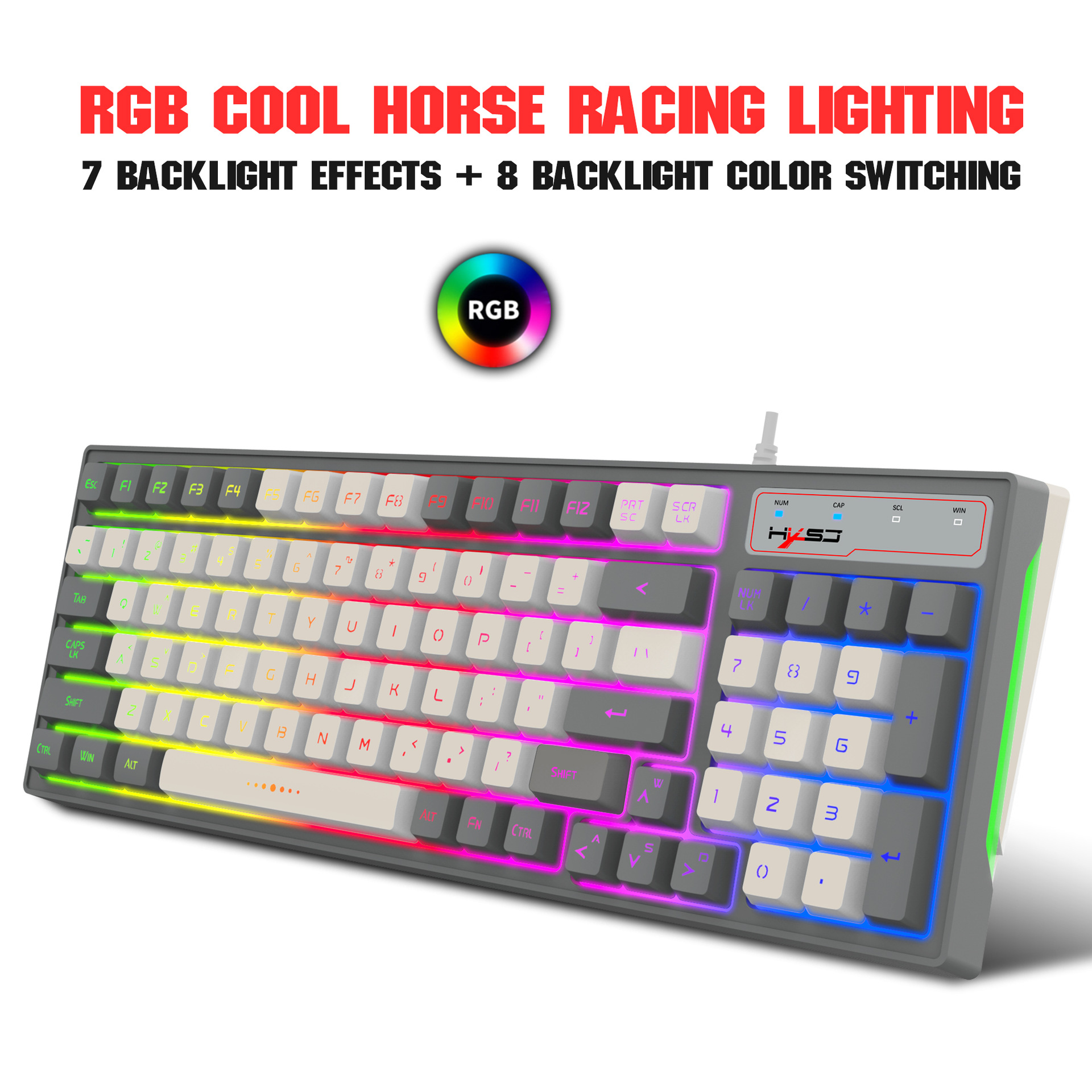
Luminous Type: RGB glow
Product Type: Membrane keyboard
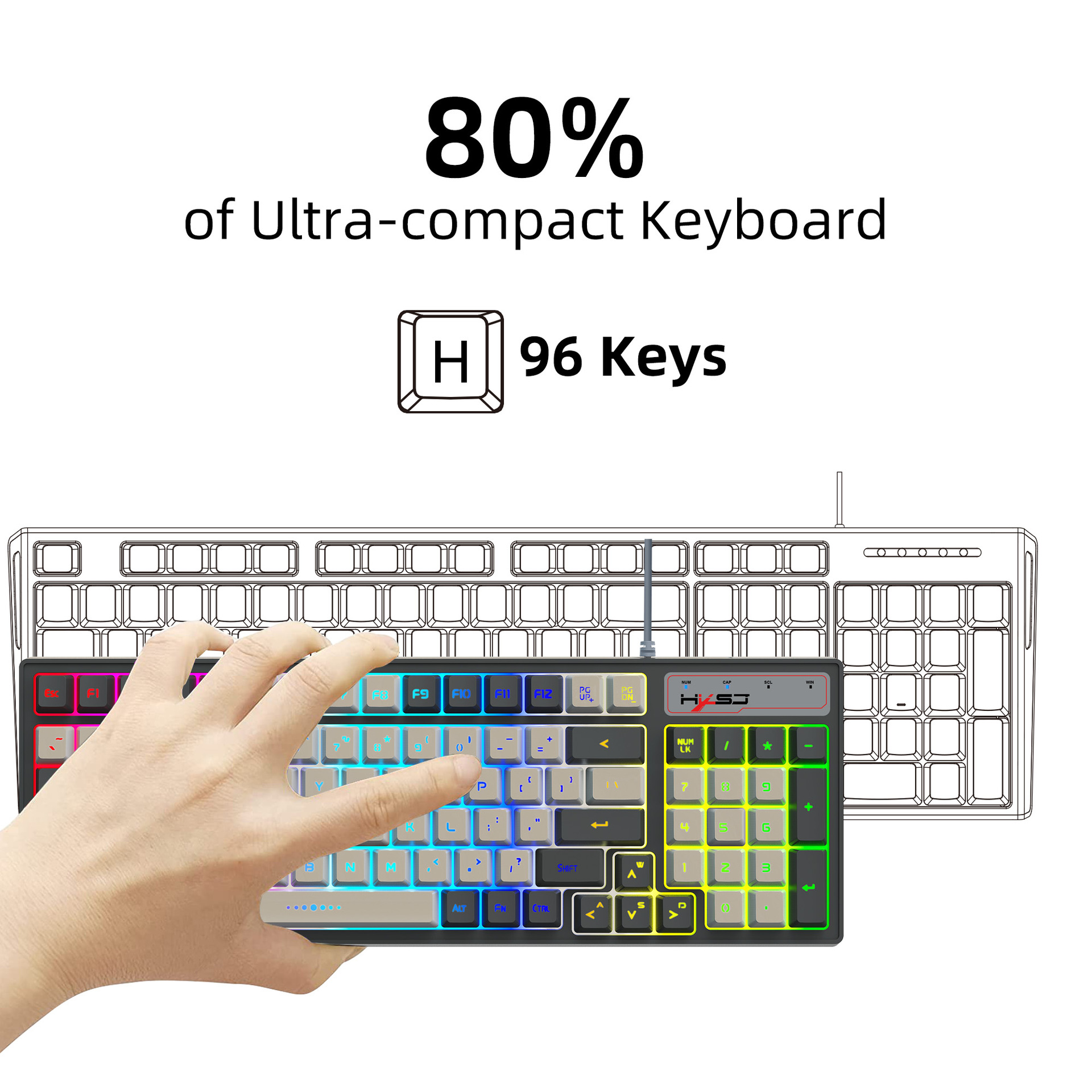
Number of Keys: 96 Keys
Button life: 50 million times or more
Operating Voltage: 5.0V
Working current: 300mA (MAX)
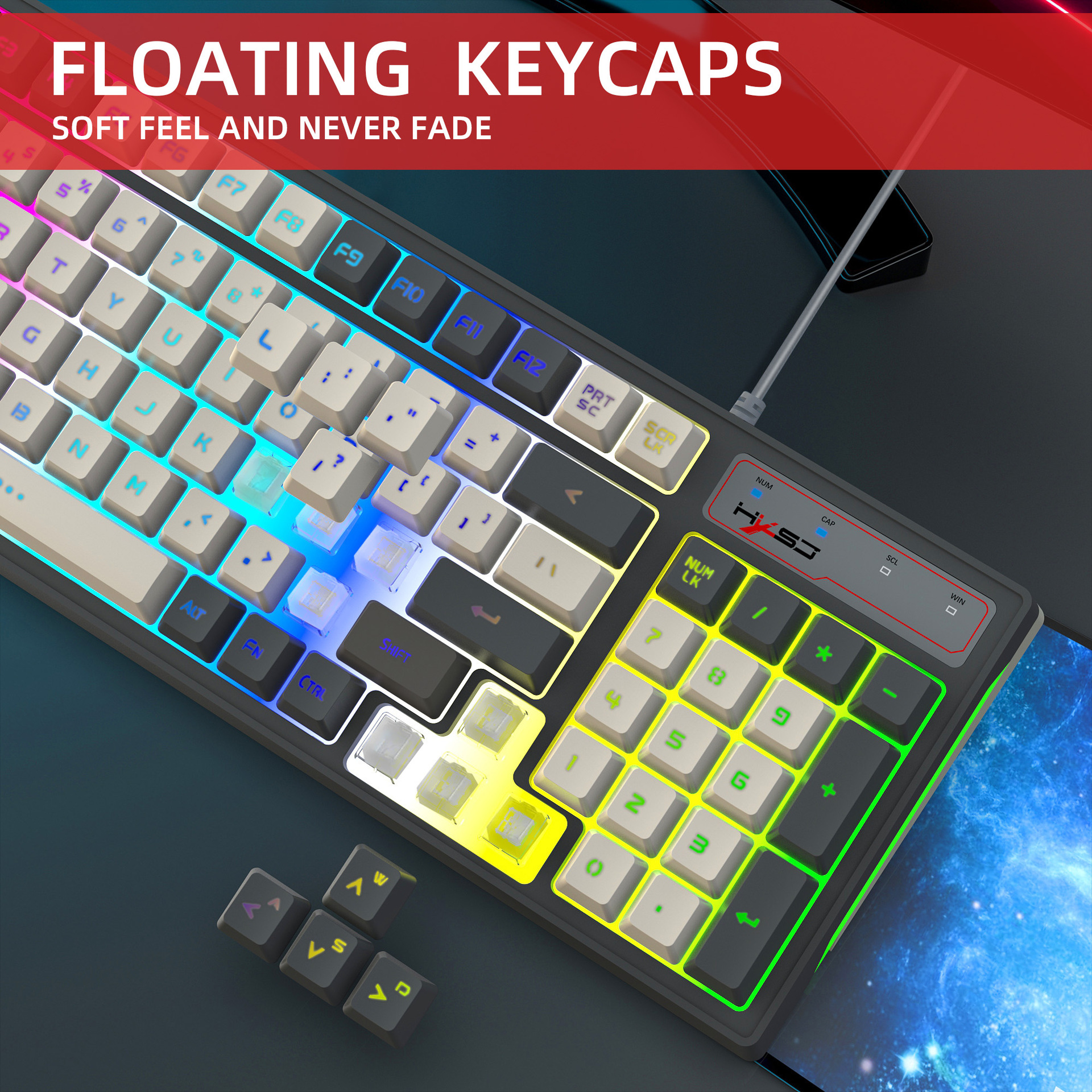
Keycap material:ABS two-color injection
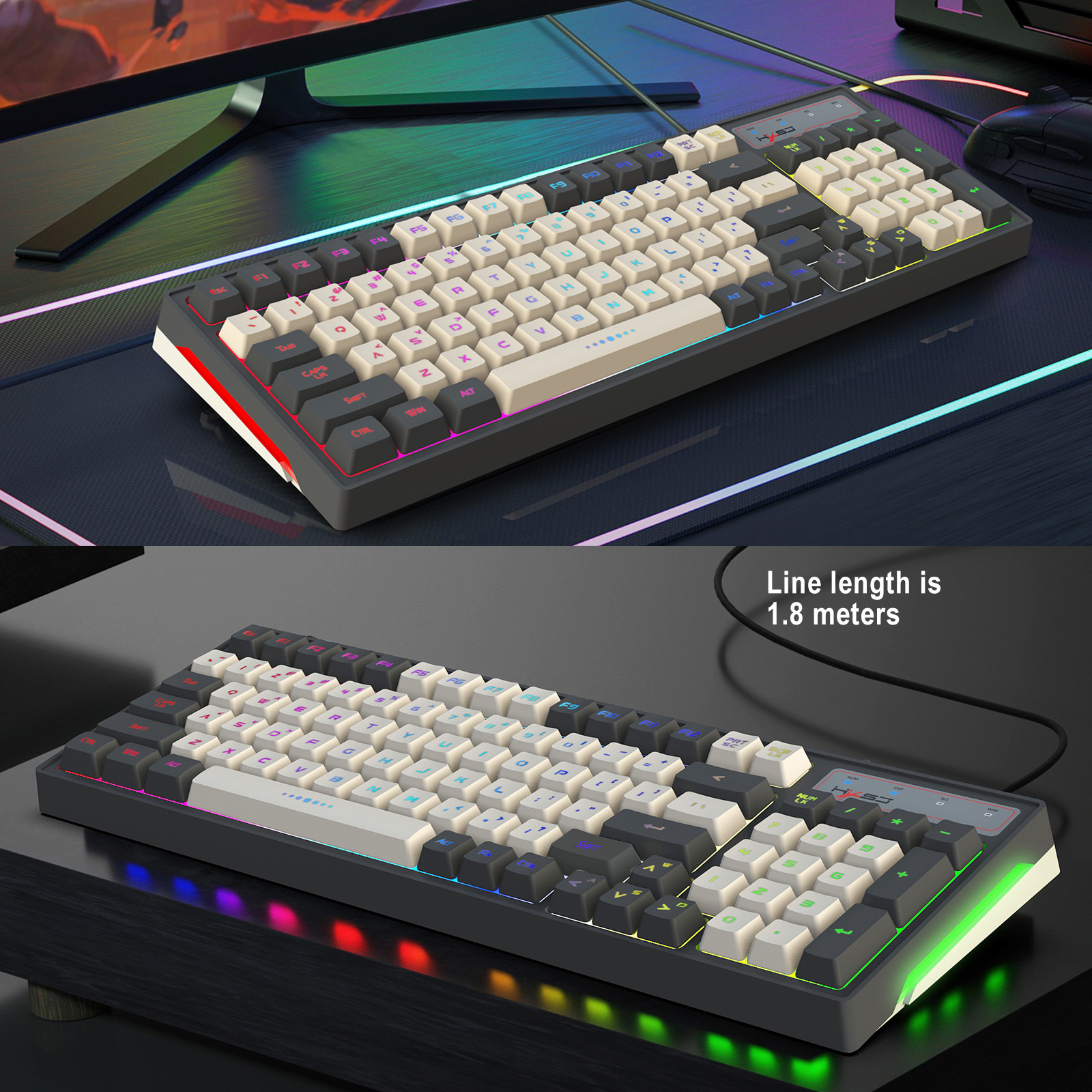
Product line length: 1800mm±30mm
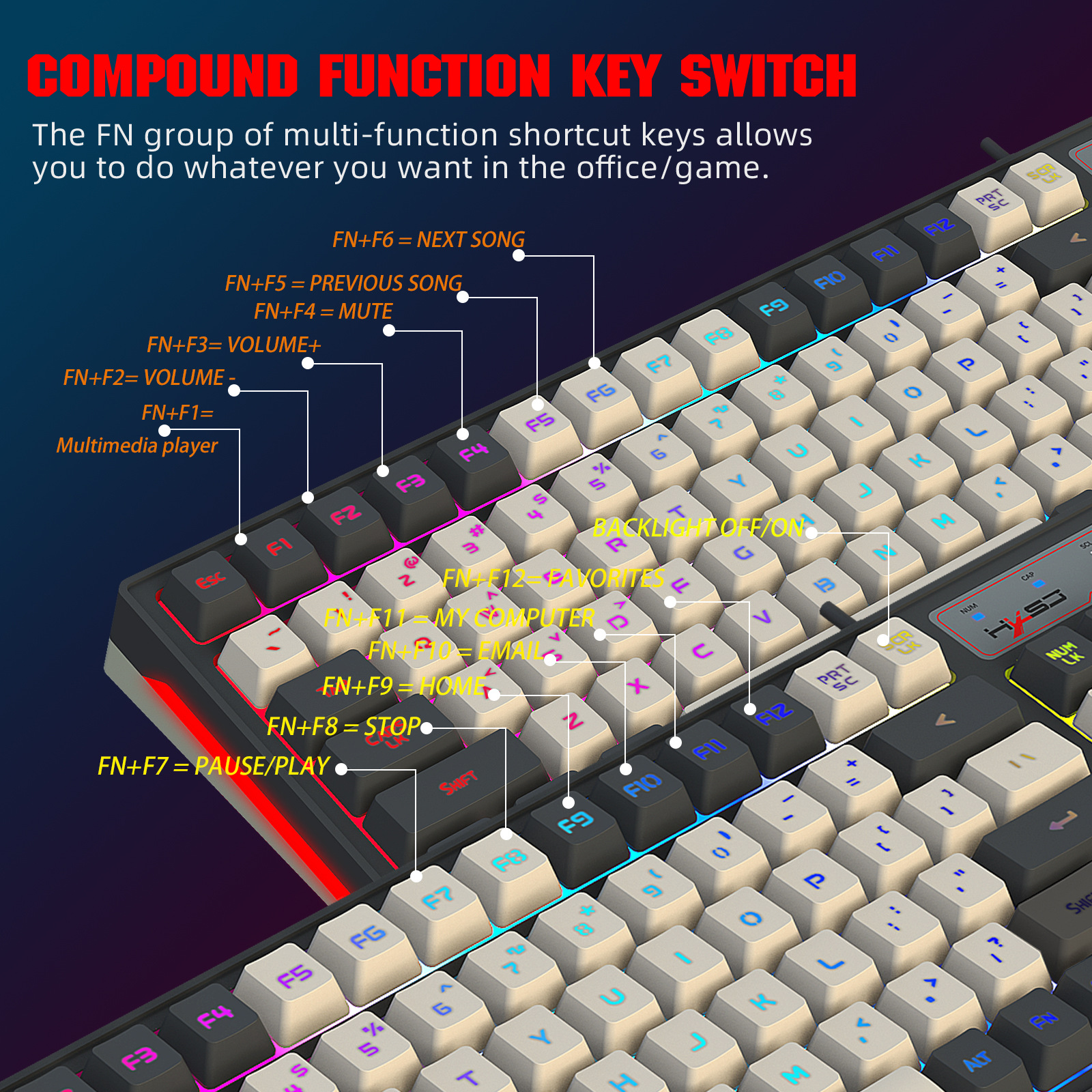
Multimedia:Support FN+12 key combinations
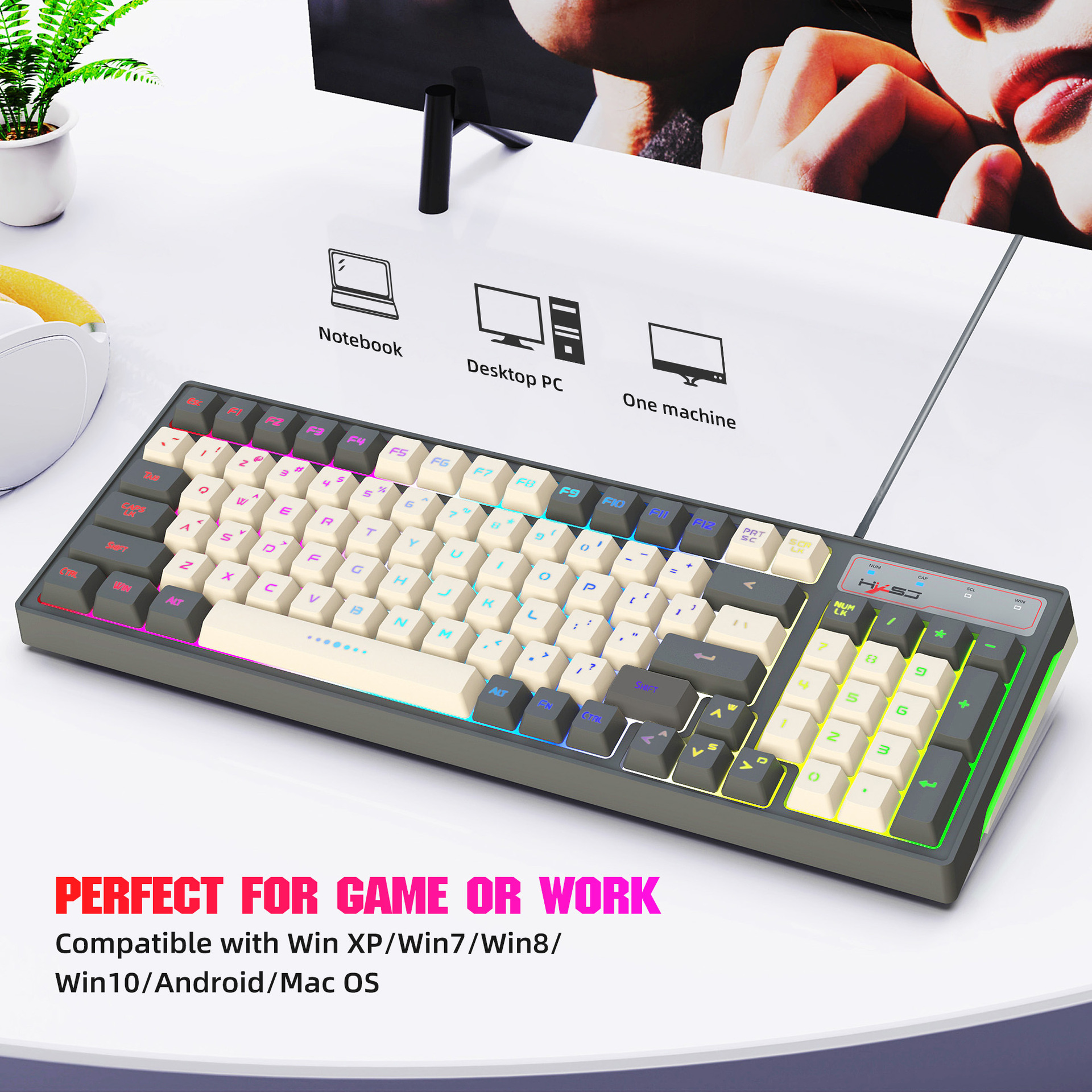
System compatibility: Compatible with IBM PC Win98SE/Me/2000/XP/VISTA/WIN 7/WIN10/Mac OS
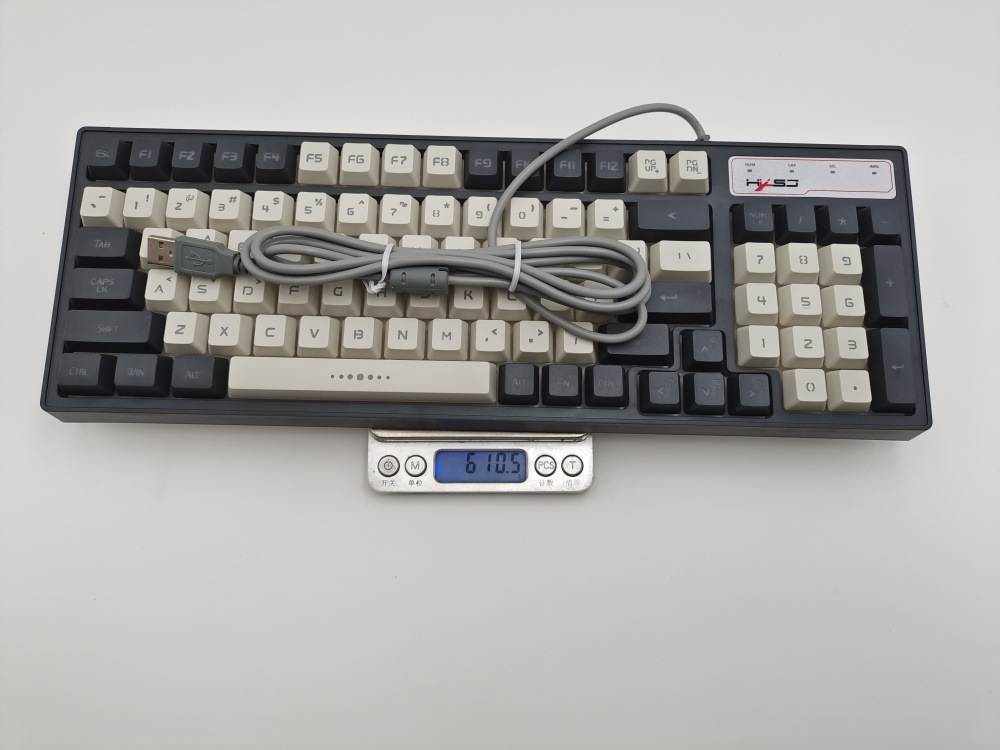
Keyboard size: 38.9* 13.8 *3.8cm
Keyboard weight: 625 grams
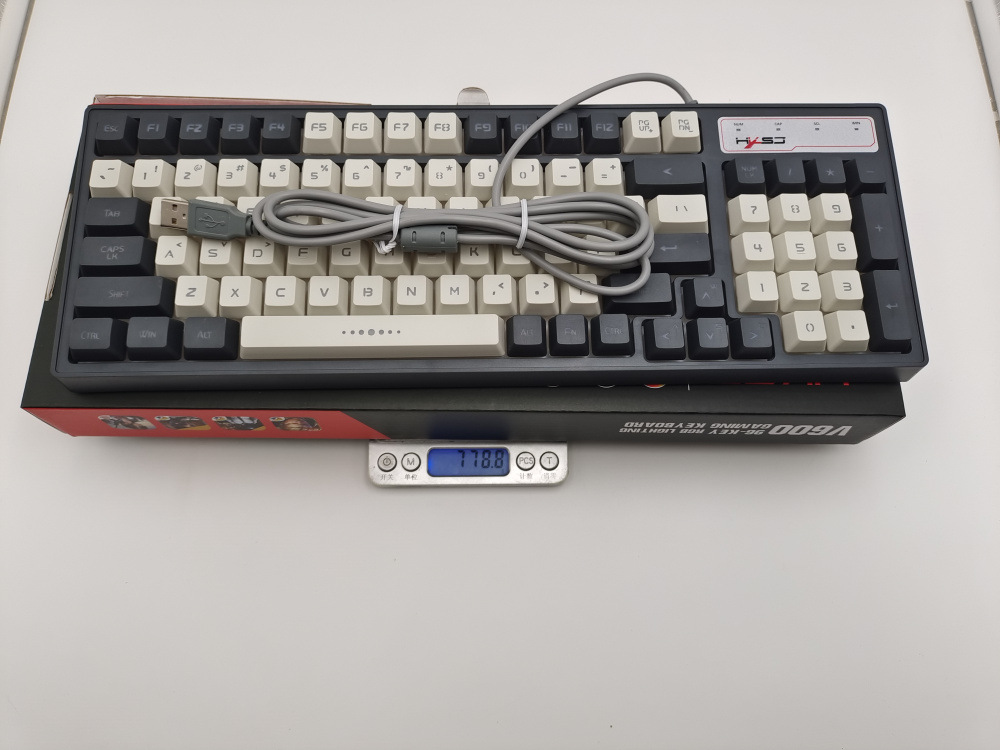
Packing size: 40.5*16.6*4.5cm
Packing weight: 778g
Package List:
1 * 96Keys Gaming keyboard
1 * User's Manual
Special function description:
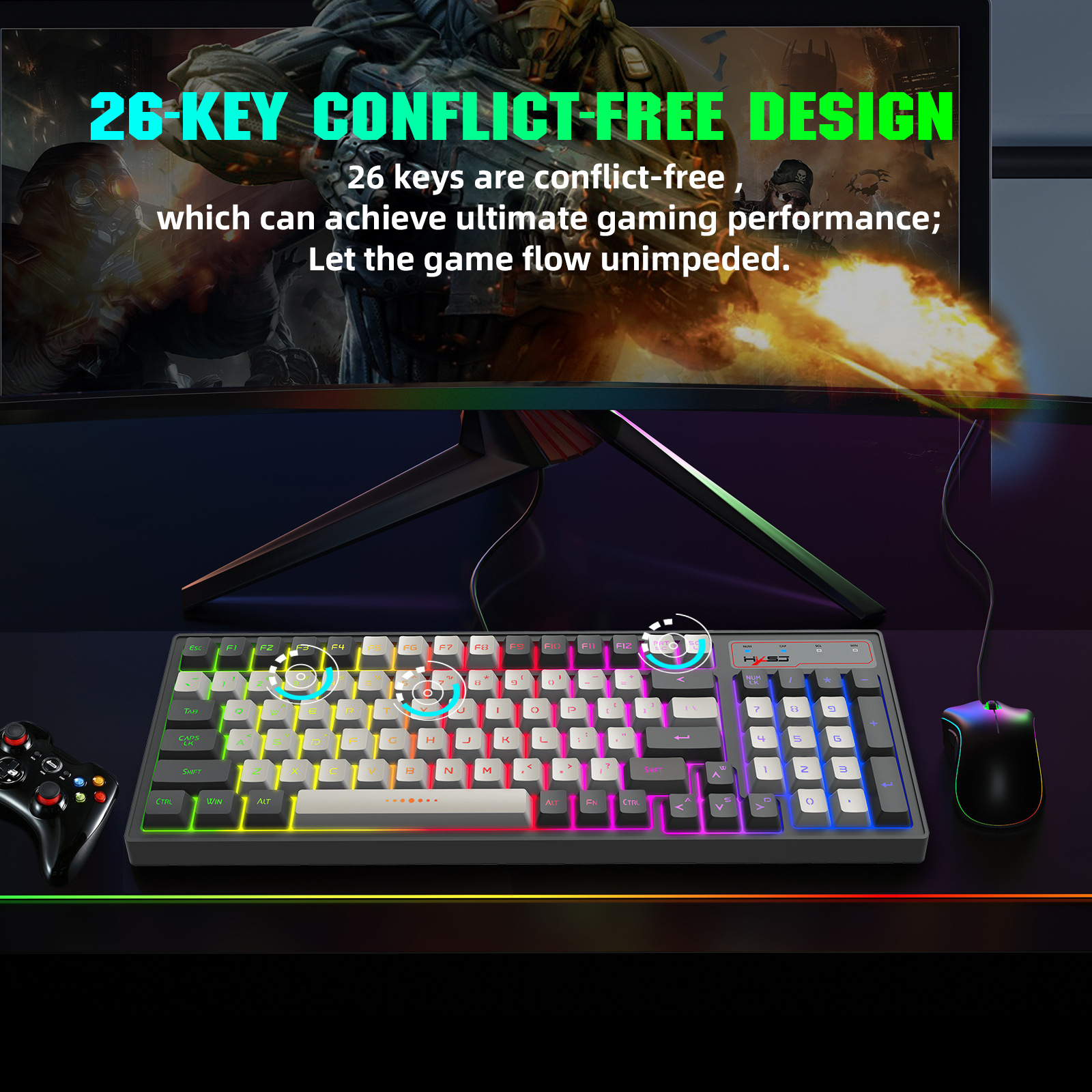
1. Special matrix: support 26-key simultaneous clicks without conflict
("Q", "A", "Z" , "W", "S", "X", "E", "D","C","B","R","F","V","T","G","M","SPACE",
"↑(UP)","↓(Down)","←(Left)", "(Right)→"), "Tab", "Alt-L", "Ctrl-L", "Shift-L", "CAPS".
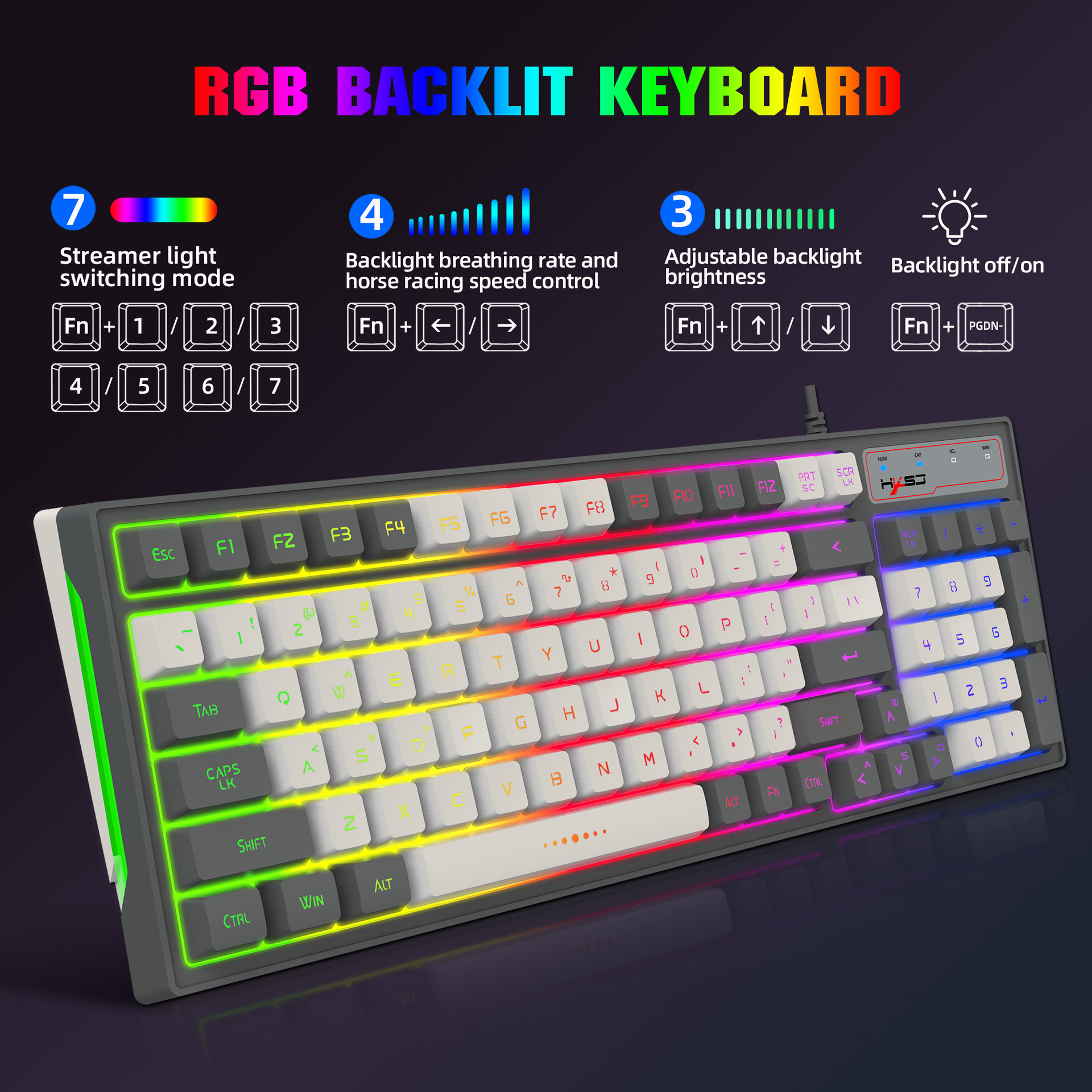
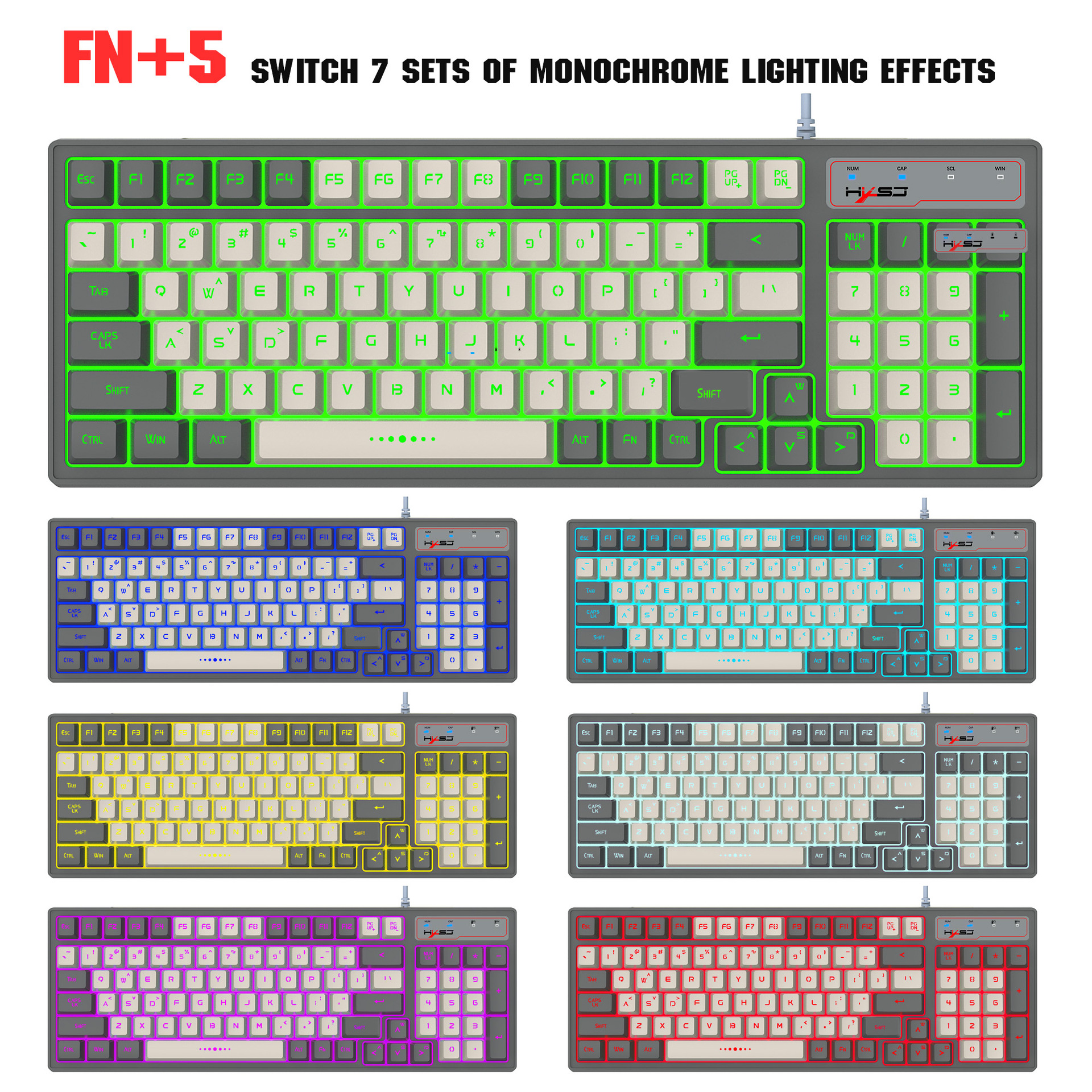
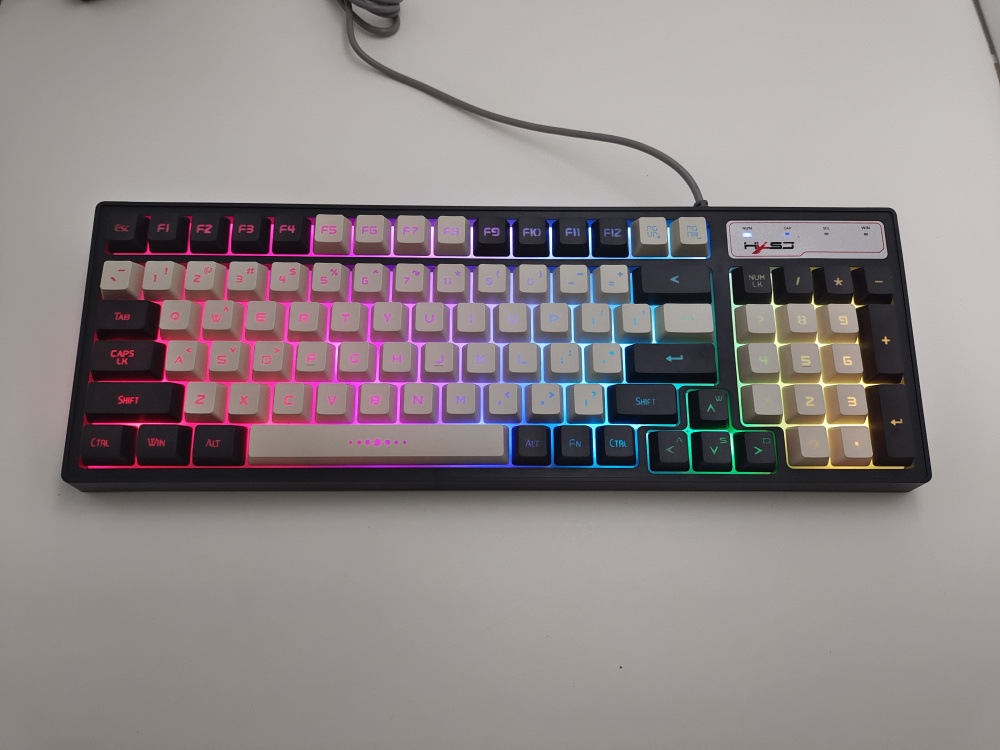
2. FN+ (1 2 3 4 5 6 7 ) key to cycle through different backlight modes
Power-on default is FN+1 combination mode
FN+1 : The flow is endless
FN+2 : Colorful Horse Racing
FN+3 : Colorful Circular Breathing
FN+4 : Solid color comet trail
FN+5 : Seven-color manual switch, the backlight color changes every time you press
FN+6 : Colorful Diffusion and Shrinkage
FN+7 : Back lit Color Shock Diffusion
FN+>(Backspace)= Delete
3. Backlight brightness control: FN+↑ brightness increases, FN+↓ brightness decreases. 3-level brightness adjustment function, the default is the brightest.
4. Backlight breathing rate and horse racing speed control: adjusted by FN+ “←”/FN+ “→” control, FN+ “←” reduces the frequency period, FN+ “→” extends the frequency period, 4 steps are adjustable.
5. Lock key function control: WIN+L locks the WIN function. Press WIN+L,
Lock the WIN and lock APP keys at the same time, and then press to unlock.
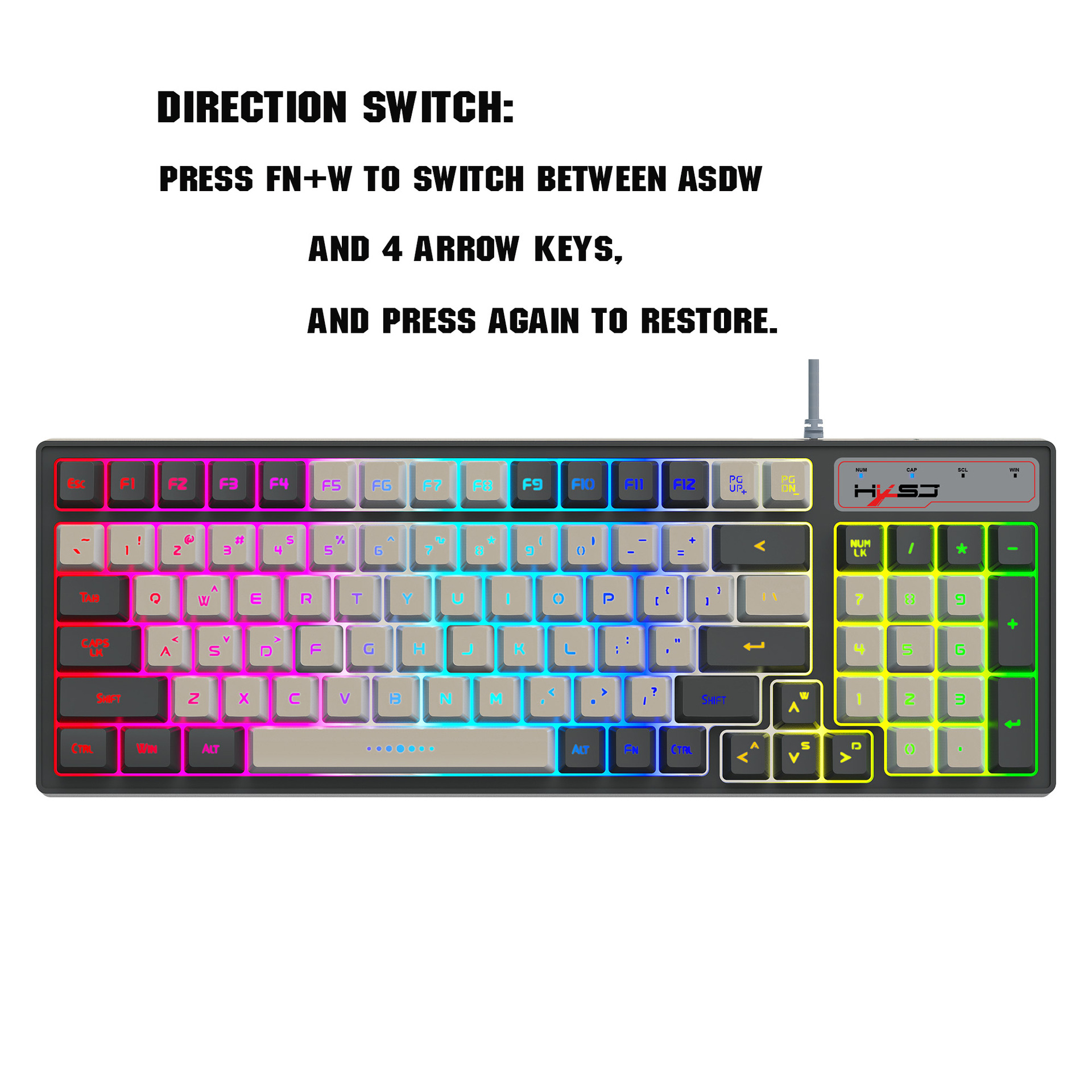
6. Direction switching: Press FN+W to switch between ASDW and 4 direction keys and then press to restore;
7. Backlight switch control: FN+PGDN is to turn off or turn on the backlight
| 수입신고 1USD |
구매/결제대행 1CNY |
TT송금 1CNY |
|---|---|---|
| 6.17 CNY | 224.66 KRW | 0.145 USD |