




T90PRO三模装箱资料:
线材长度:180cm
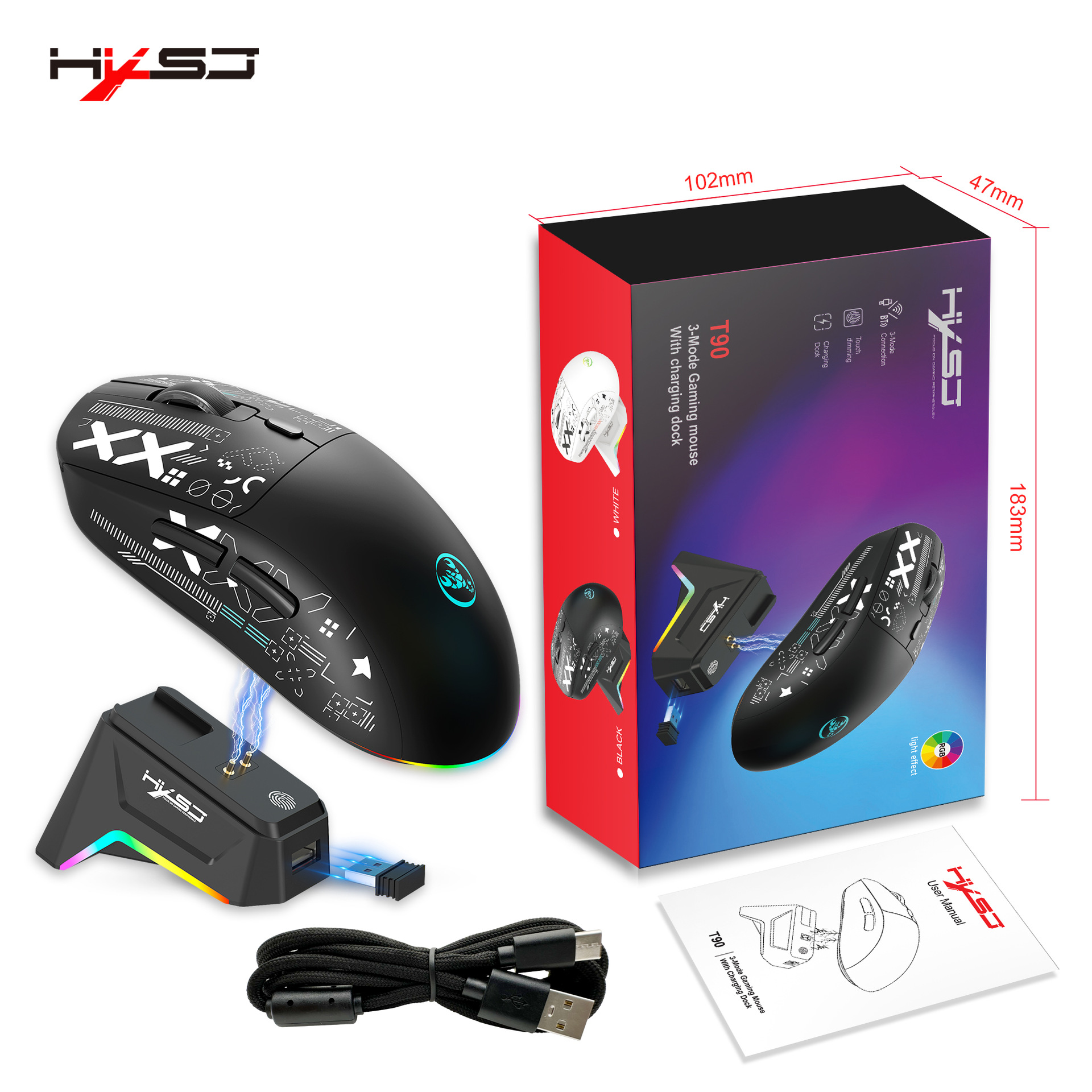
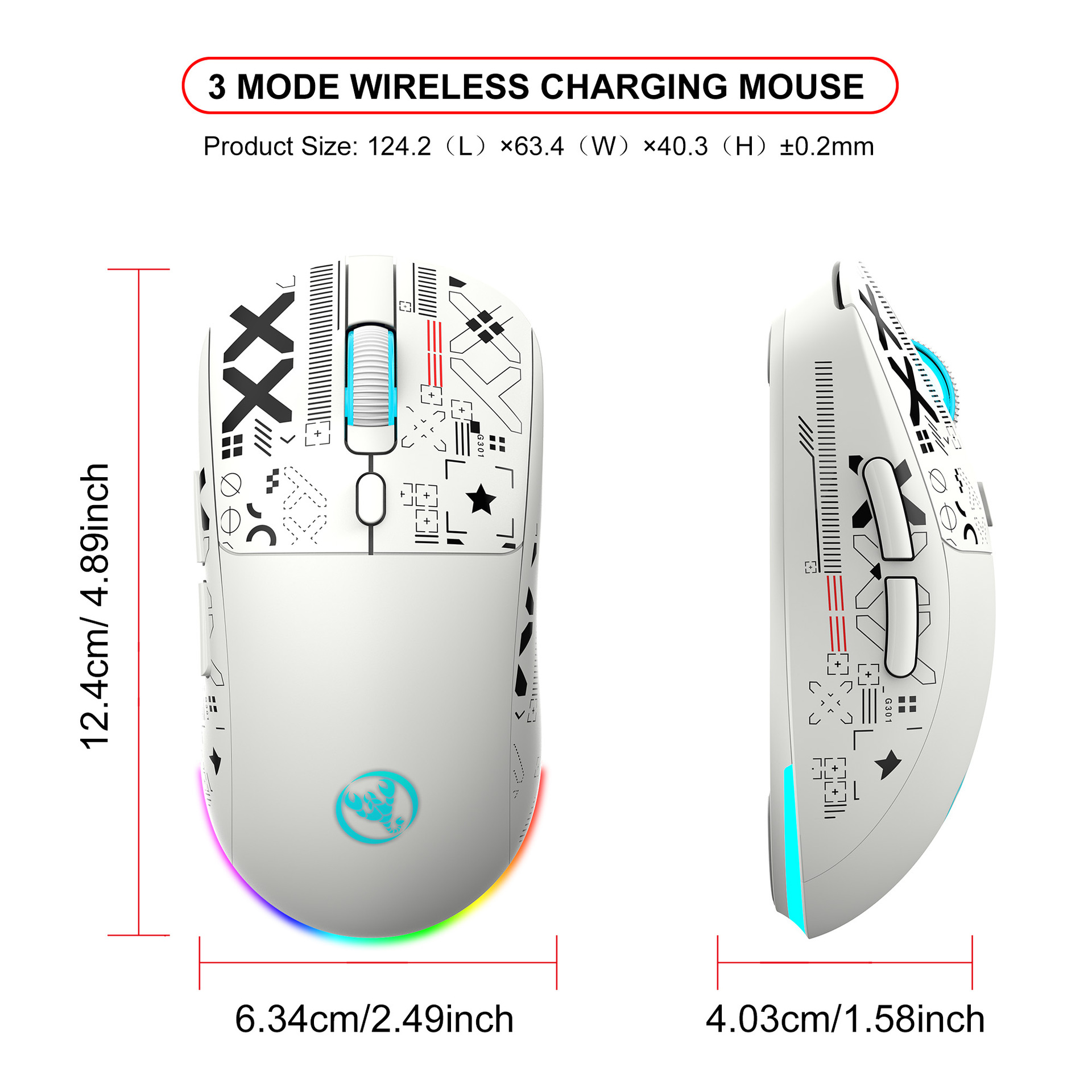
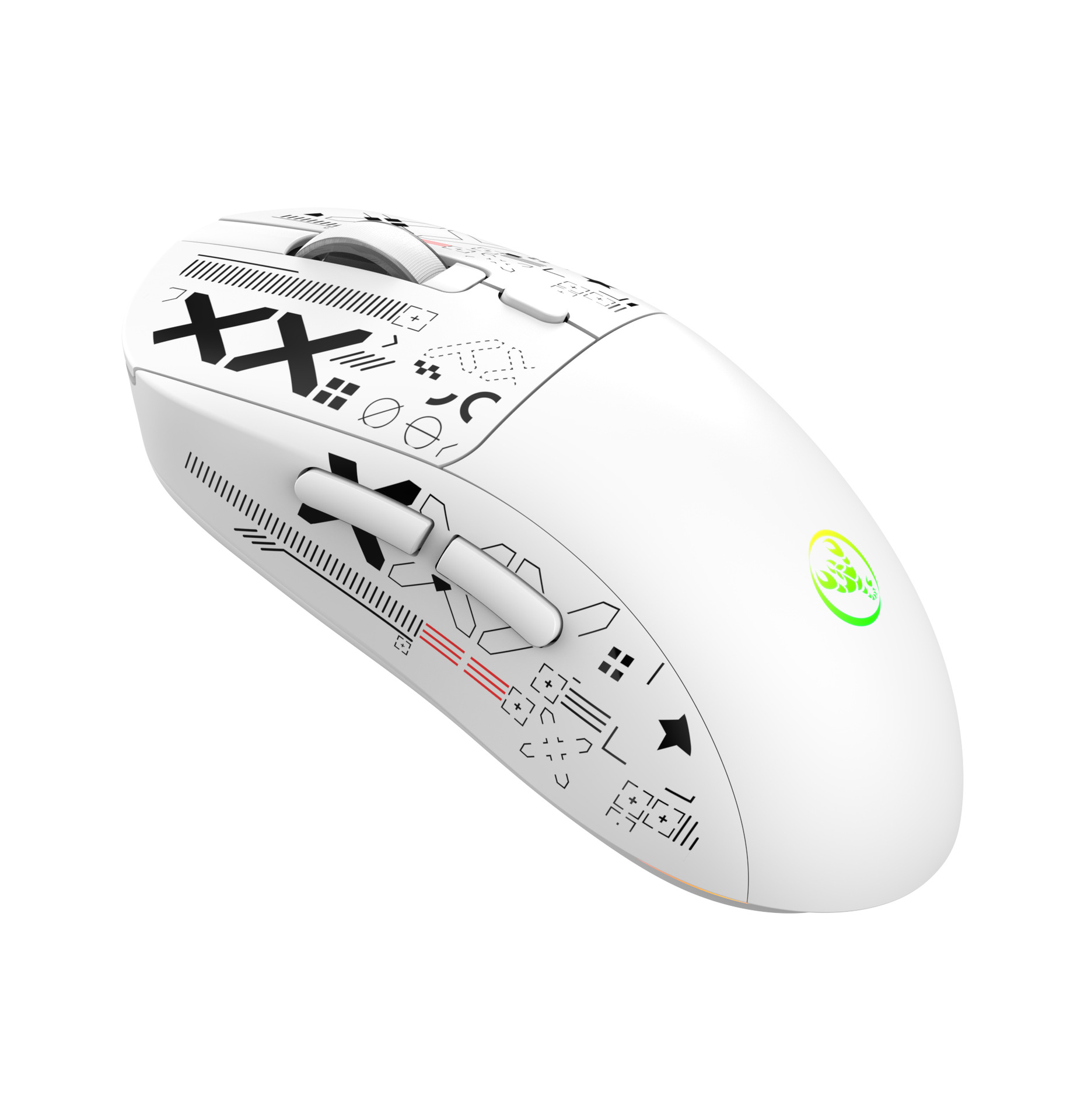
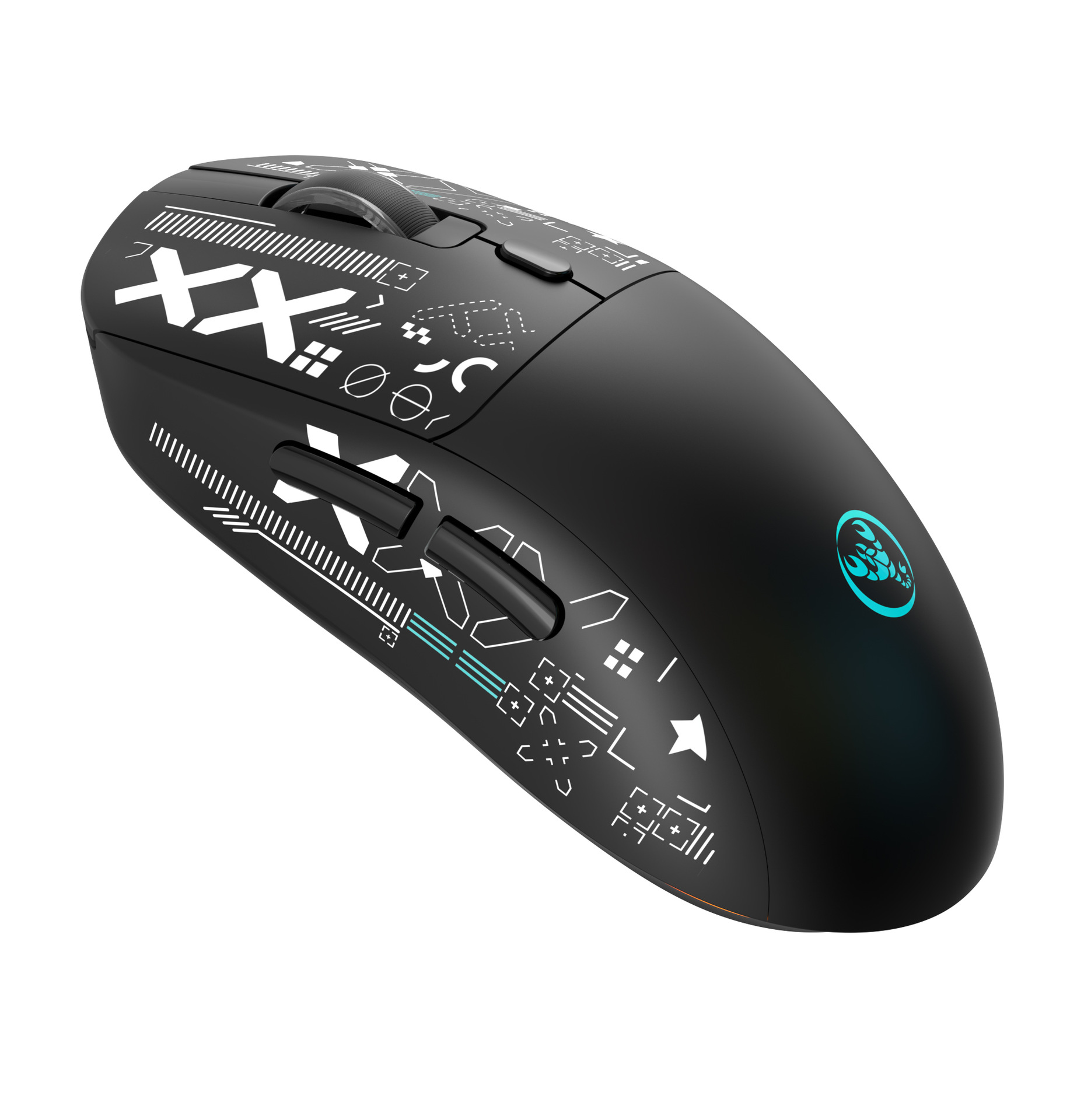
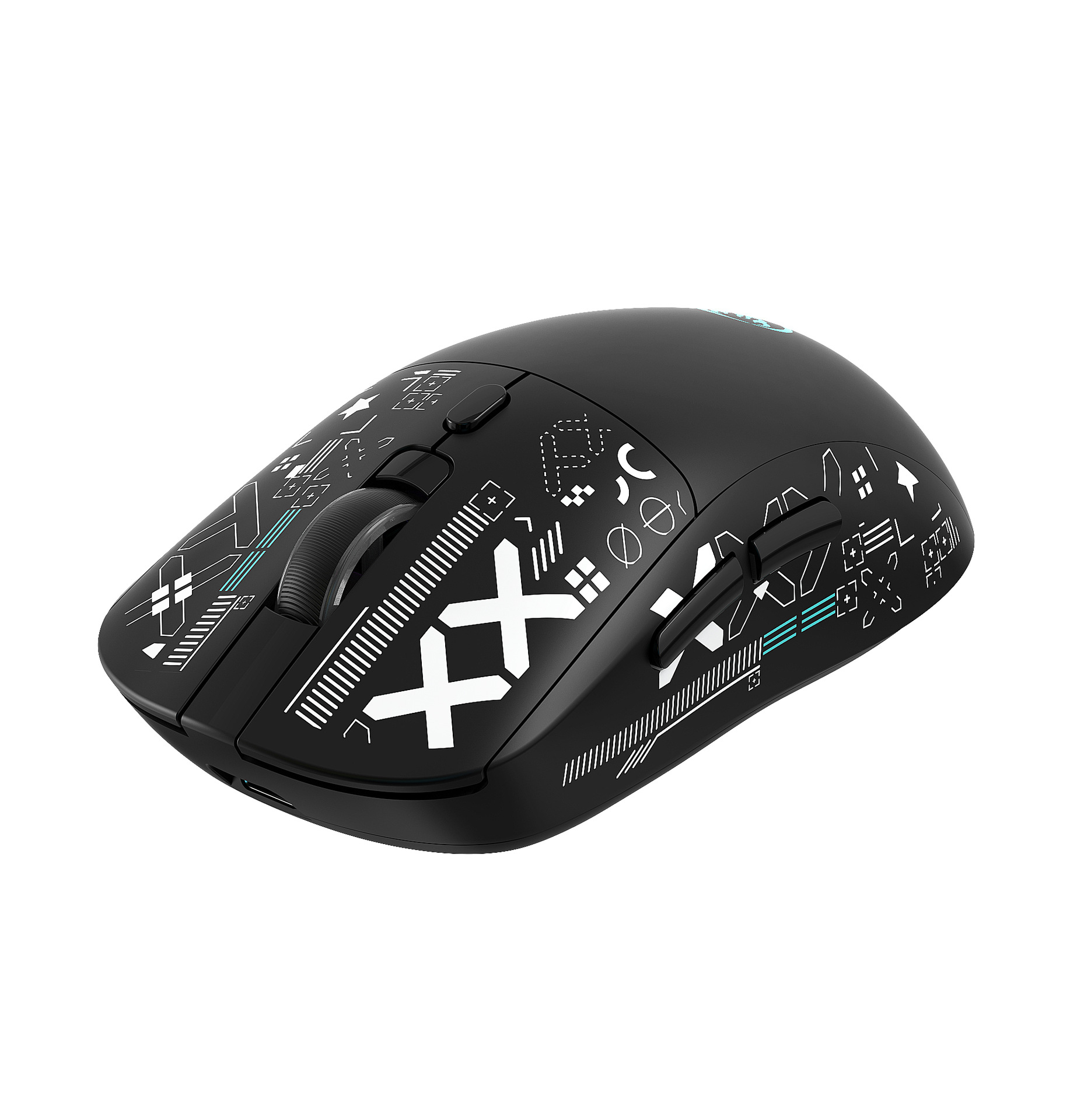
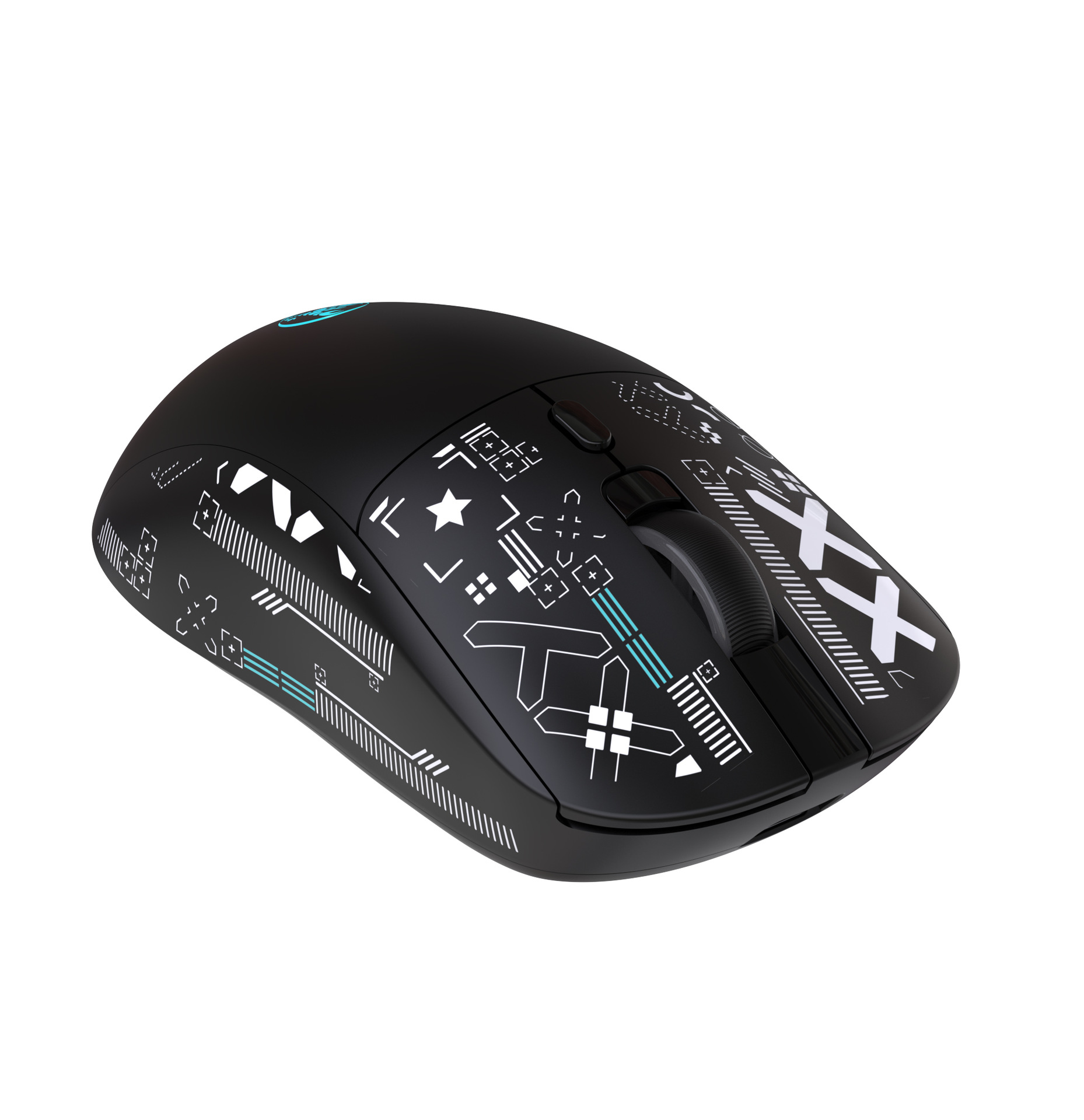
产品尺寸:12.4x6.4x4cm
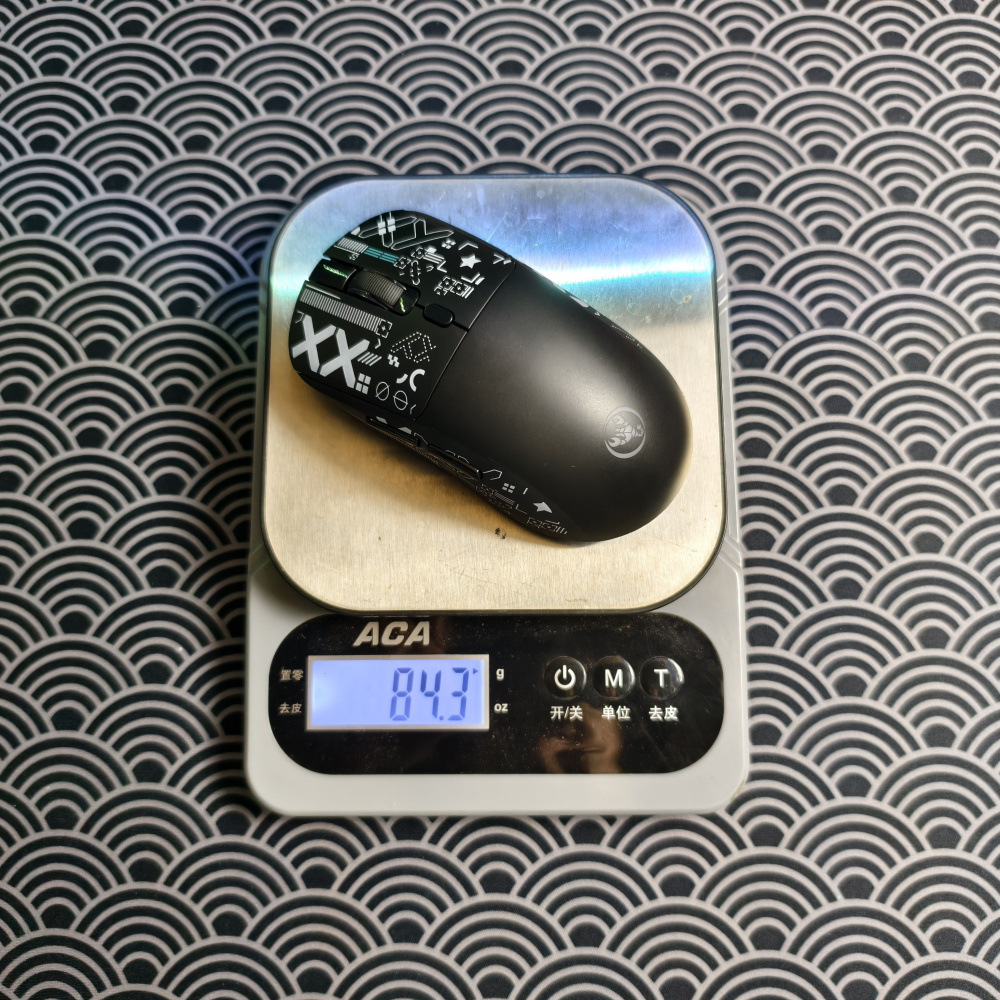
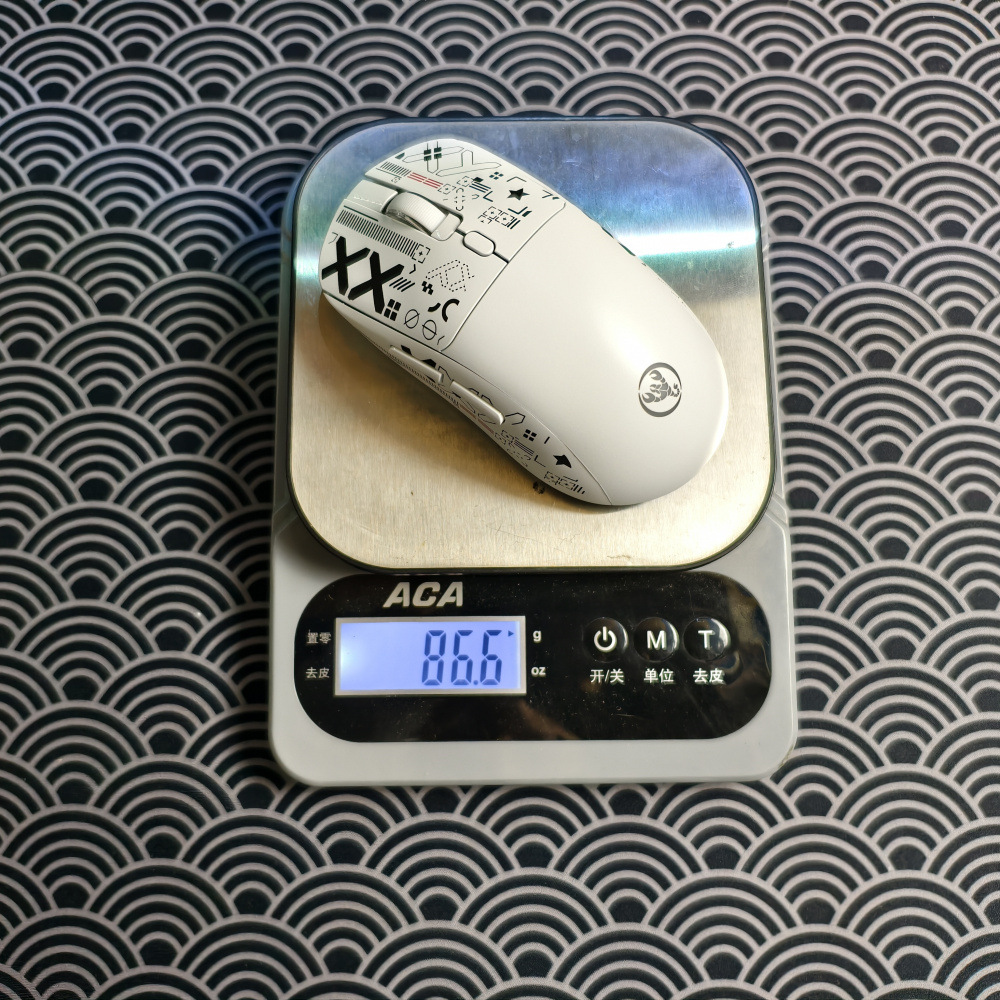
产品重量:87g
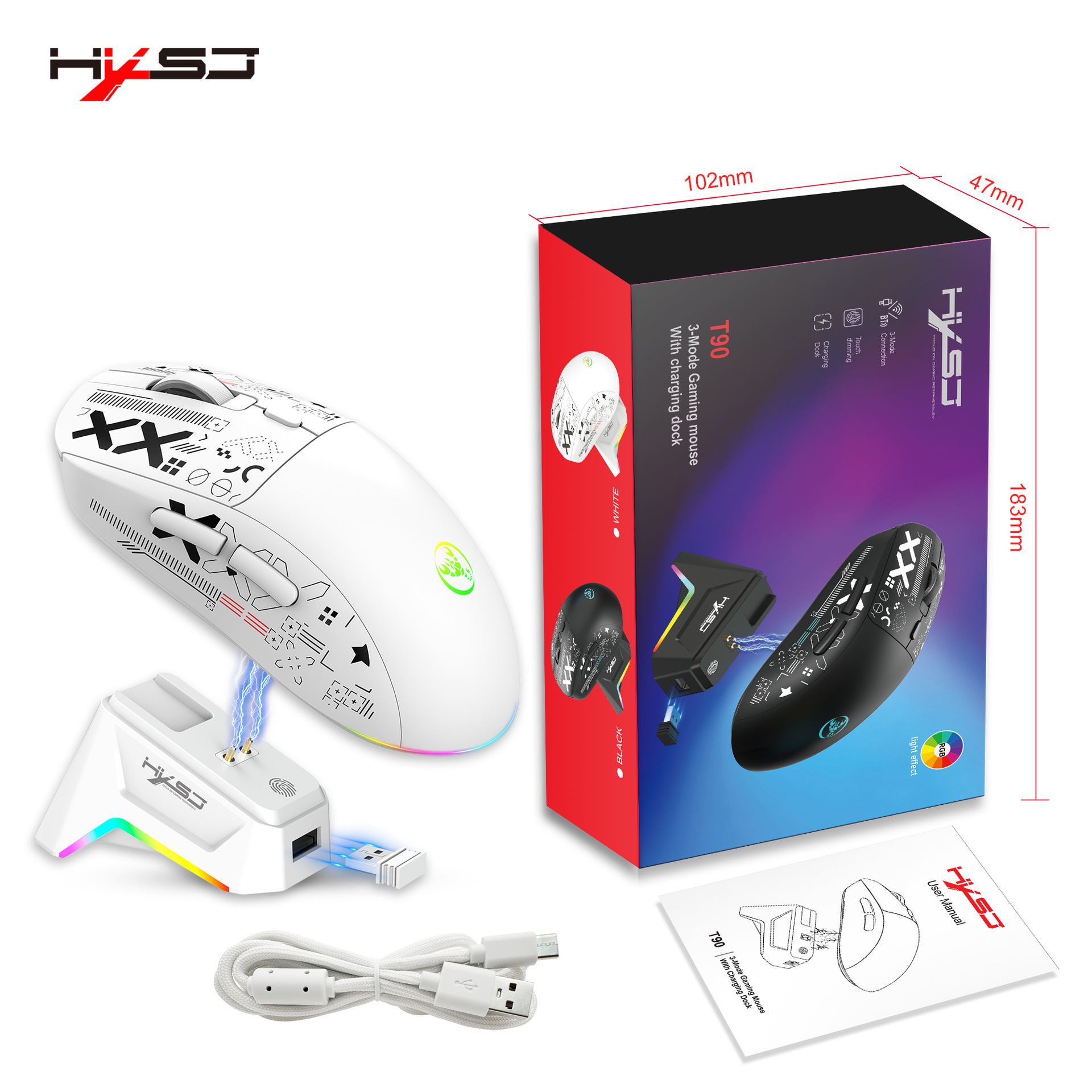
包装尺寸:18.4x10.2x4.8cm
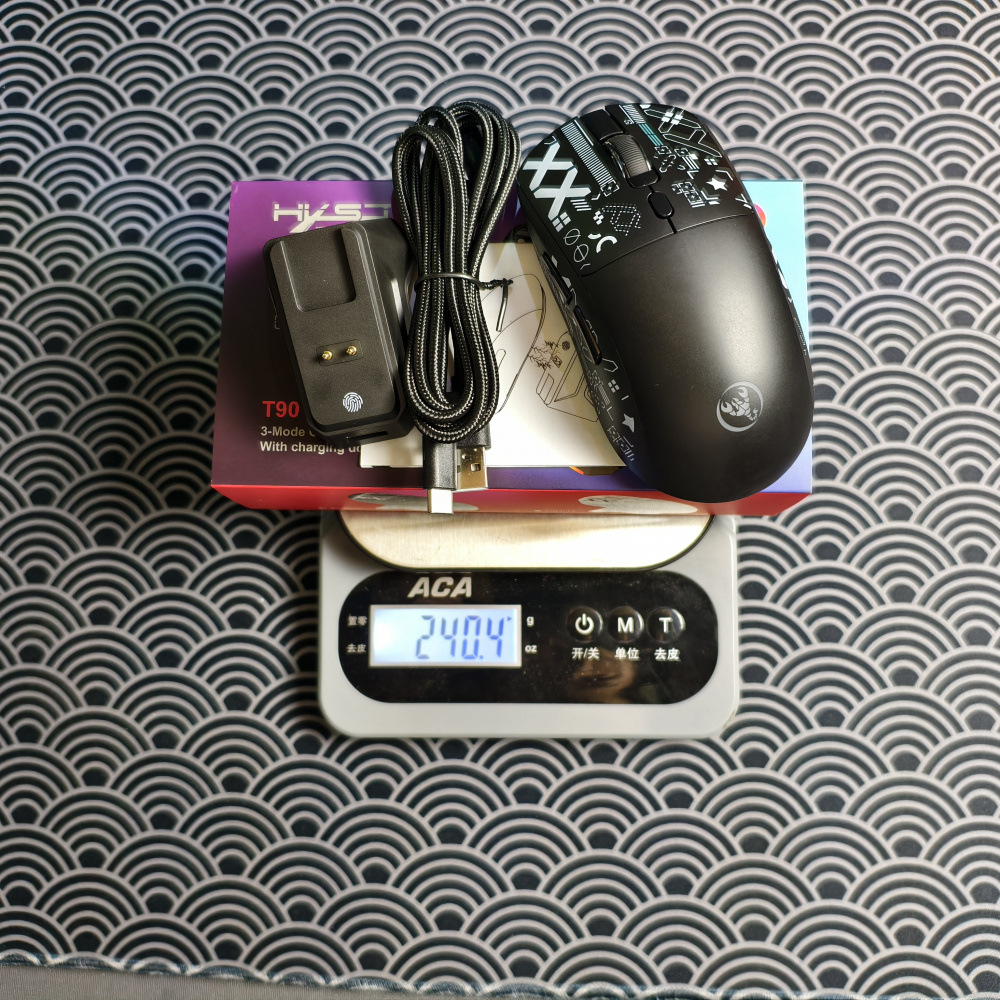
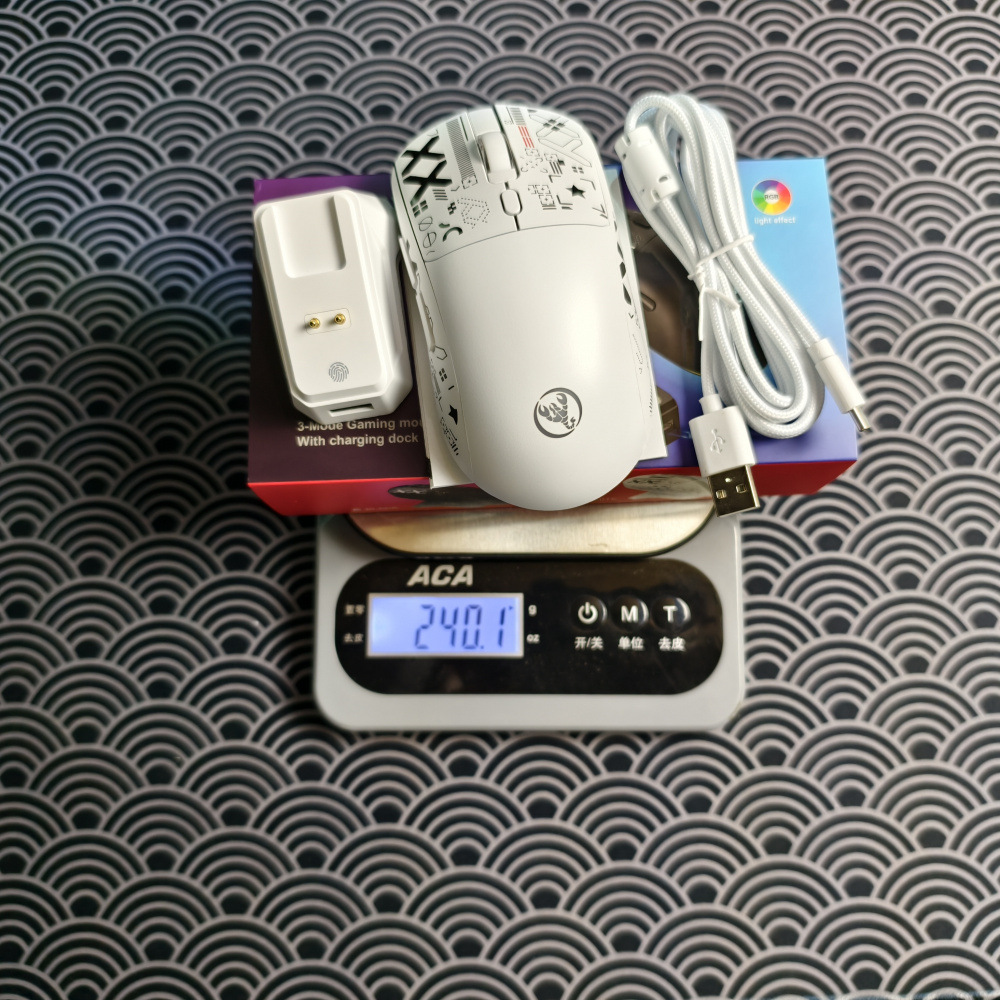
包装重量:241g
一箱数量:50pcs
箱子尺寸:51.5x46x38cm
一箱重量:13.8kg
T90三模英文俄文网页版驱动,
仅在有线和2.4G模式下可以使用宏编程软件。
https://hxsjt90pro.yjx2012.com/
中文和英文驱动网址:
https://hxsjt90.yjx2012.com/
Selling Points:
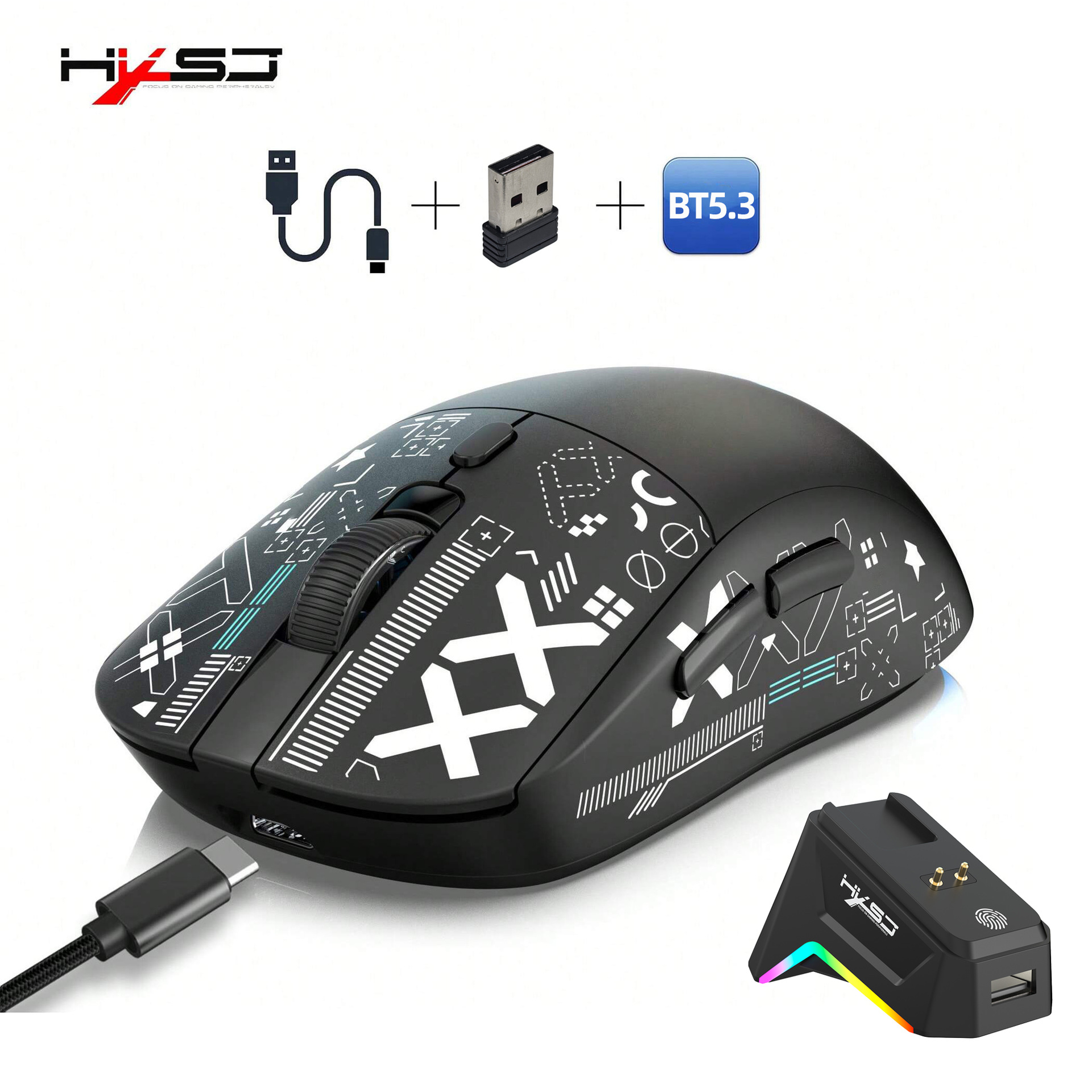
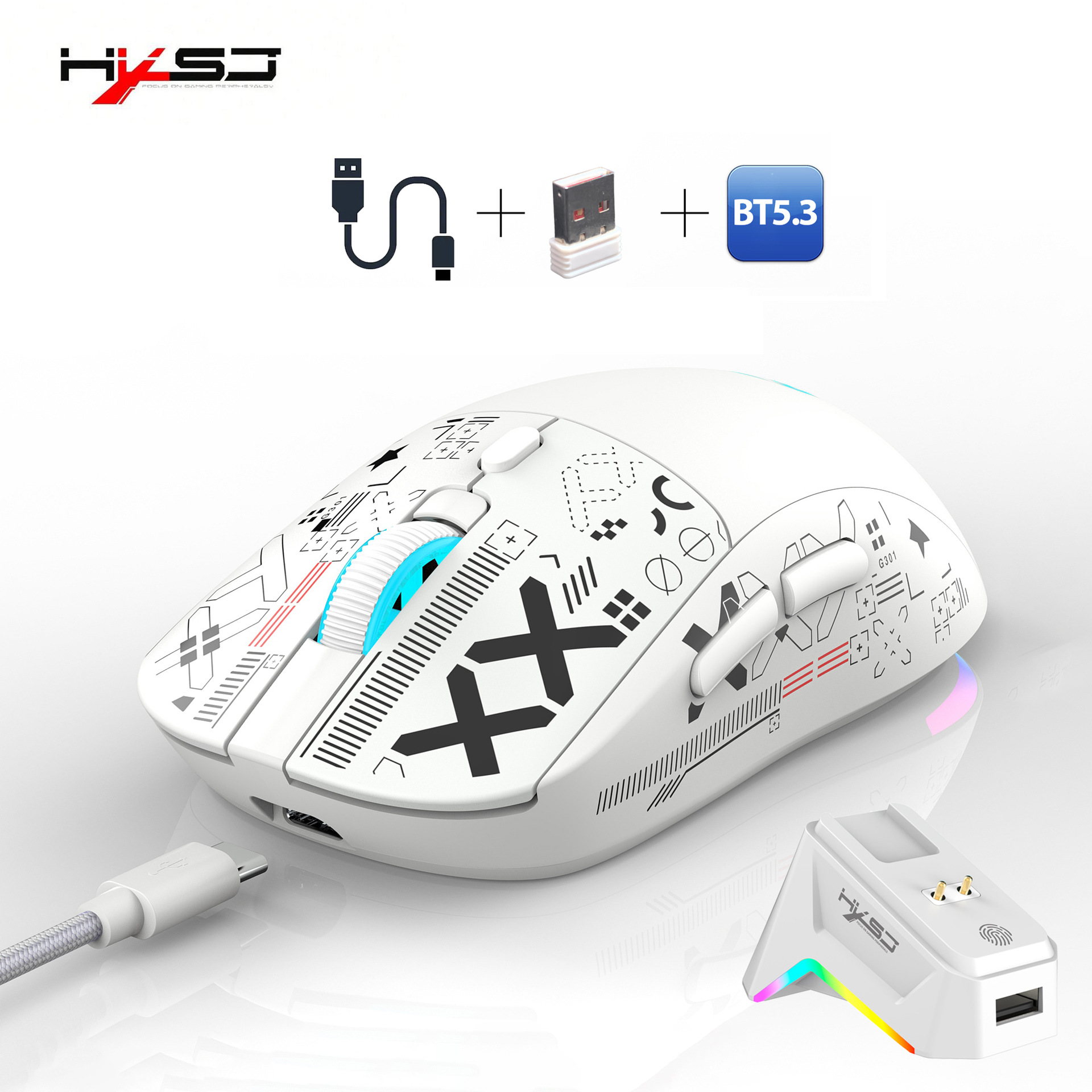
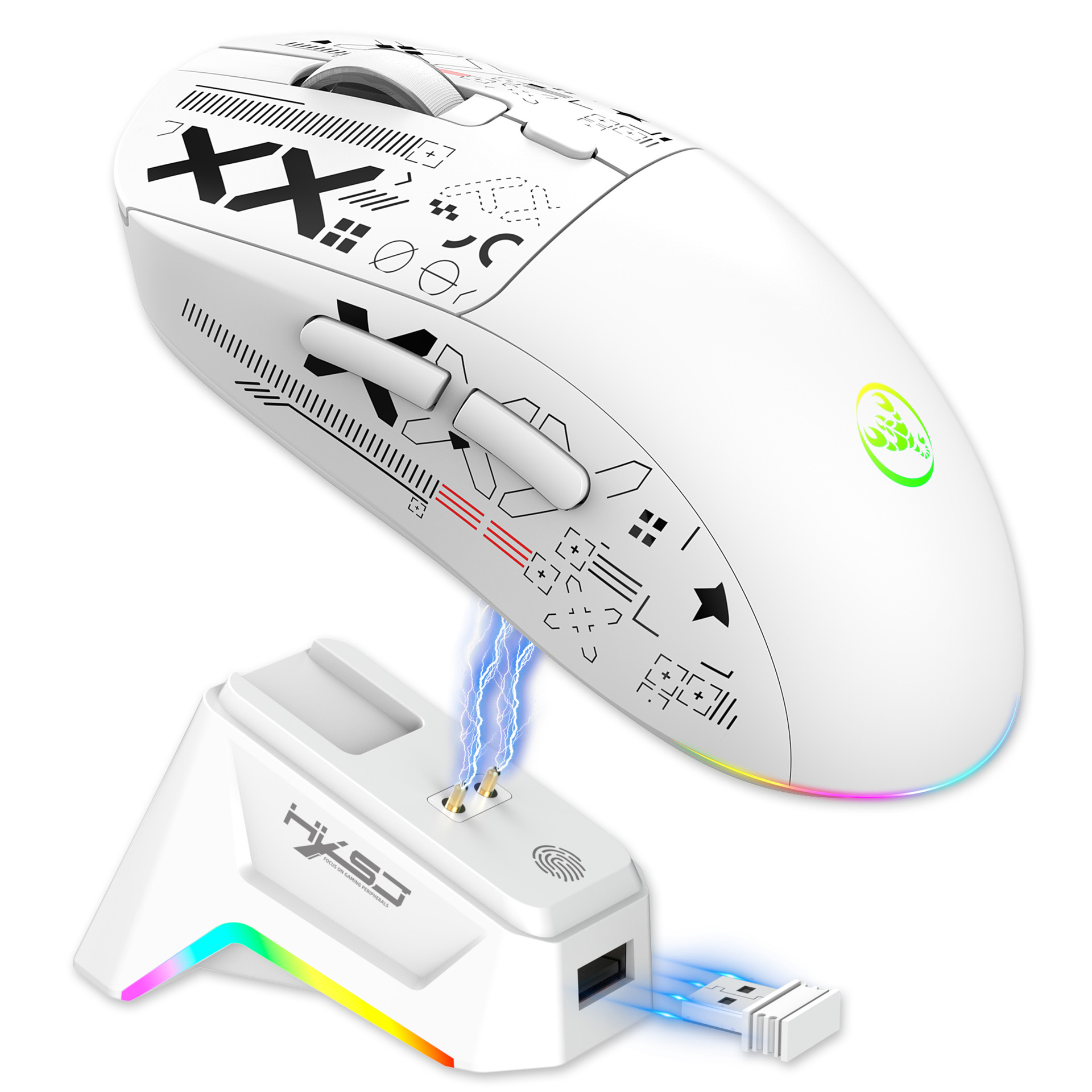
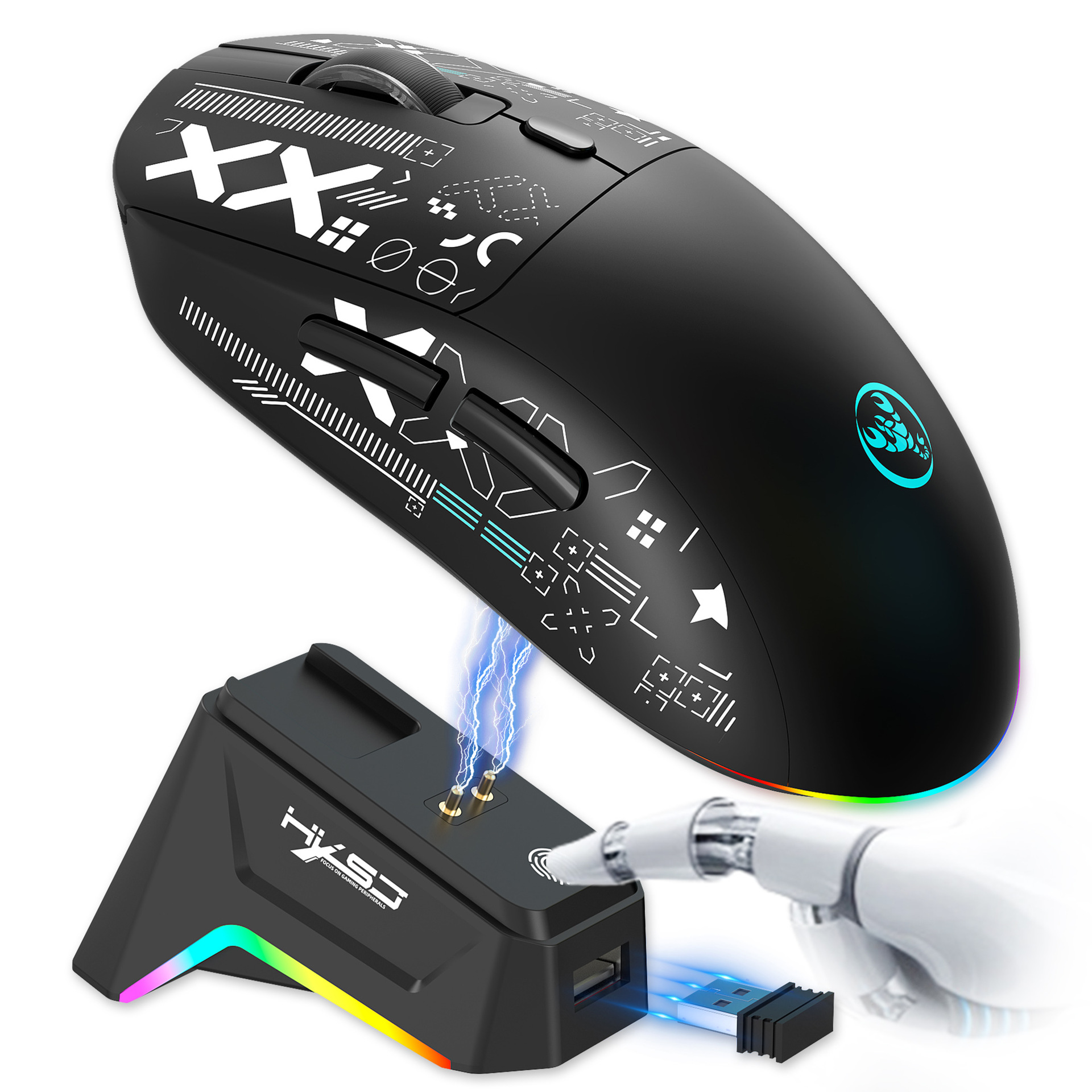
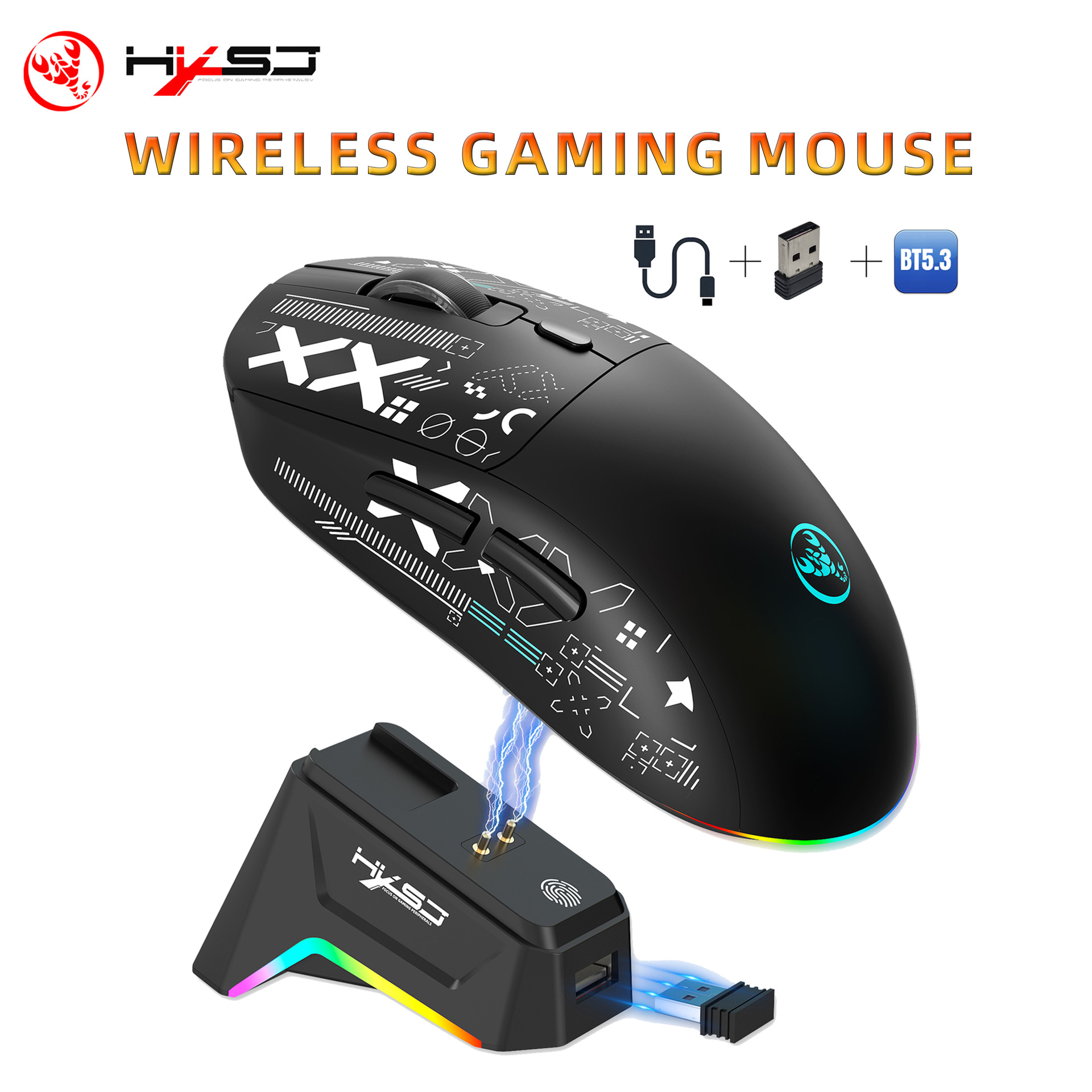
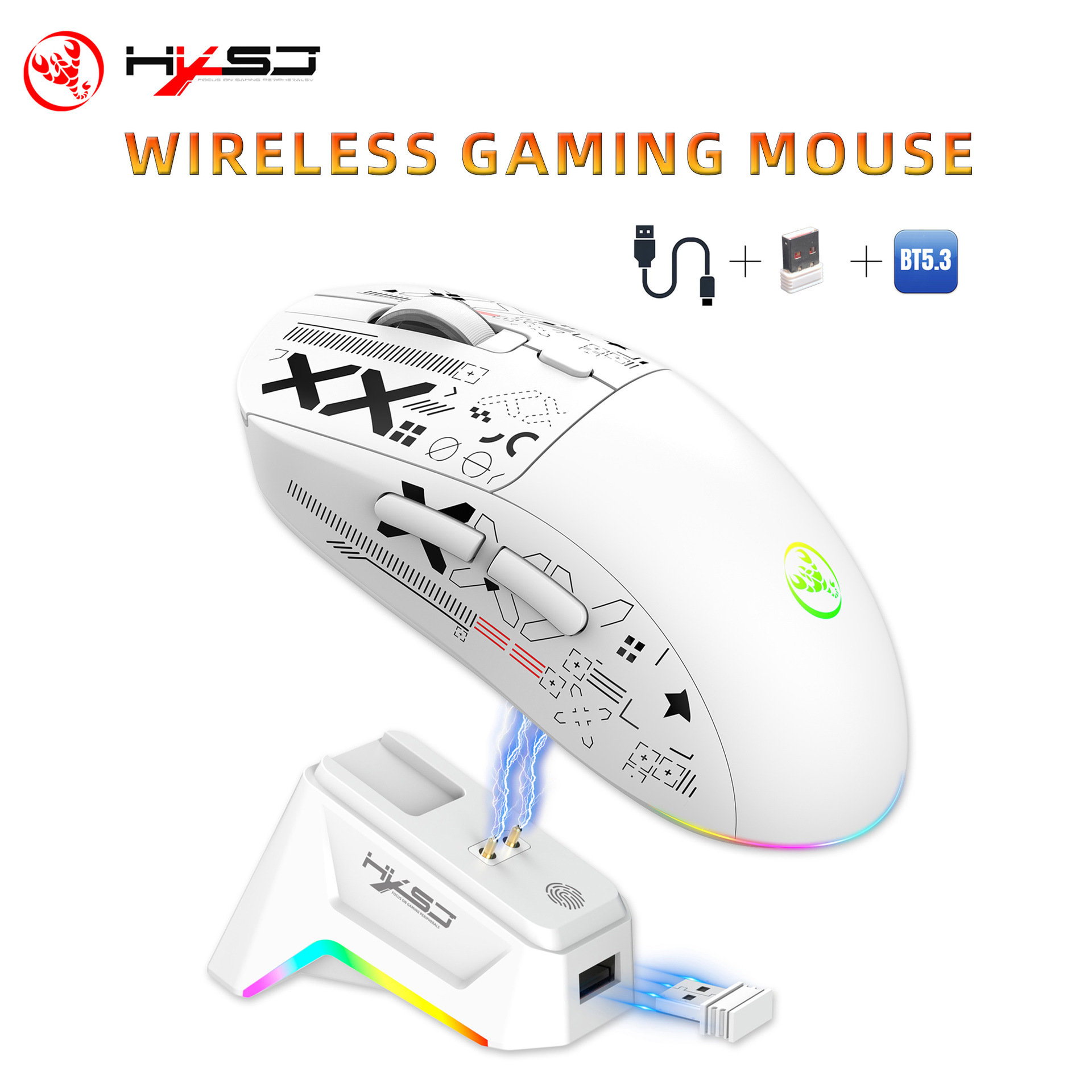
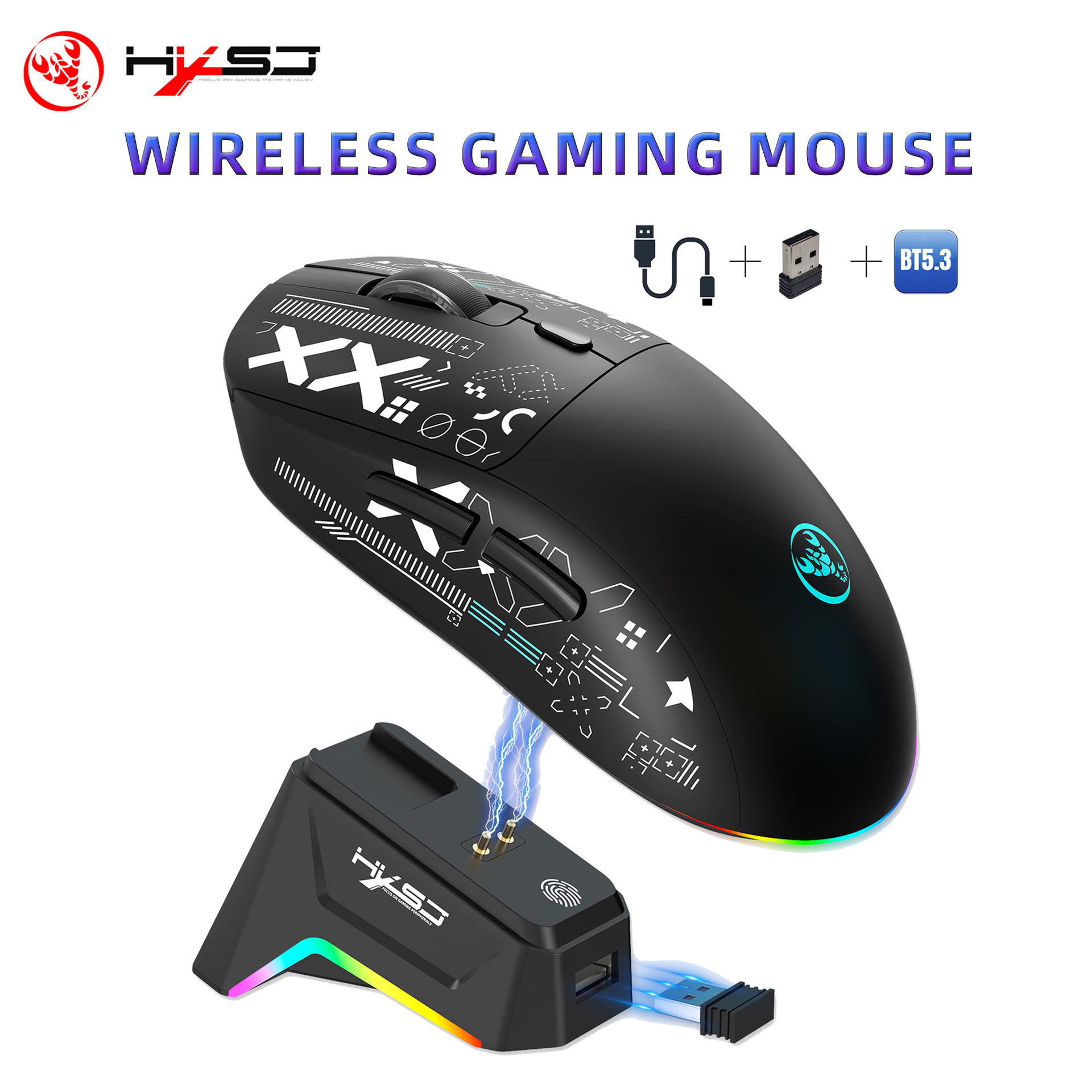
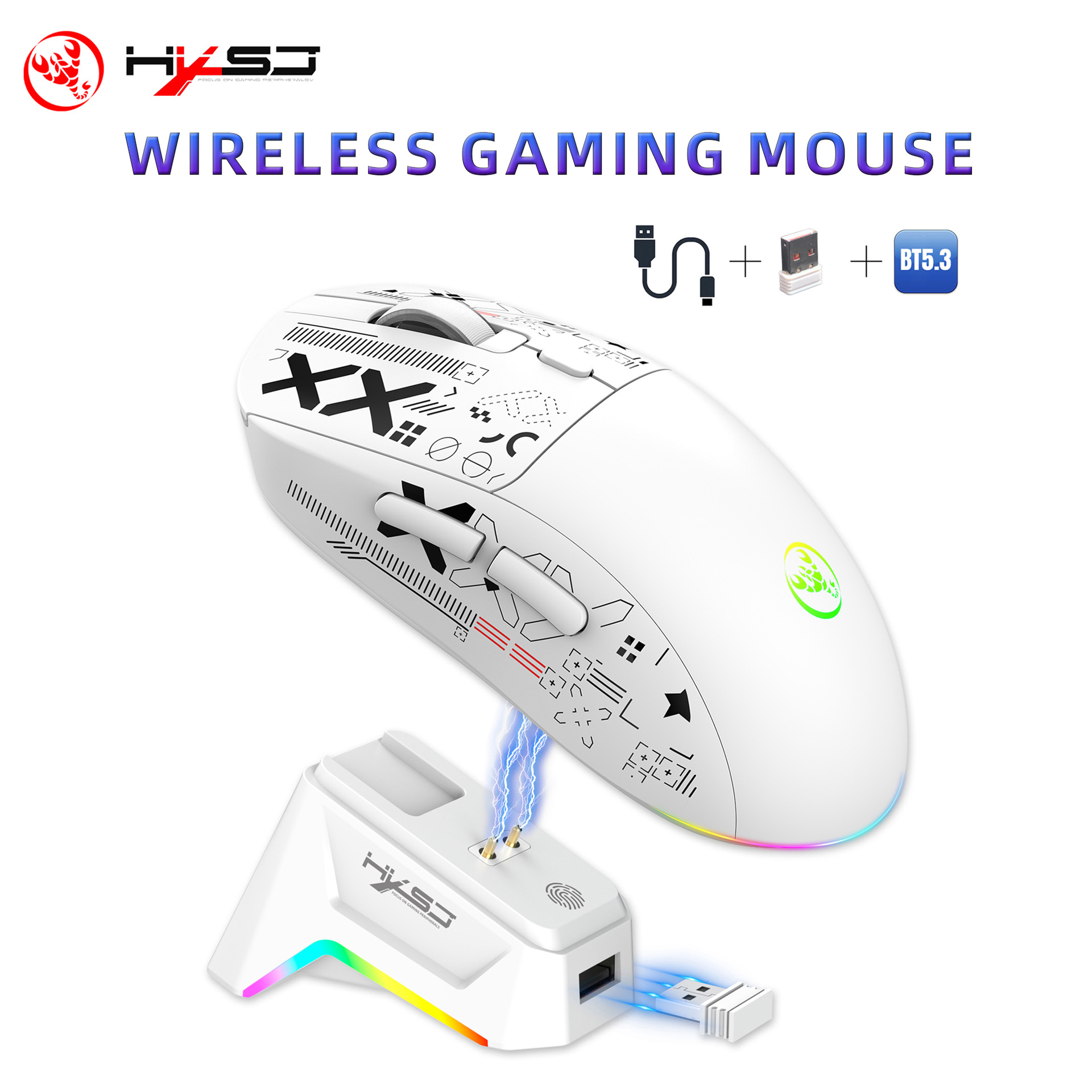
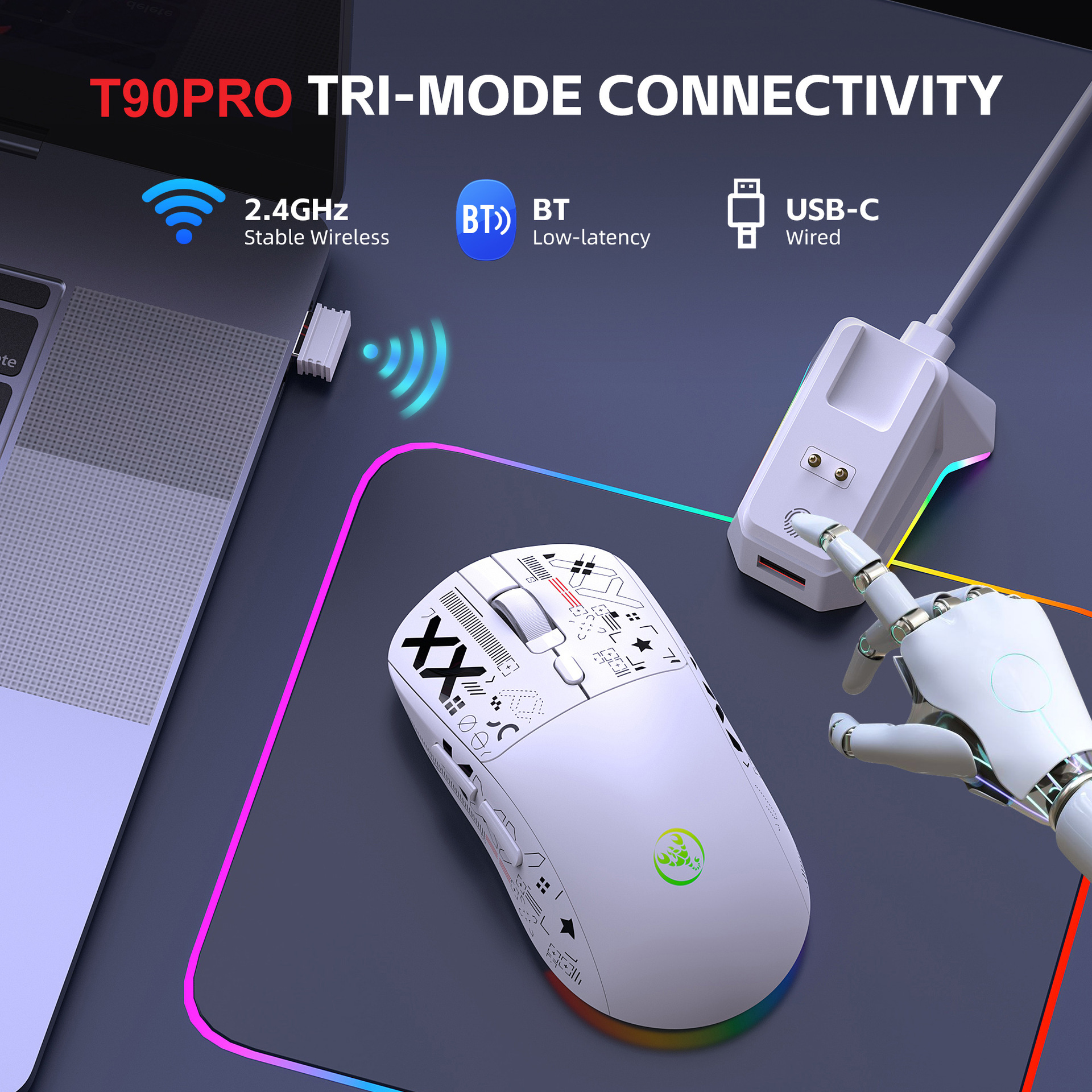
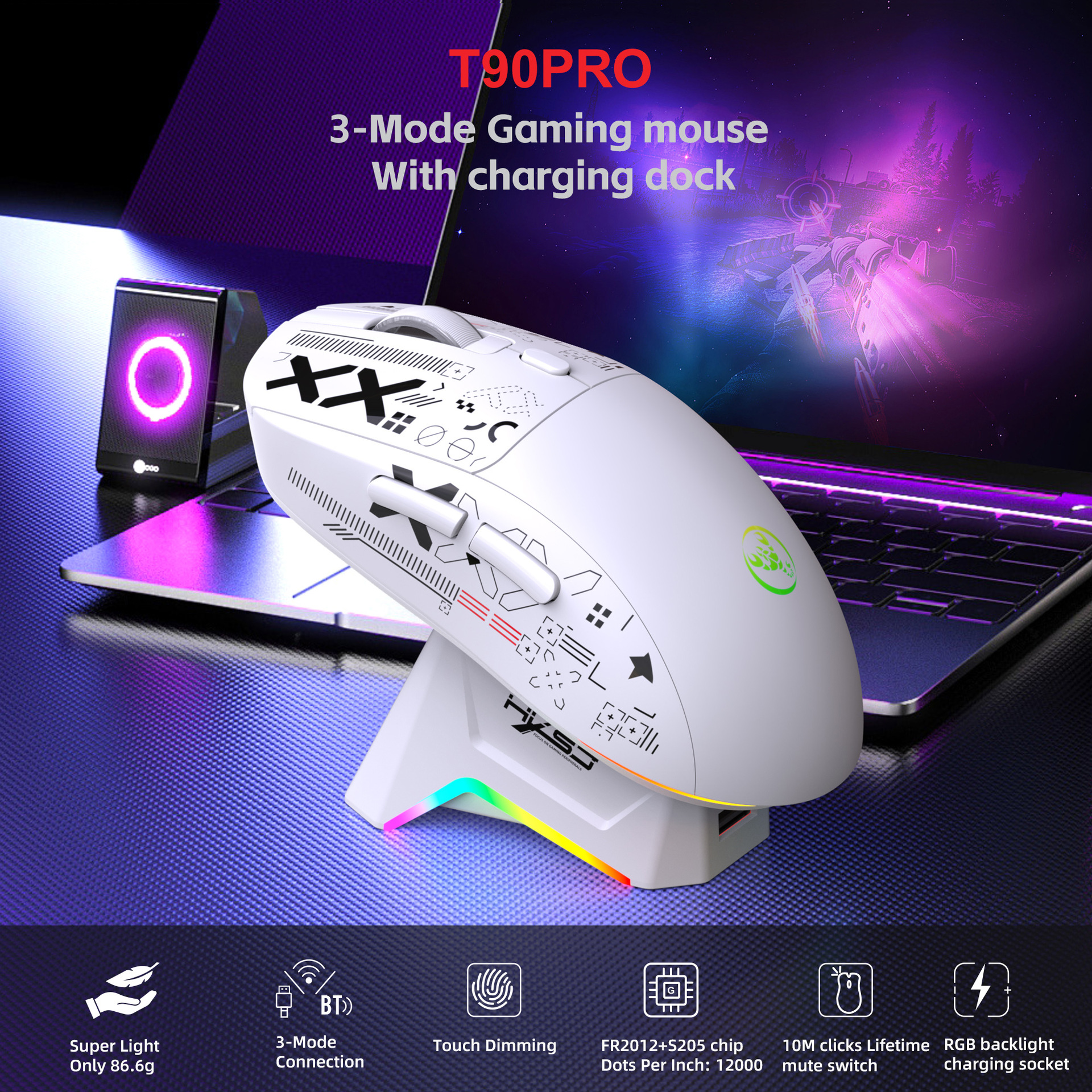
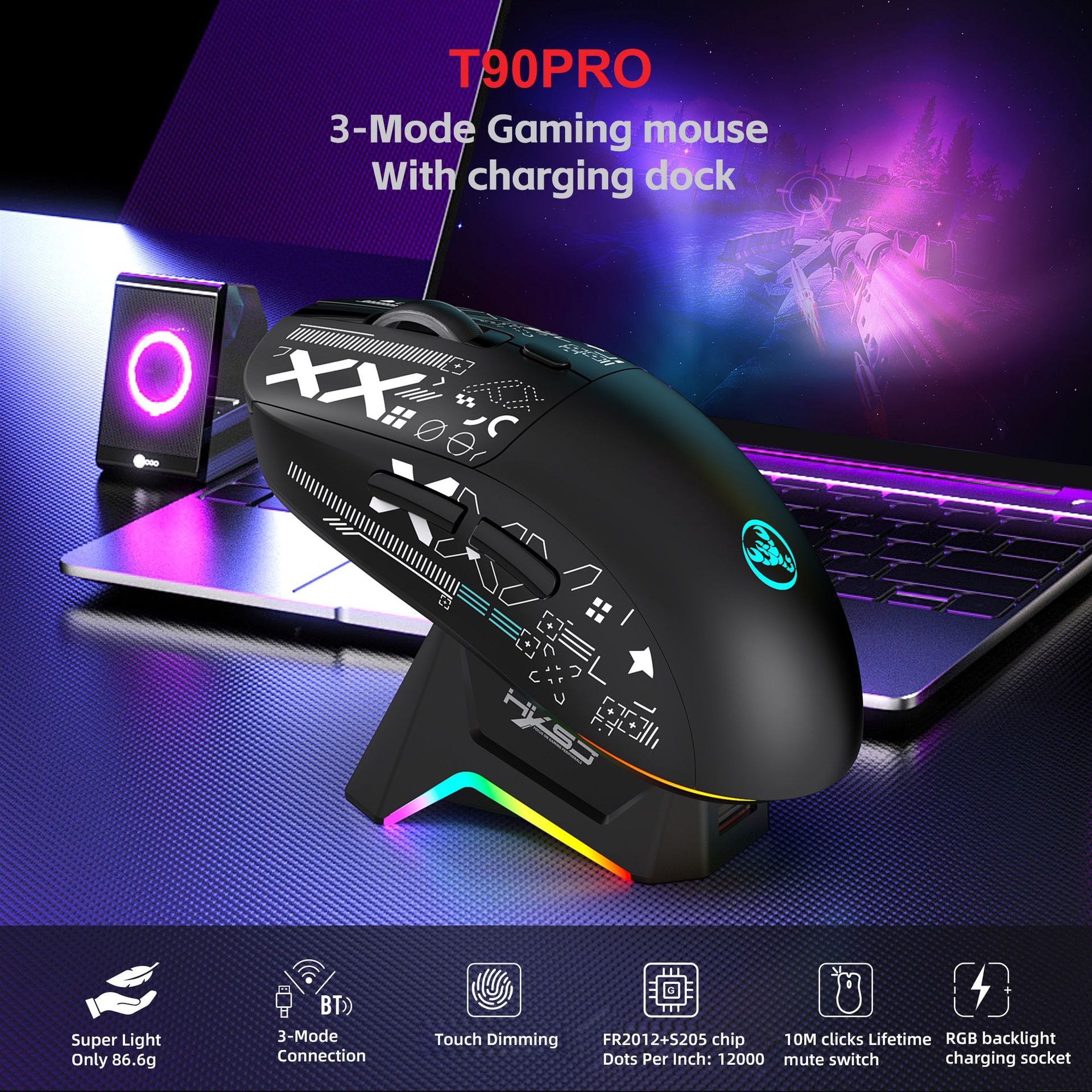
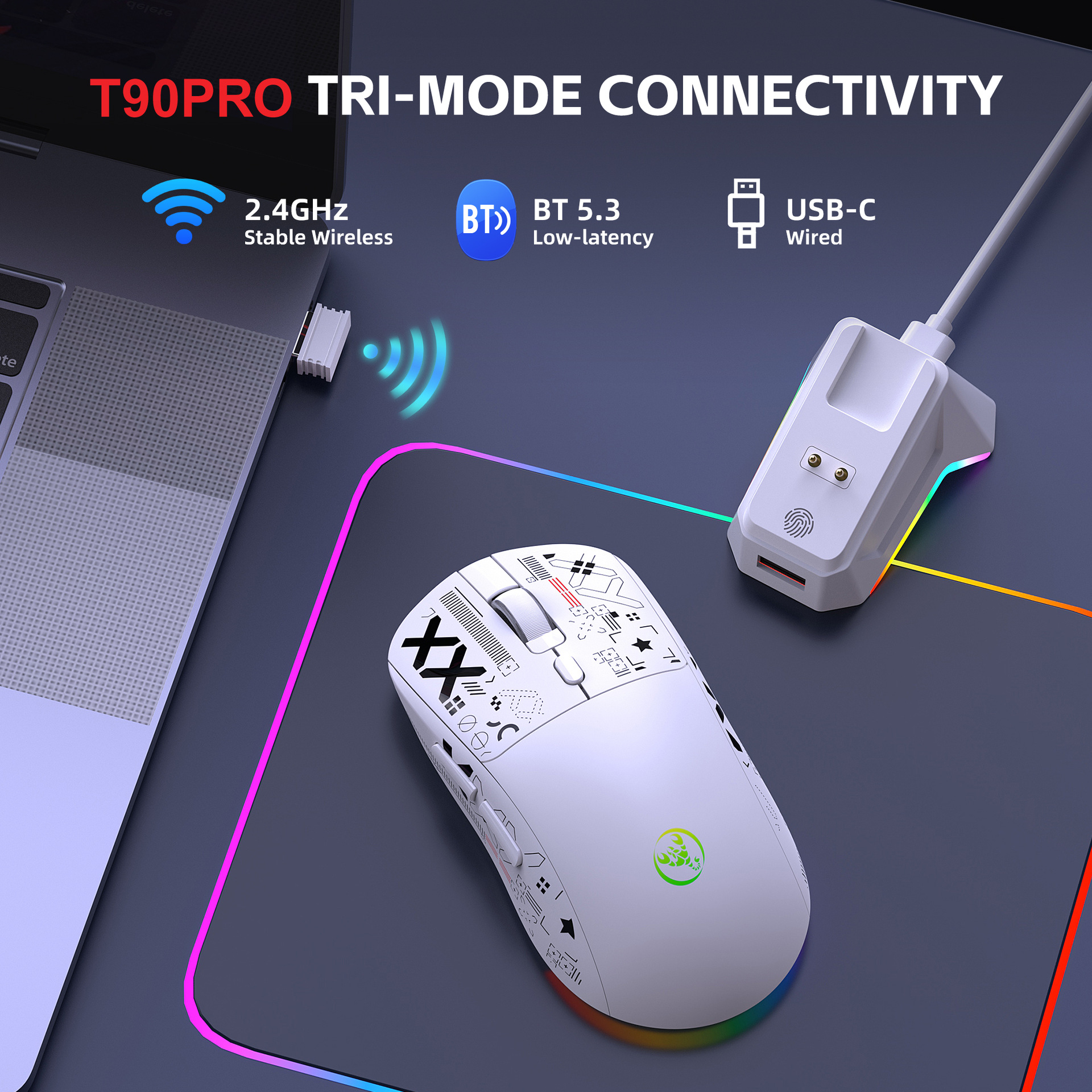
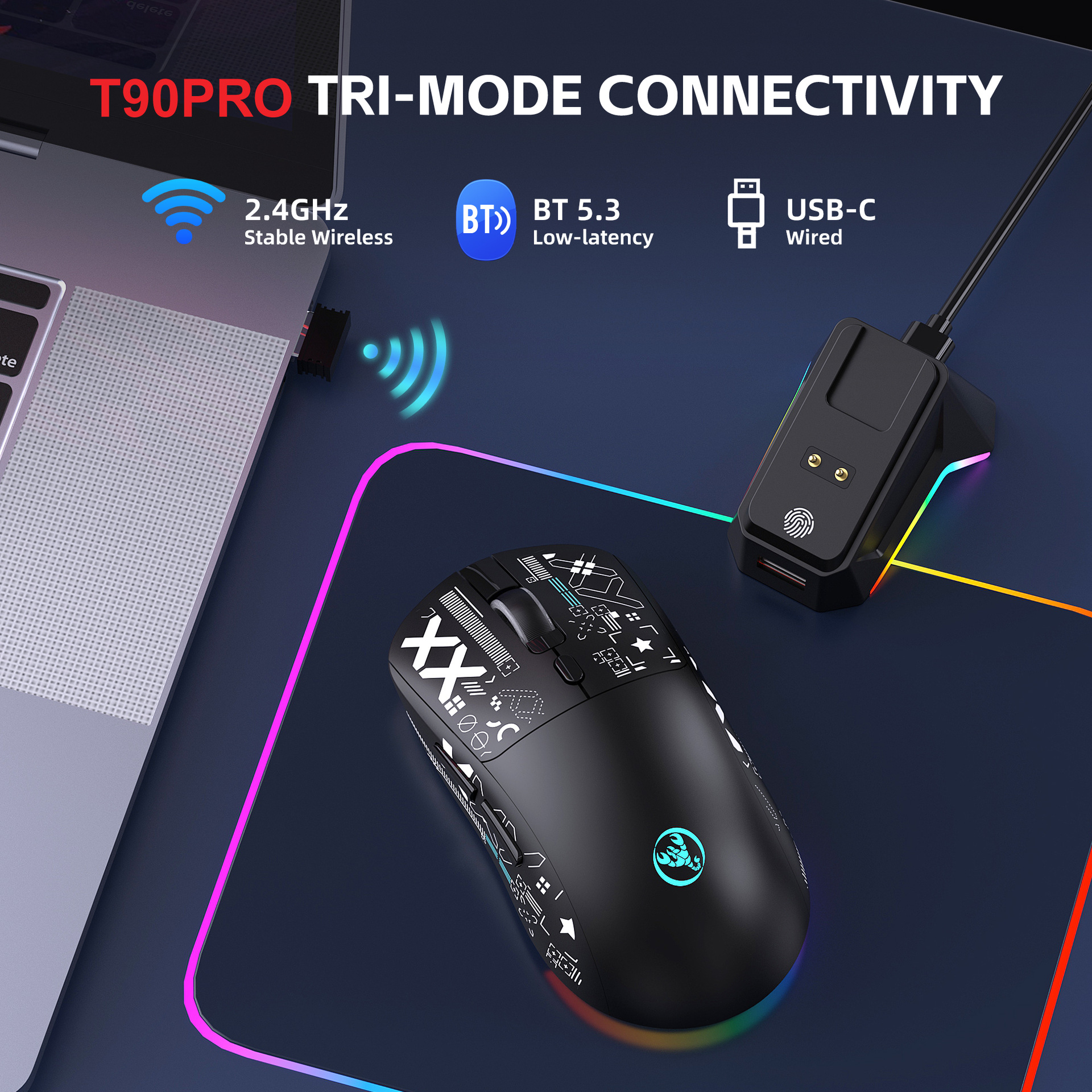
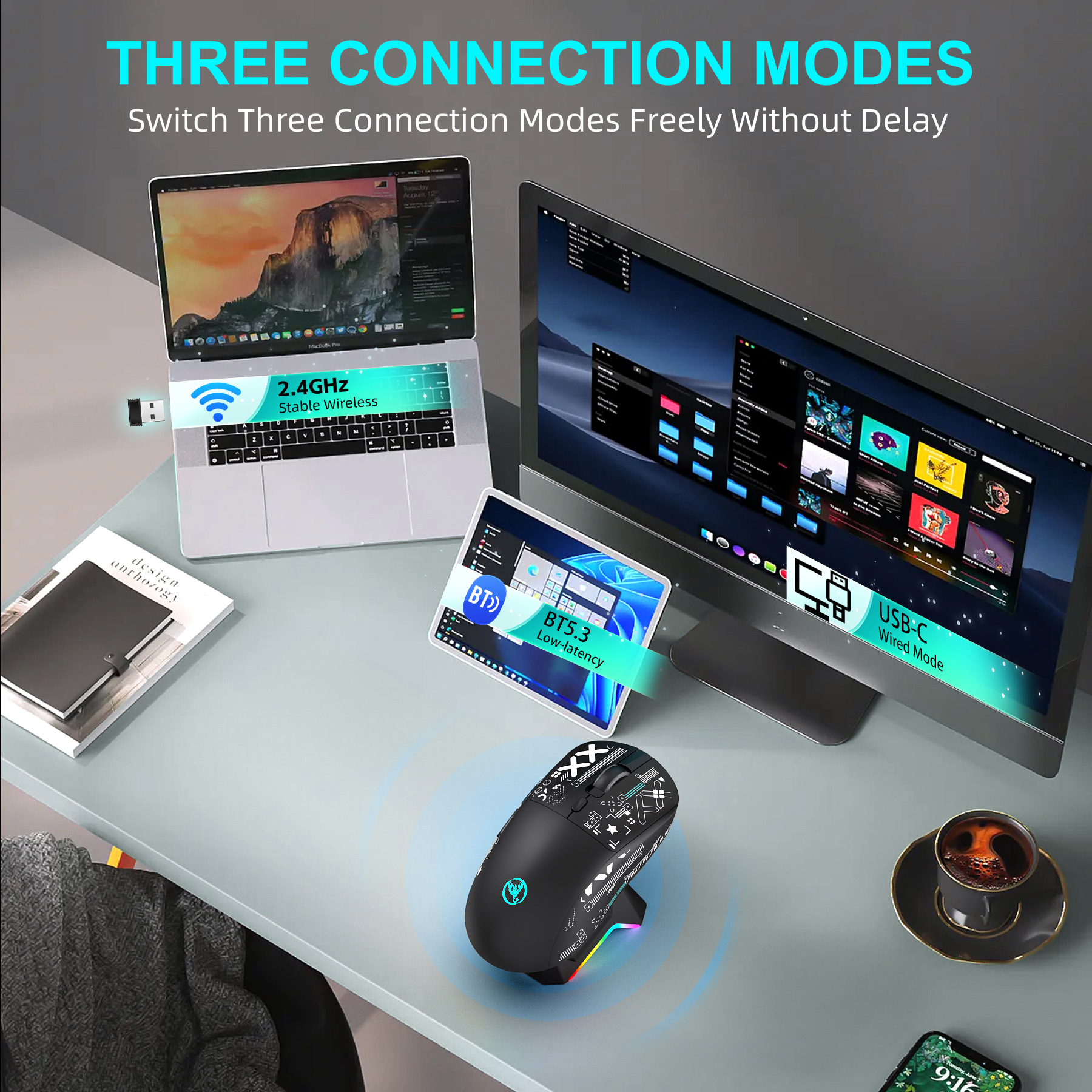
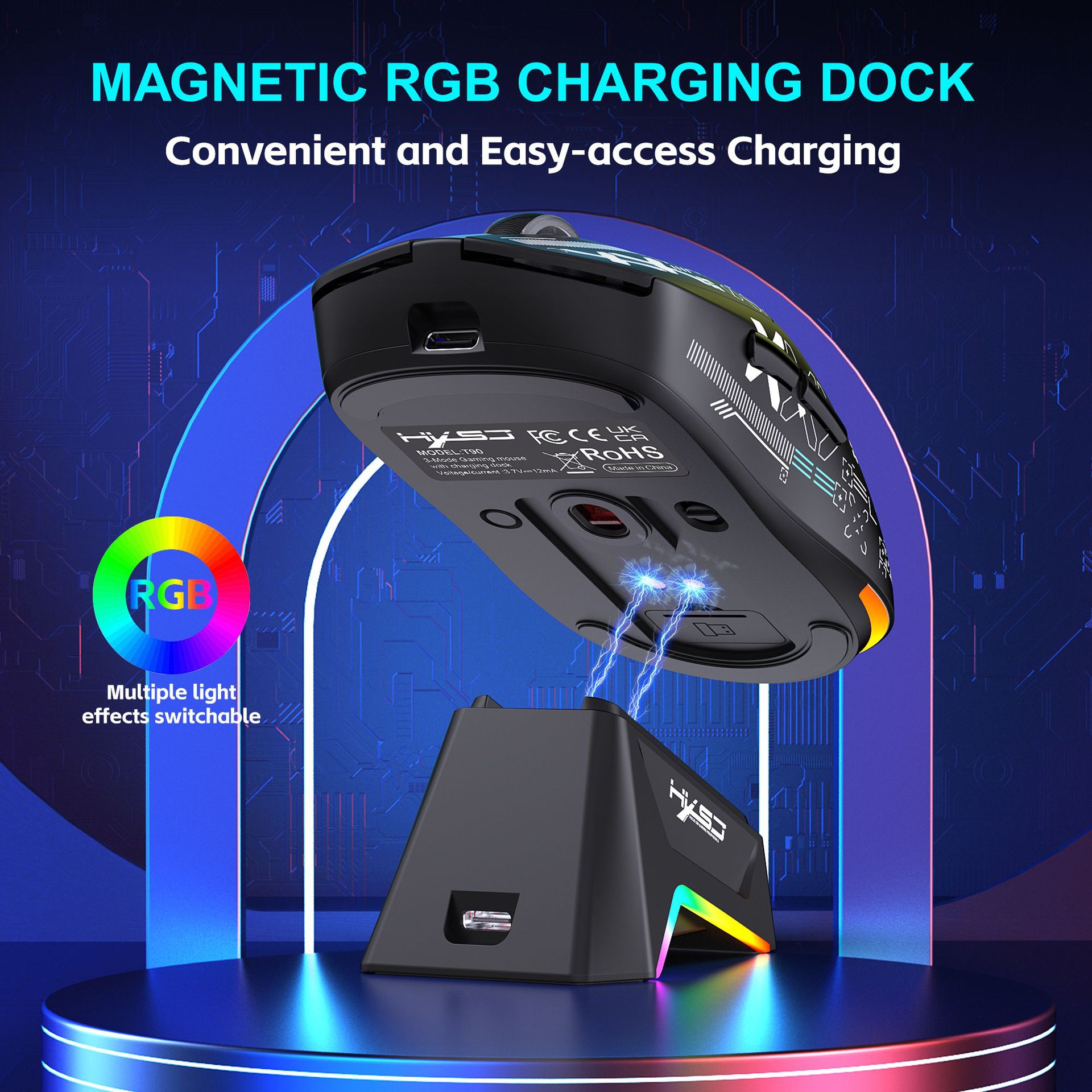
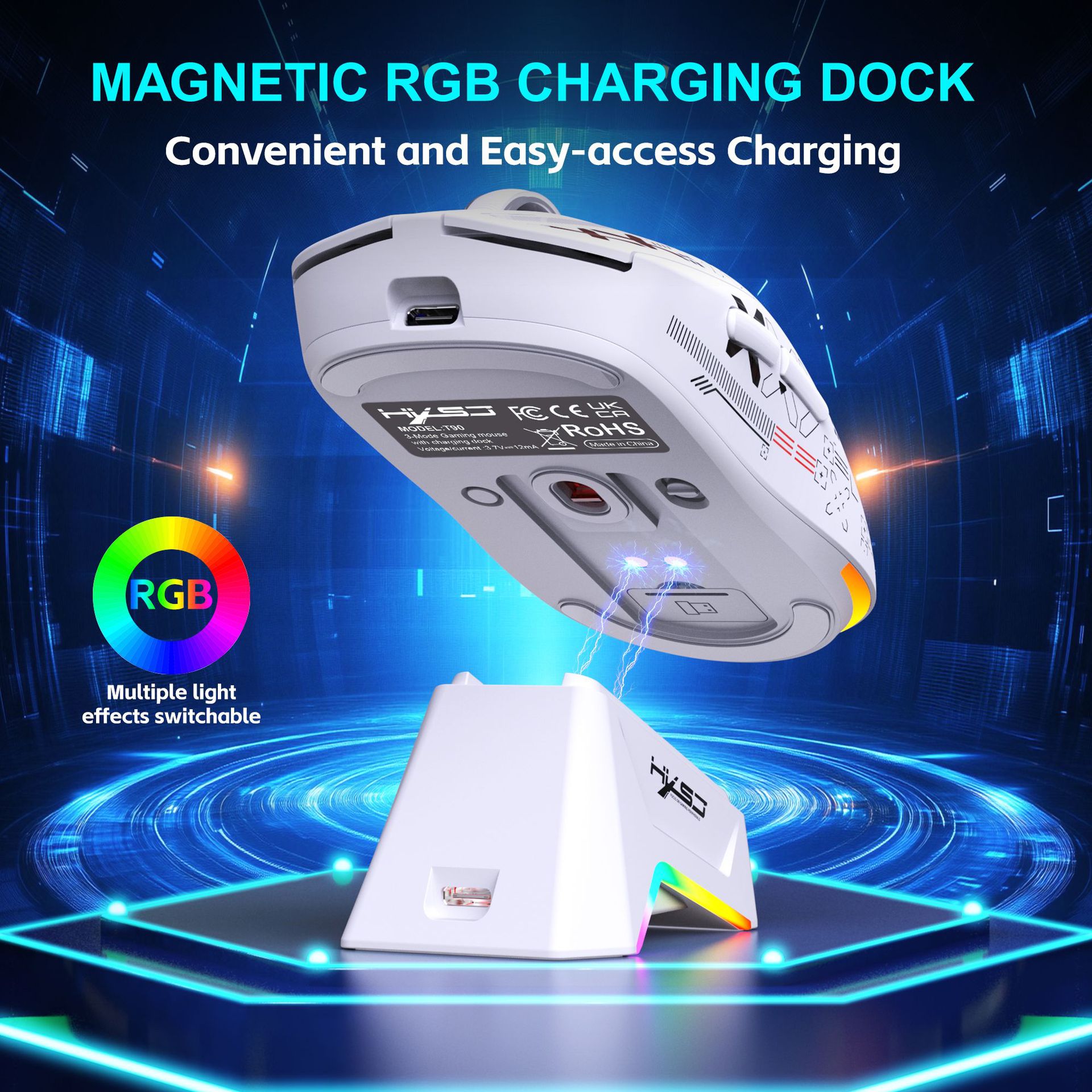
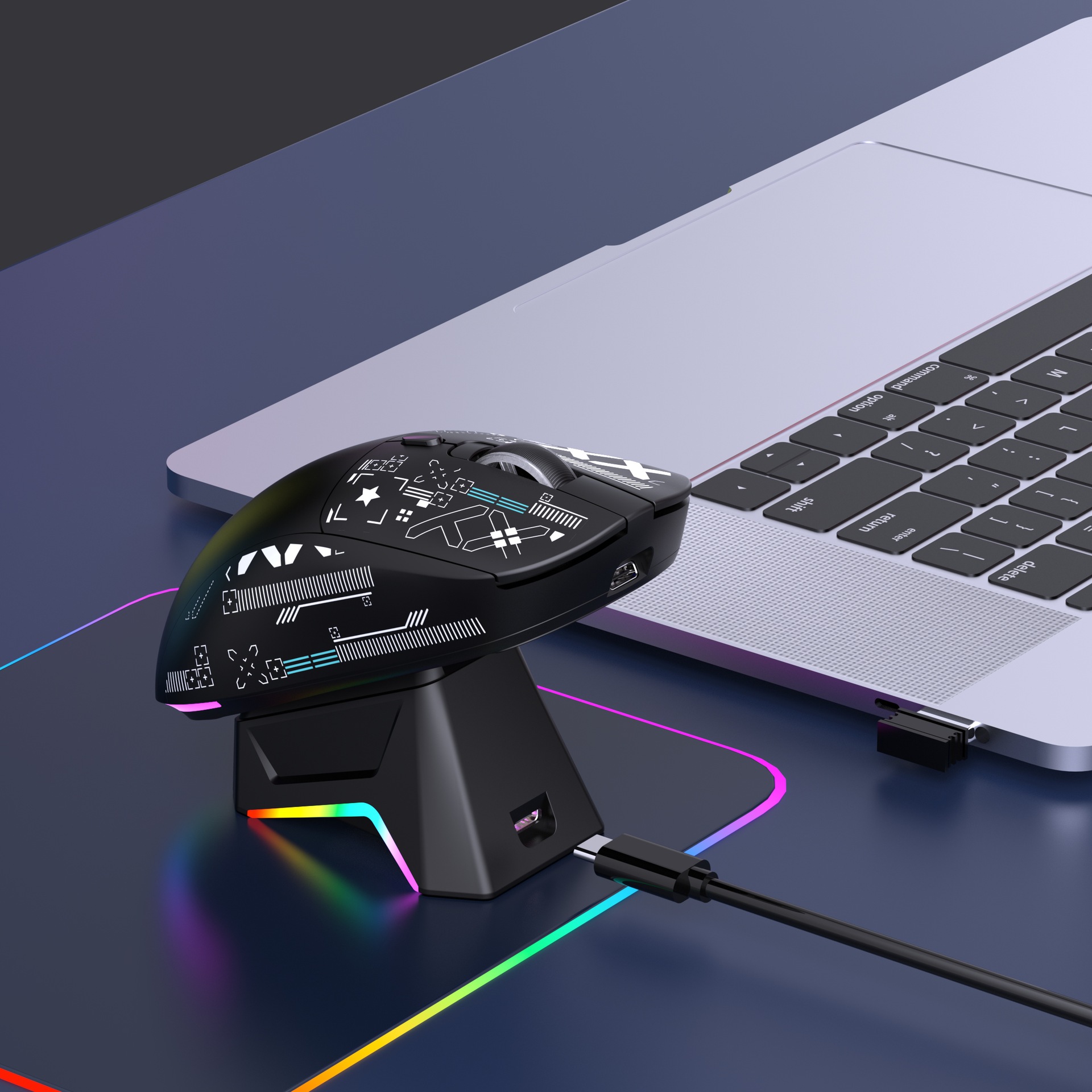
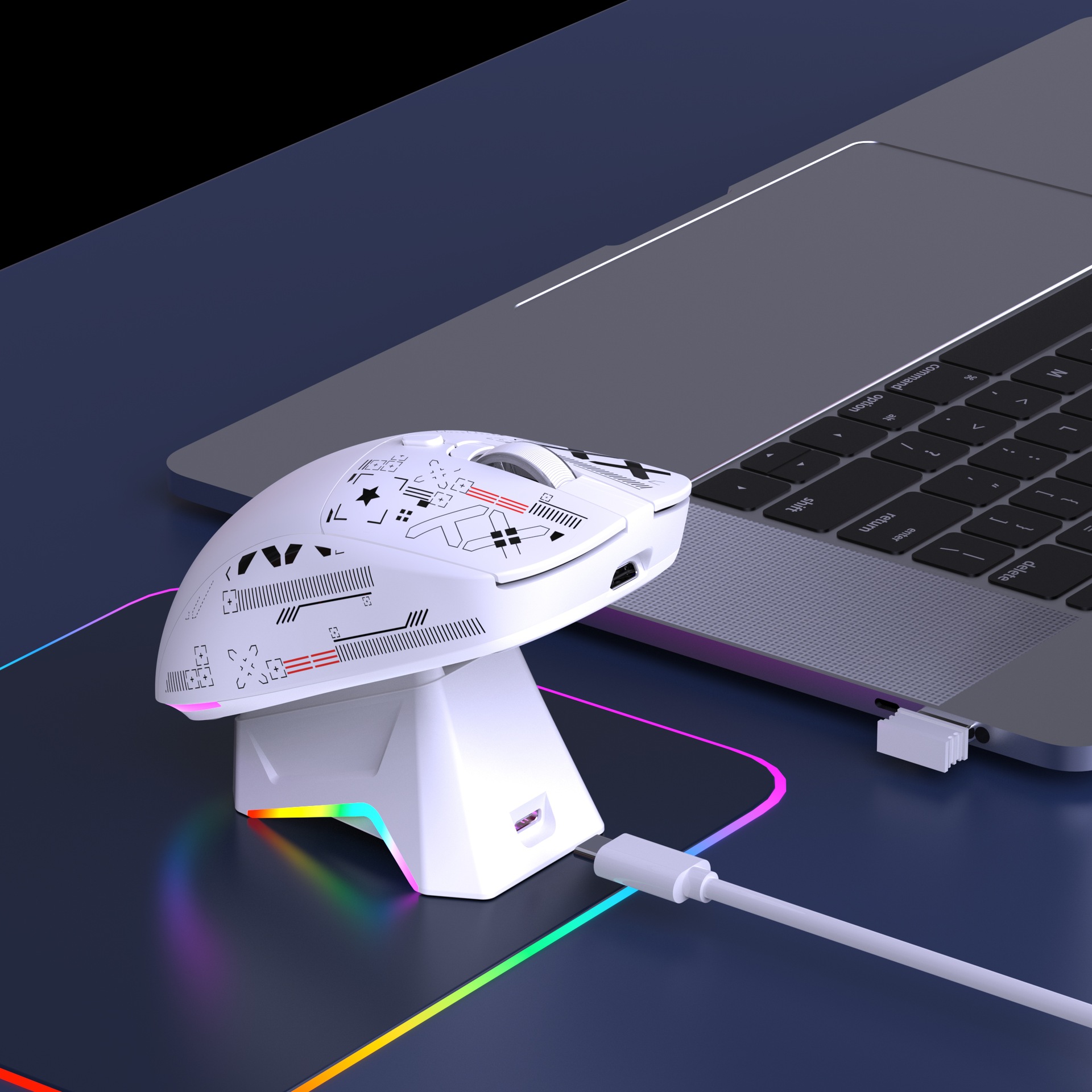
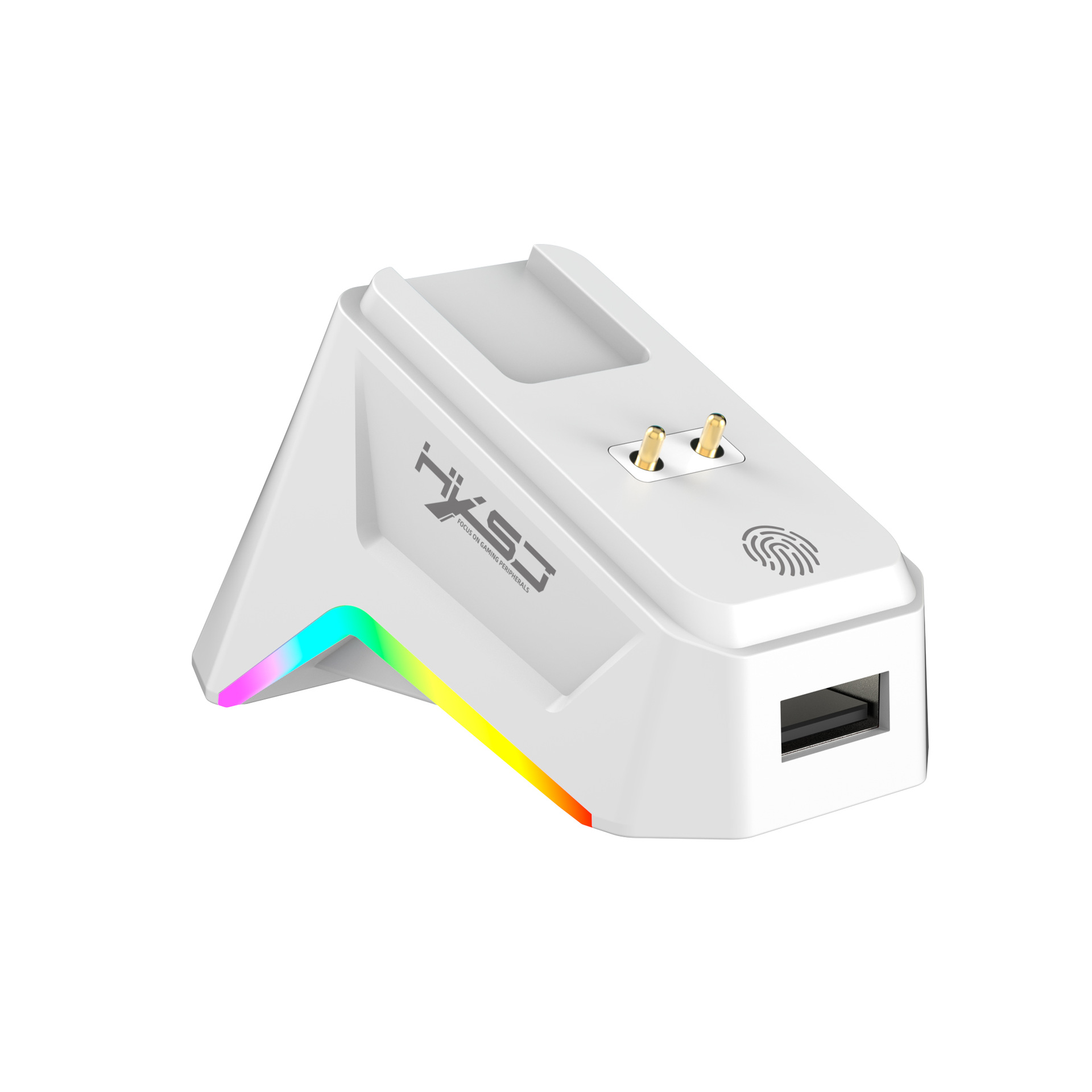
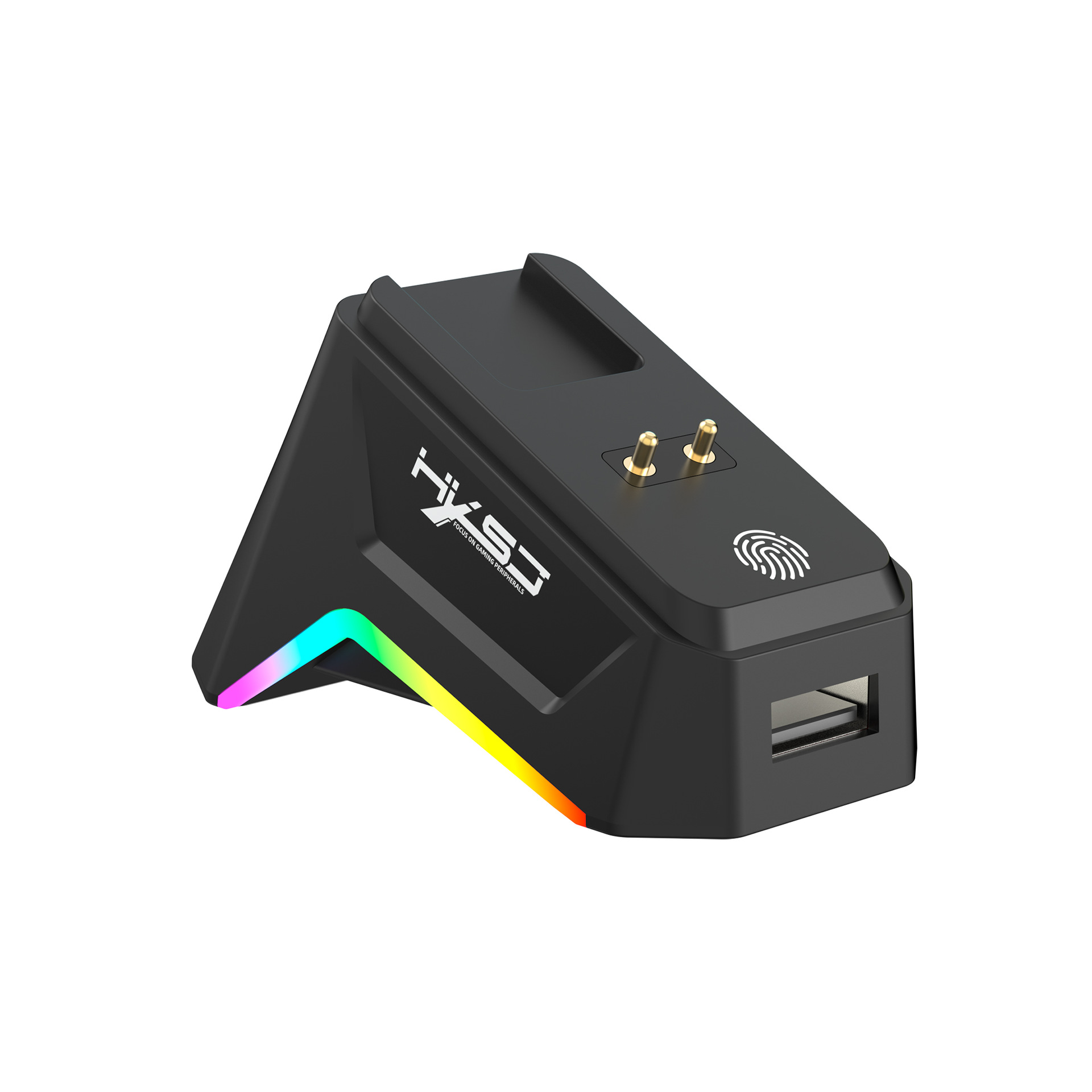
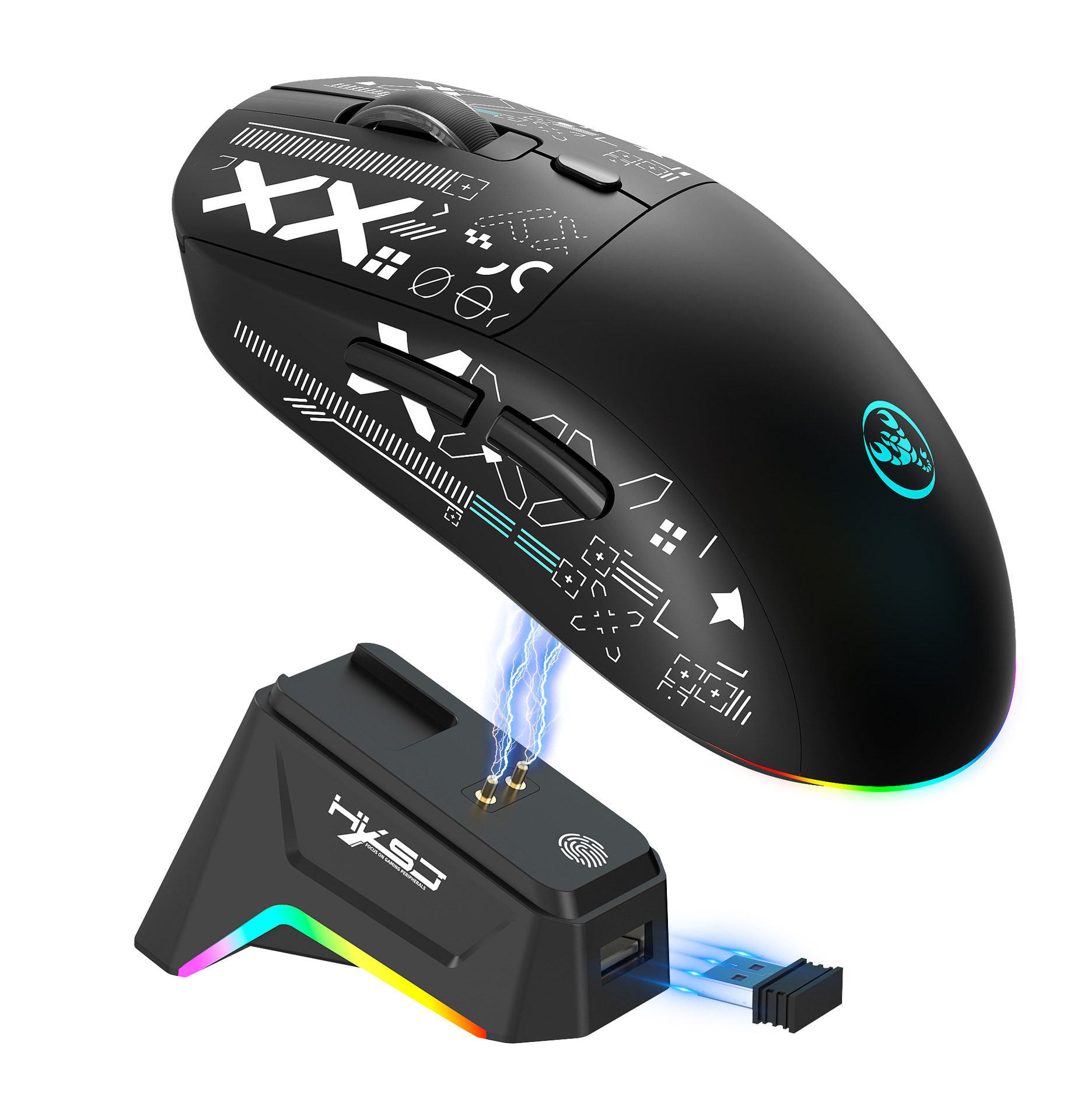
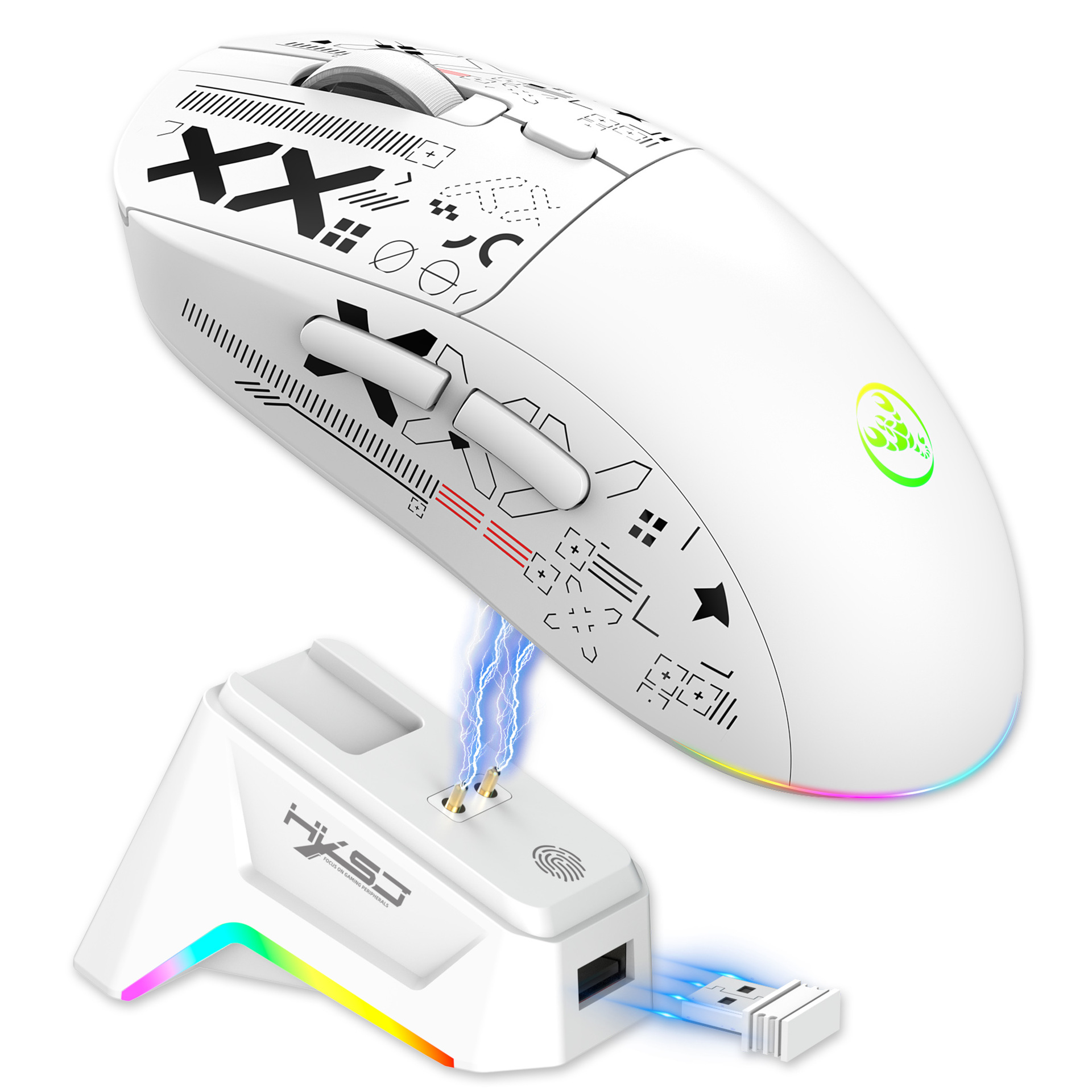
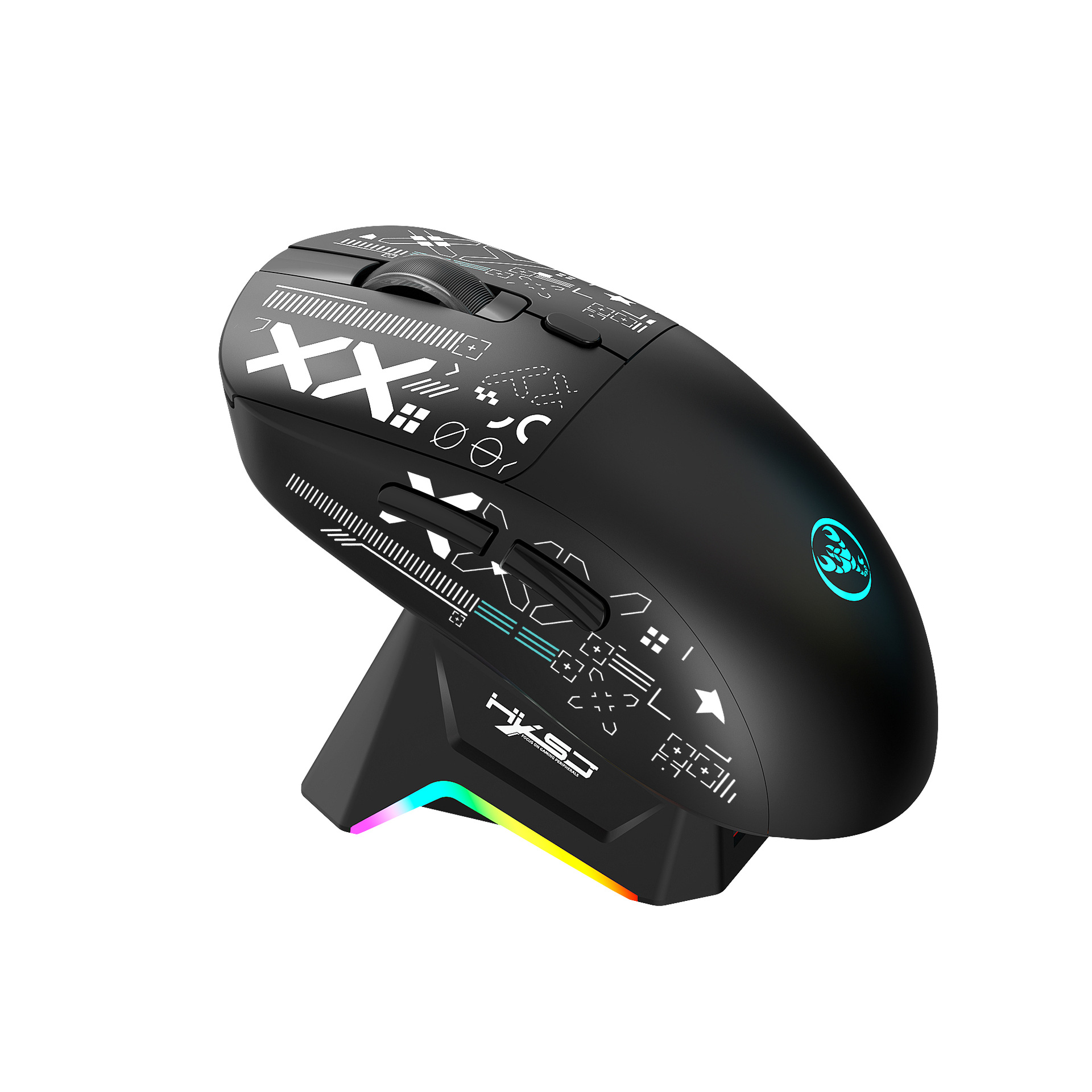
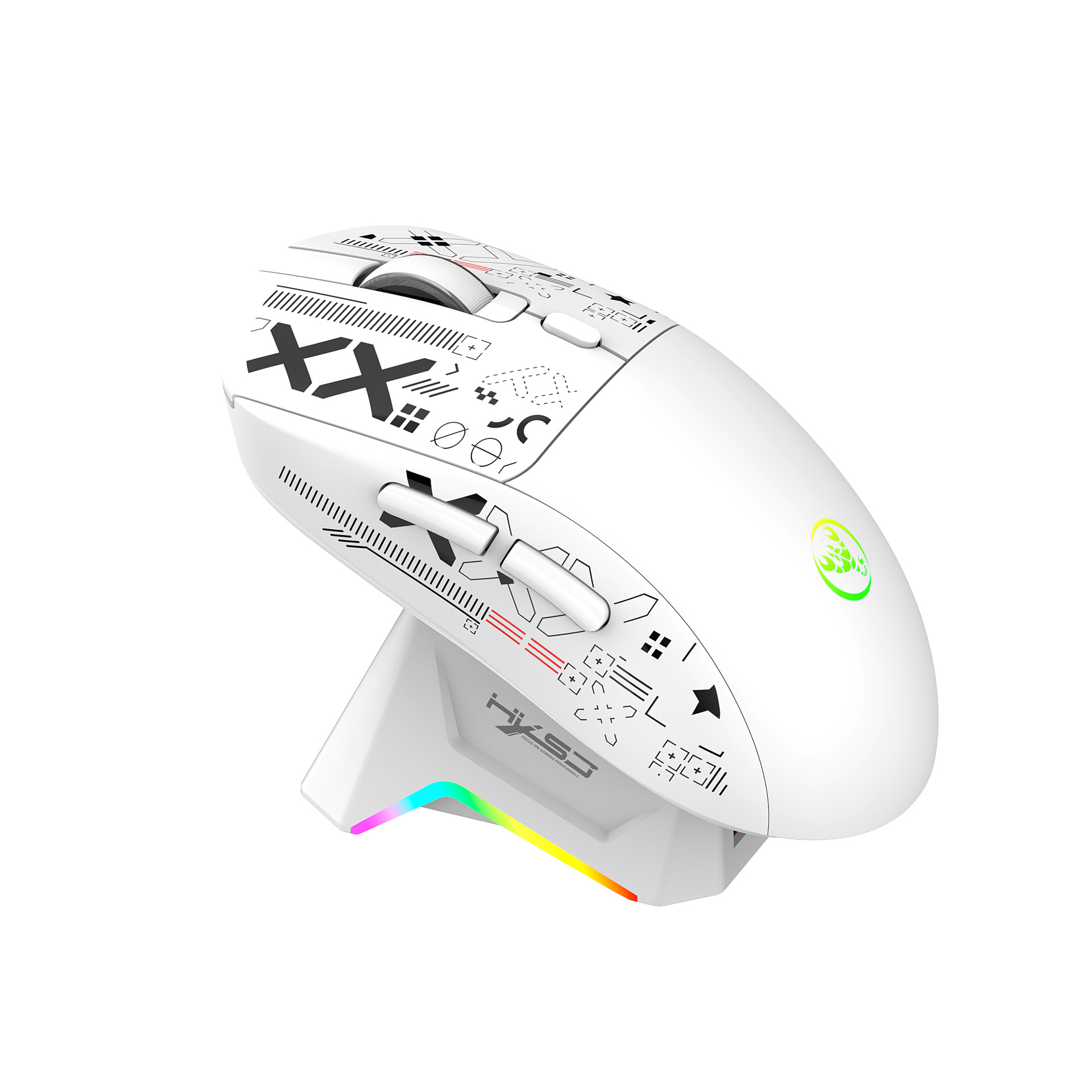
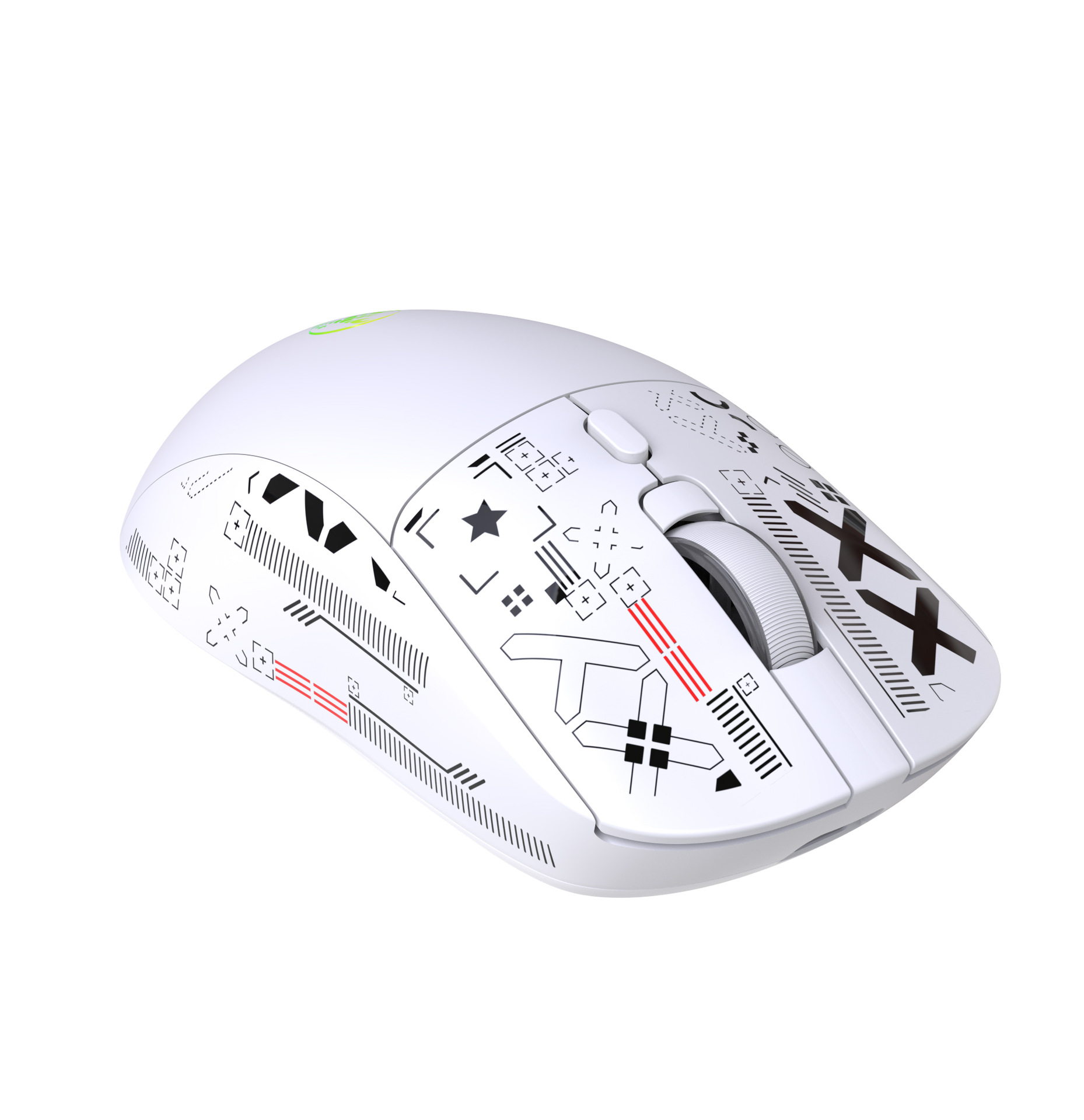
1.Triple-Mode Gaming Mouse with Charging Dock
Switch between wired,2.4GHz, and BT 5.3 for universal compatibility with all your devices.
2.Customizable RGB Lighting
Choose from 6 dynamic lighting effects or turn it off to save power and minimize distractions.
3.High-Precision
Gaming SensorFeatures a 12,000 DPI,1,000Hz polling rate for pixel-perfect accuracy and ultra-responsive tracking.
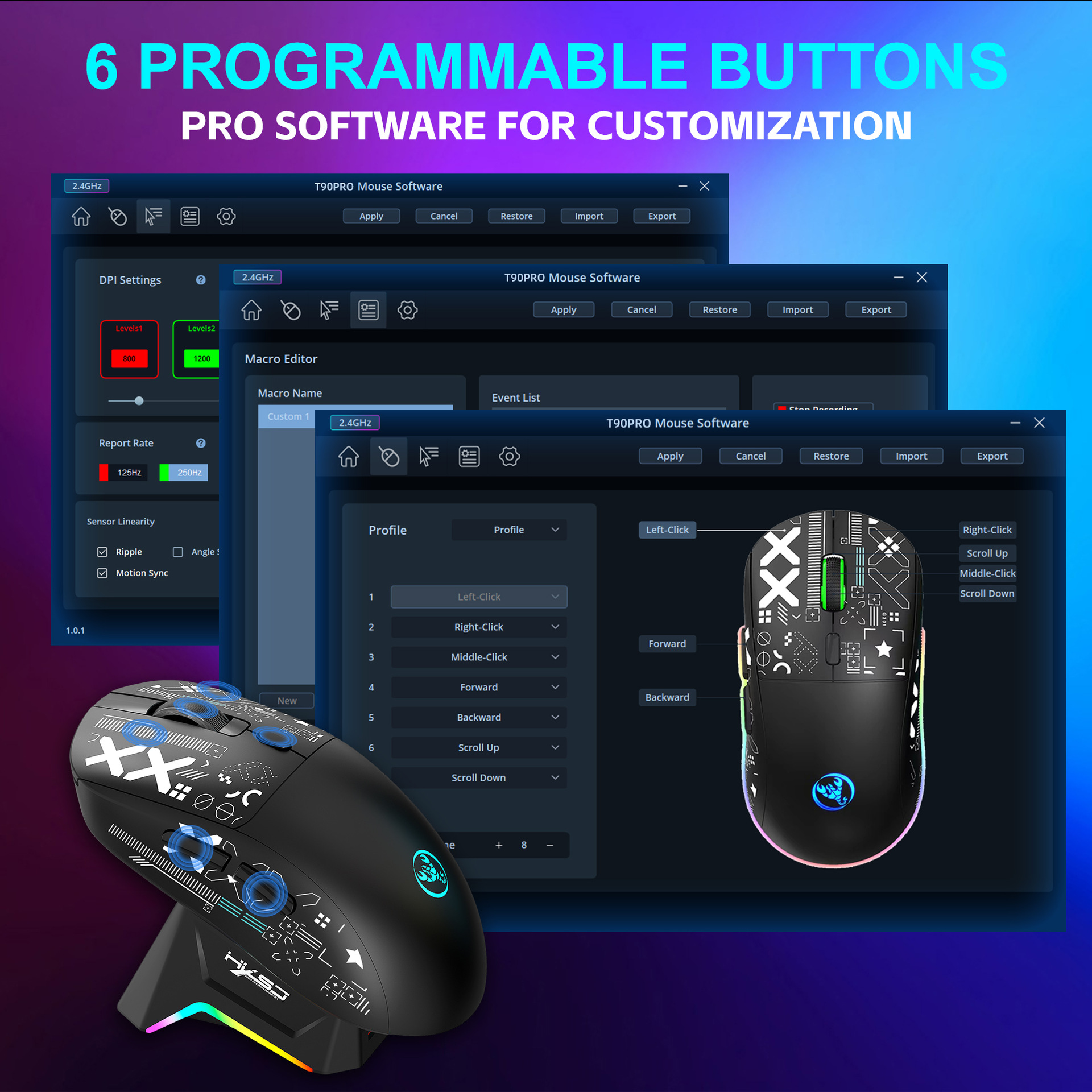
4.Programmable Macros
Assign complex commands to a single button to streamline your work or dominate in games.
5.Fast USB-C Charging
The 650mAh battery supports quick charging via USB-C for long hours of uninterrupted use.
6.Silent Click Switches
Enjoy quiet,focused gameplay or productive work in shared environments without disturbance.
Specifications:
Product Name:Triple-Mode Gaming Mouse with Charging Dock
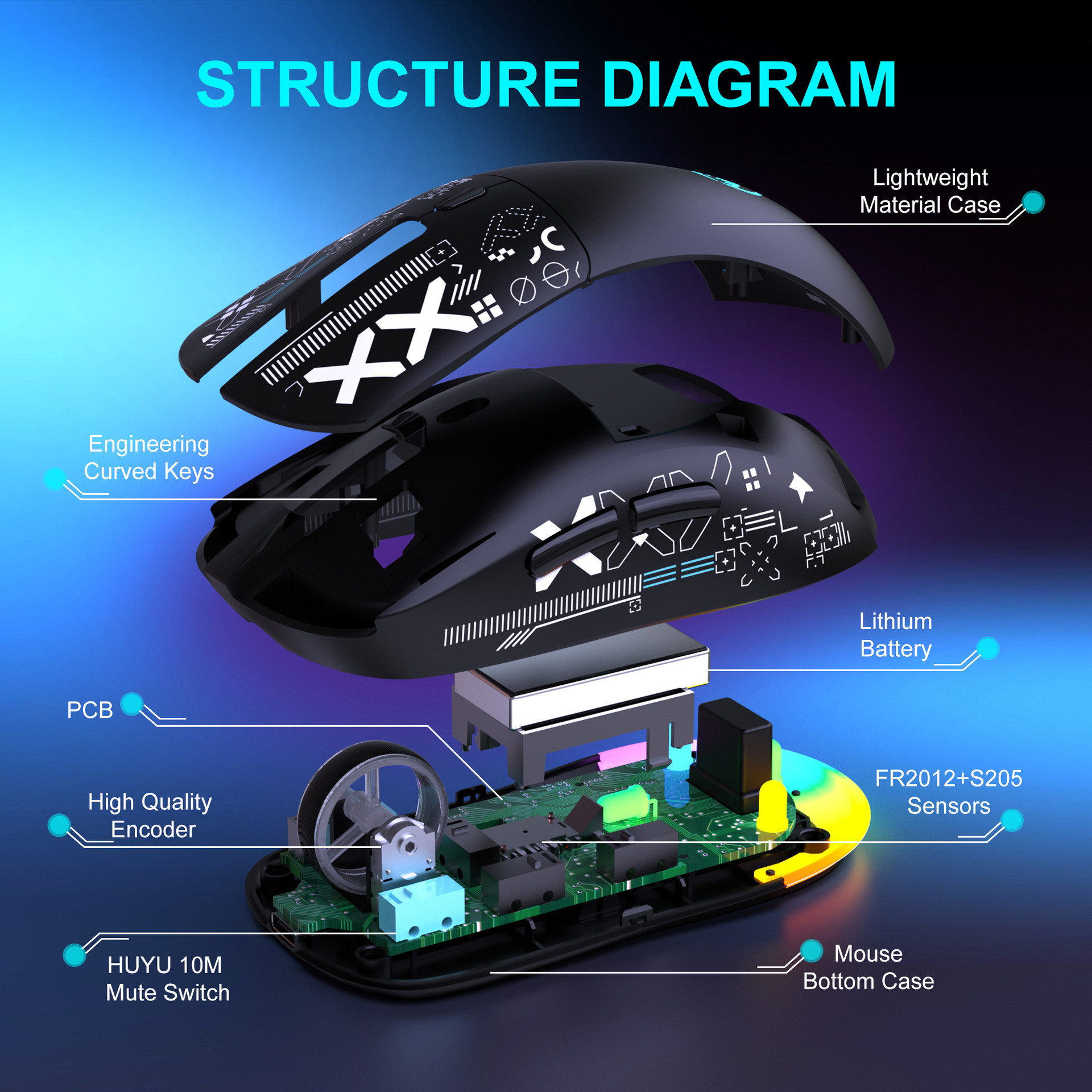
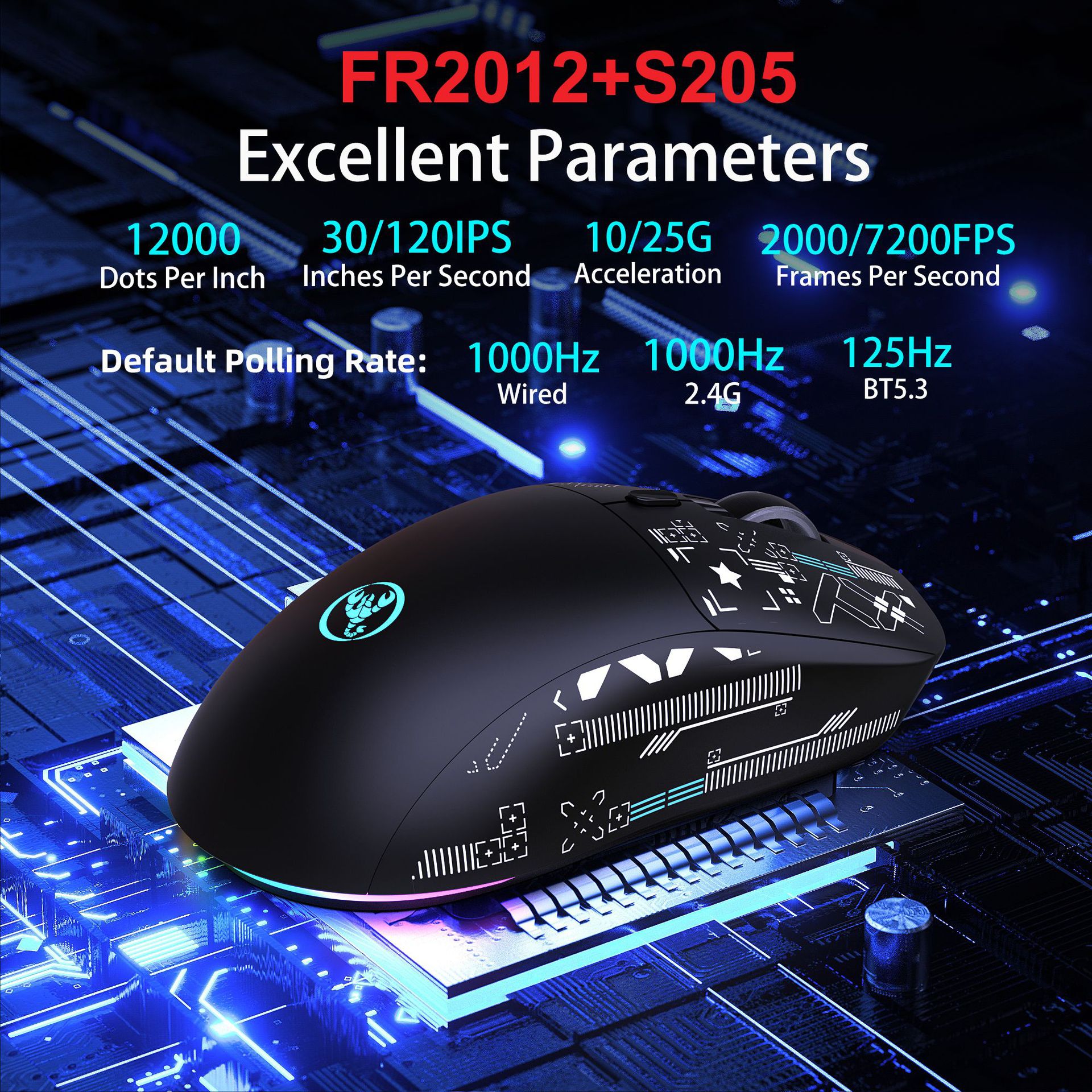
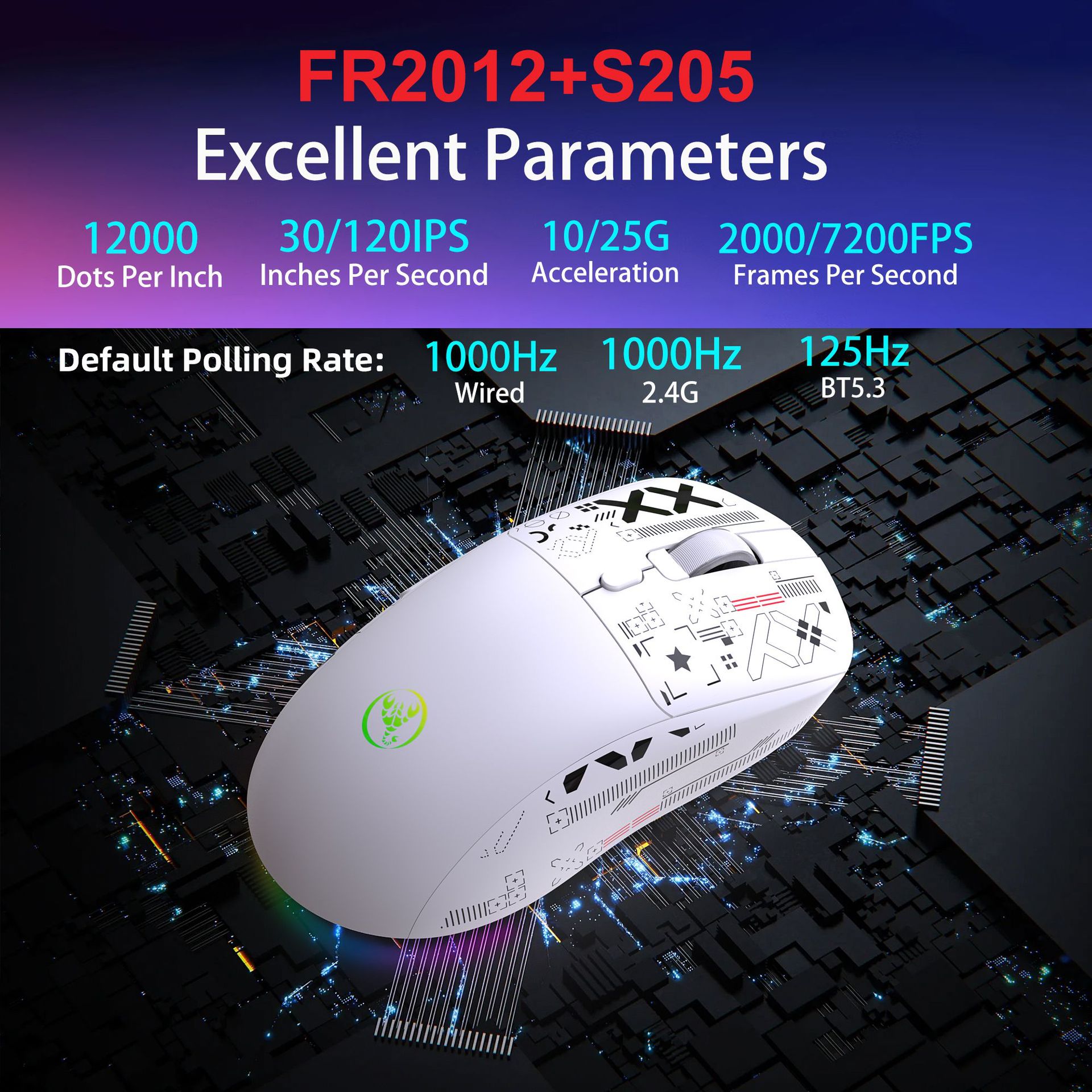
Chipset:FR2012+S205
Connection Mode:Wired+2.4G+BT5.3
Operating Mode:Optoelectronics
Switch lifespan: 10 Million clicks(Mute switch)
Dots Per Inch: 12000
Polling Rate:
Wired mode: 1000Hz
2.4G mode:250Hz(125Hz/250Hz (default)/500Hz/1000Hz (long press and right-click for 3 seconds to switch))
BT5.3 mode:125Hz
Acceleration: 10/25G
Frames Per Second: 2000/7200FPS
Inches Per Second: 30/120IPS
Number of Buttons: 6 Keys
Lighting Mode: 6 lighting modes
Battery Capacity:650mAh
Voltage/Current:3.7V/12mA
Operating Time:100h
Macro Programmable: Yes(7 programmable buttons)
Cable Length:180cm
Product Size:12.4x6.4x4cm
Product Weight:87g
Package Size:18.4x10.2x4.8cm
Package Weight:241g
Package Includes:
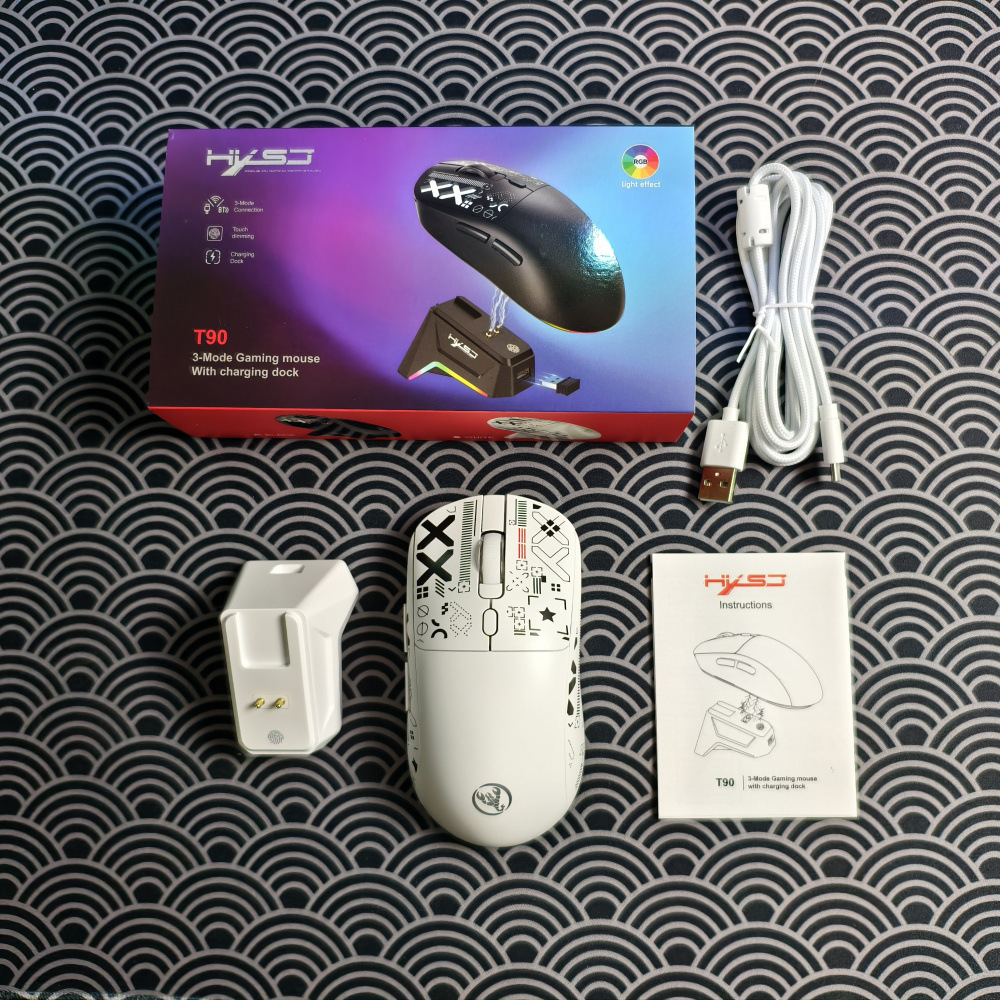
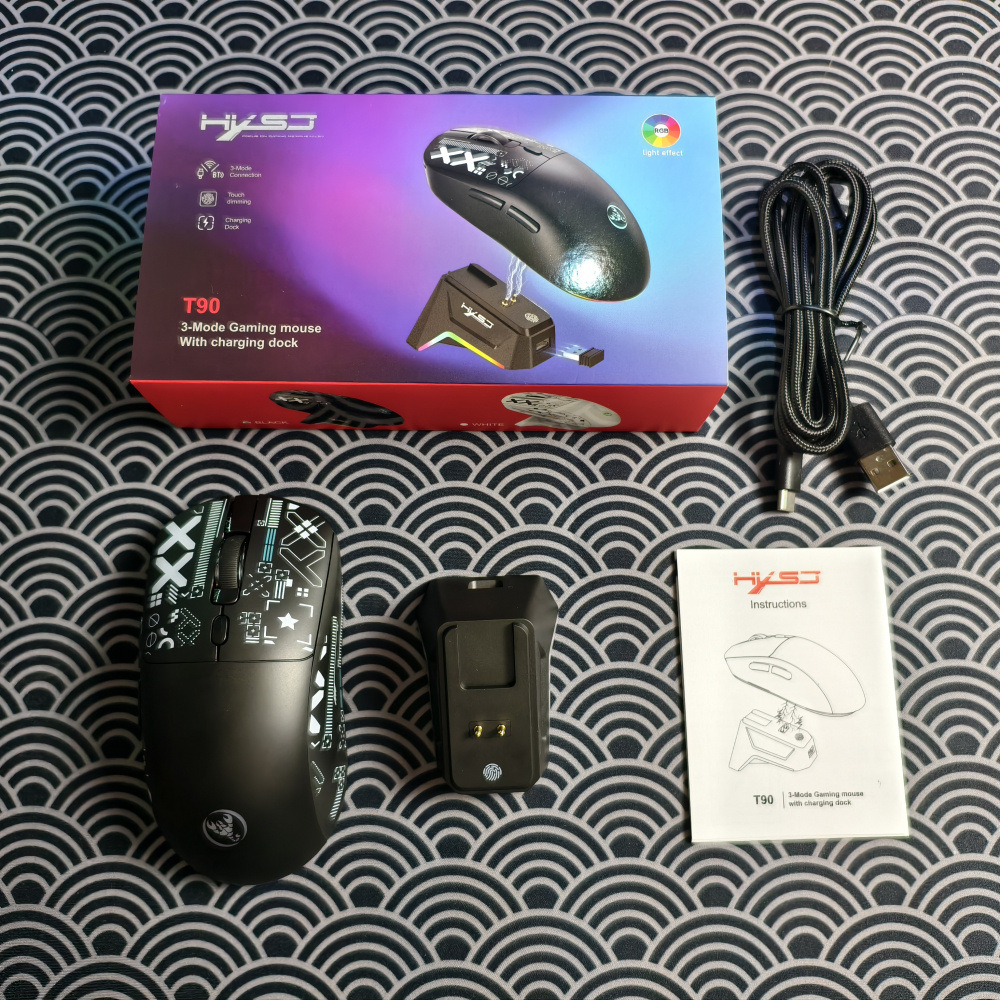
1x T90 Three mode game mouse
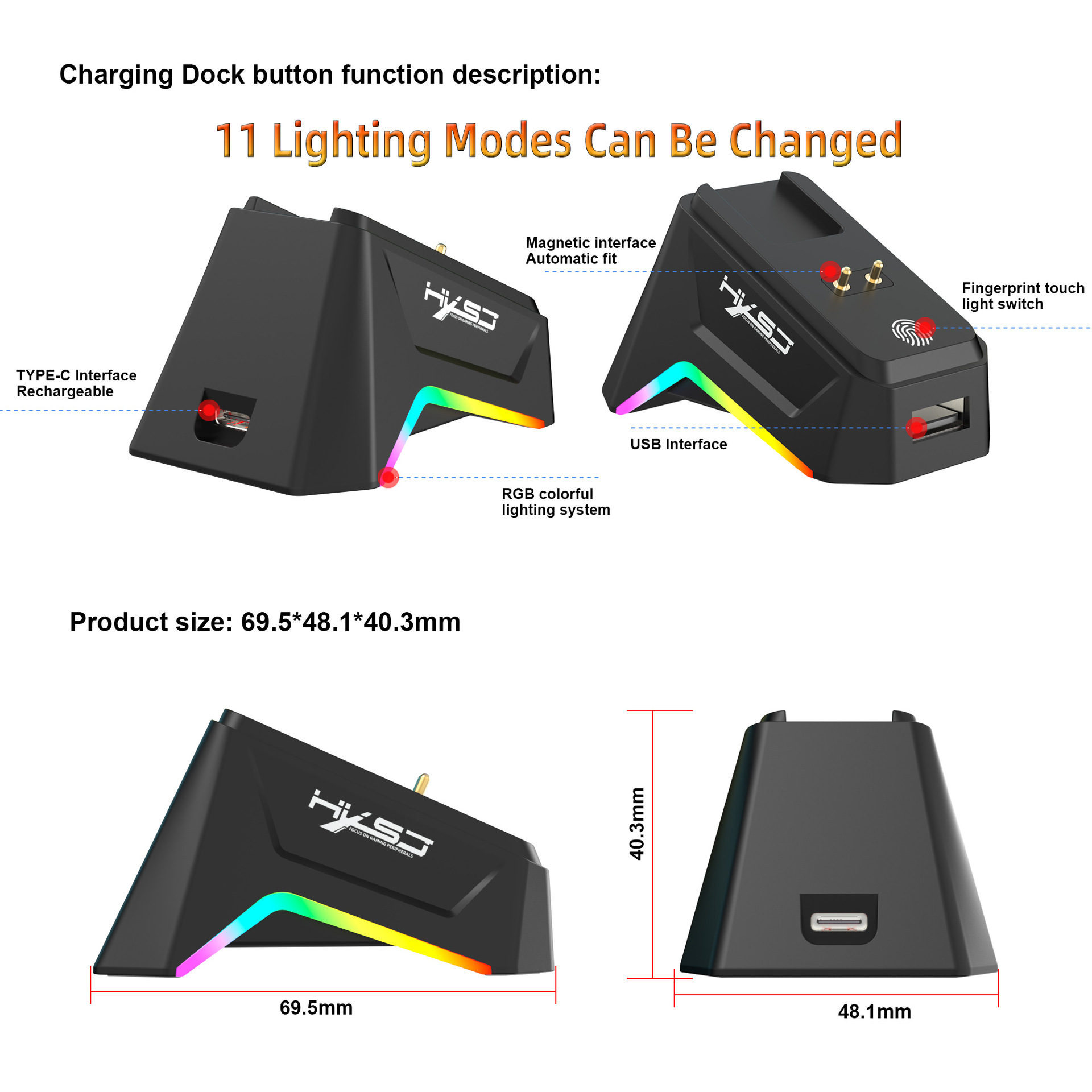
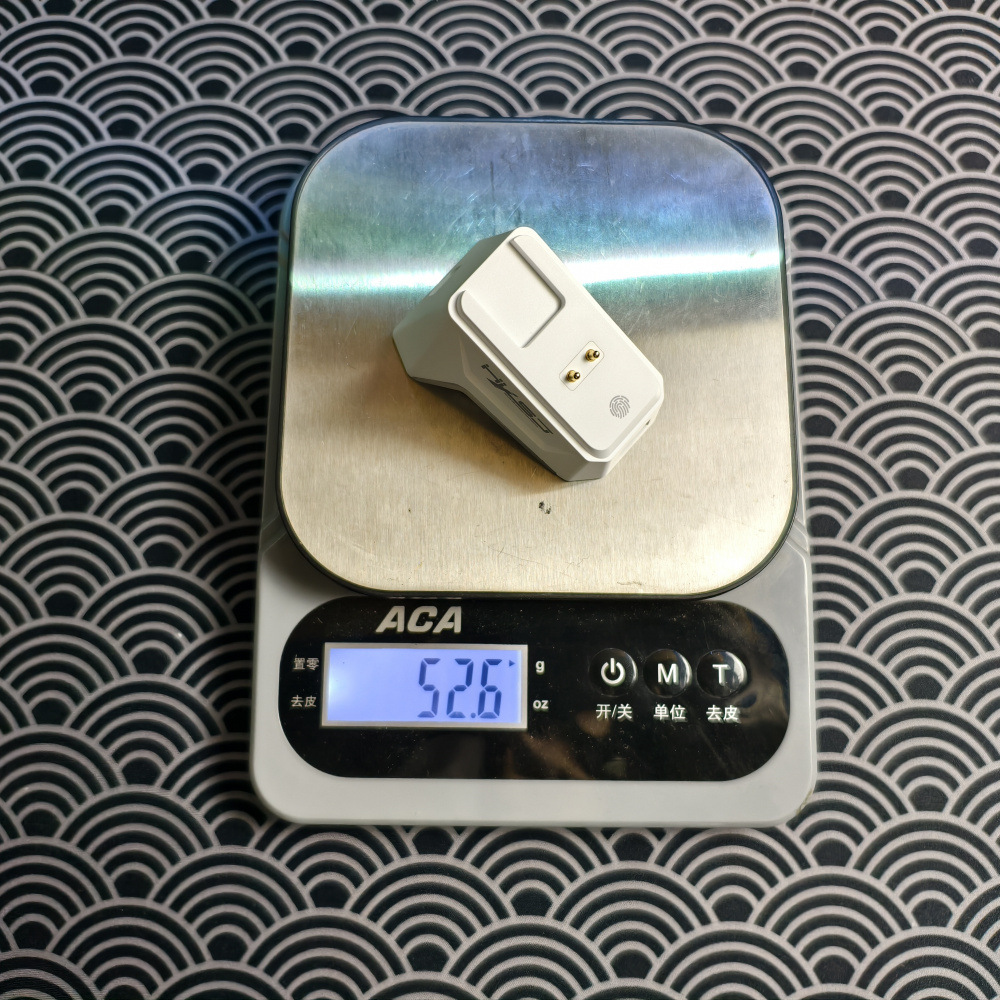
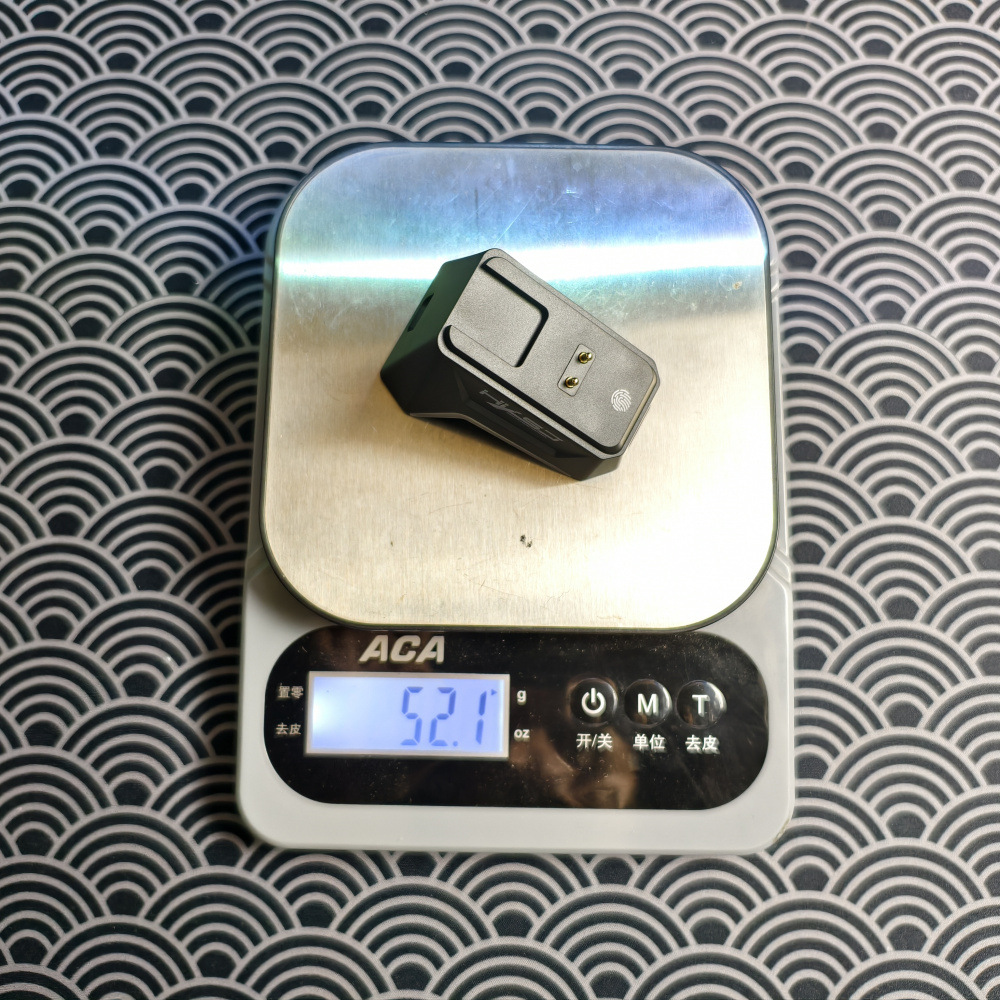
1x Charging Dock
1x USB Receiver
1x Data Cable (180cm)
1x Instruction Manual
System Compatibility:
Windows, macOS, iOS, Android, Linux (and newer OS versions).
Button Combination Functions:
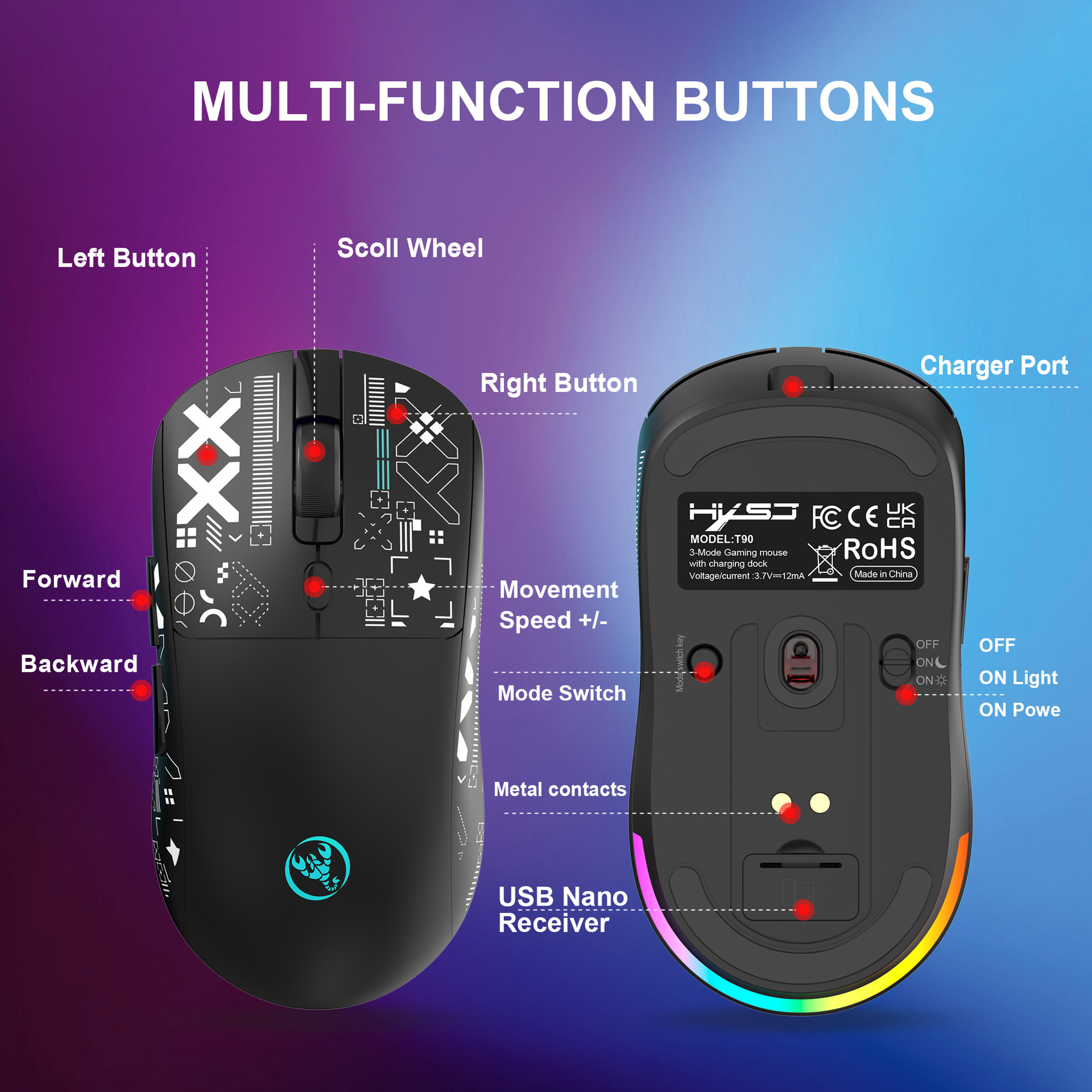
Press and hold the DPI button: Turns the lighting effects ON/OFF.
Press the Front Side button + DPI button simultaneously: Cycles through the lighting modes.
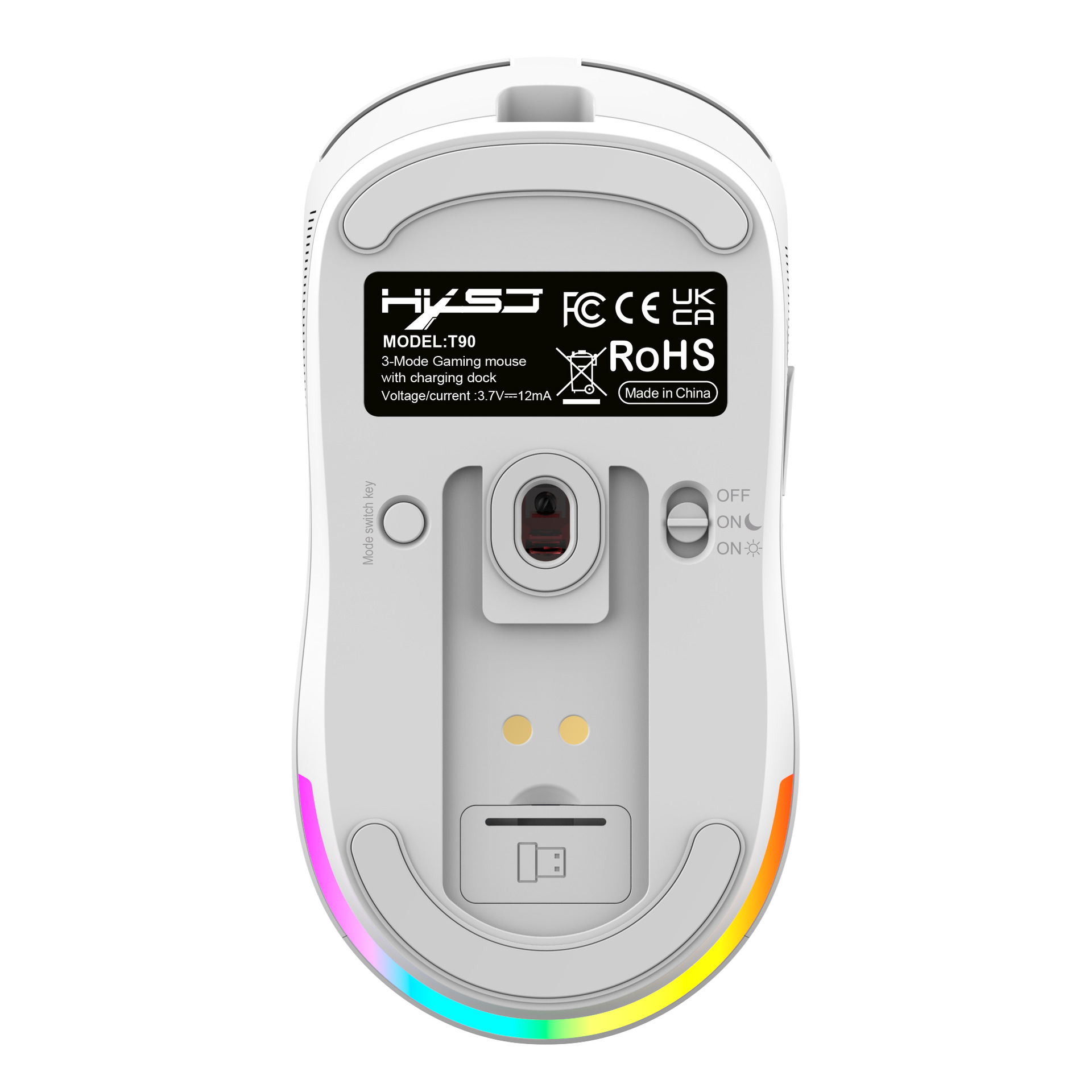
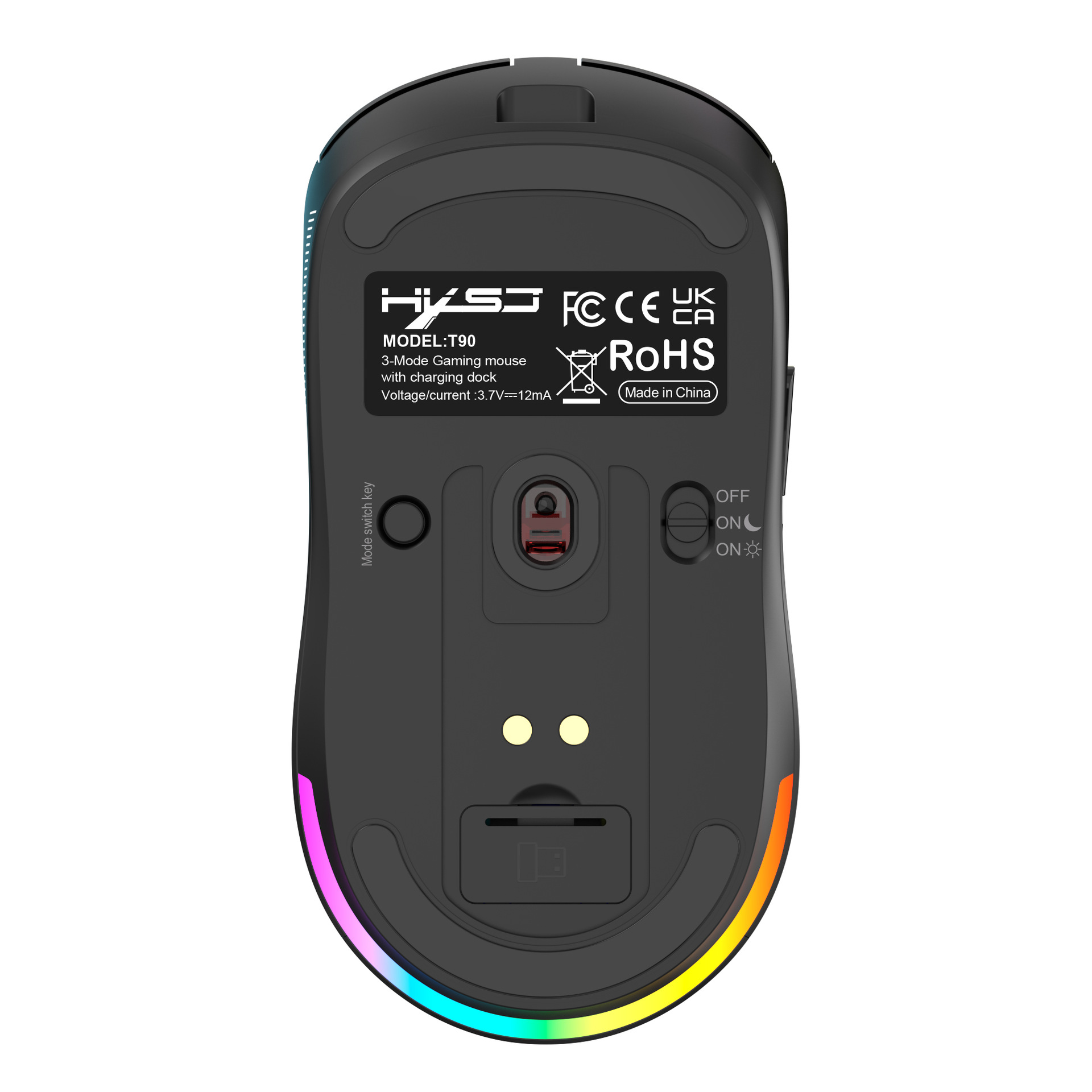
Press the Middle button + Mode switching button simultaneously: Restores factory settings.
Charging Reminder:
Charging Indicator: Red light (A steady red light indicates charging; the light turns off when fully charged).
How to Connect:
Wired Connection:
1. Insert the Type-C end of the included USB cable into the mouse.
2. Insert the USB end of the cable into a USB port on your computer. The mouse will now work in wired mode.
2.4G Wireless Connection:
1.Turn on the mouse power switch (the indicator light at the scroll wheel will flash red by default).
2.Insert the included 2.4G USB receiver into a USB port on your computer.
3.Once connected successfully, the red indicator light will turn off, and the mouse will work in 2.4G mode.
BT Mouse1 Connection:
1.Briefly press the Mode button on the bottom of the mouse once. The indicator light at the scroll wheel will flash green slowly.
2.Press and hold the Mode button again for about 3 seconds until the green light flashes rapidly (the Bluetooth device named "T90 Mouse1" will appear on your computer screen).
3. Click on the BT name to connect. Once connected successfully, the green indicator light will turn off, and the mouse will work normally.
T90 Mouse2 Connection:
1. Briefly press the Mode button on the bottom of the mouse once more. The indicator light at the scroll wheel will flash blue slowly.
2. Press and hold the Mode button again for about 3 seconds until the blue light flashes rapidly (the BT device named "T90 Mouse2" will appear on your computer screen).
3. Click on the Bluetooth name to connect. Once connected successfully, the blue indicator light will turn off, and the mouse will work normally.
| 수입신고 1USD |
구매/결제대행 1CNY |
TT송금 1CNY |
|---|---|---|
| 6.7 CNY | 206.99 KRW | 0.145 USD |